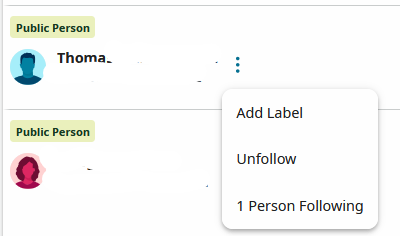
Editting Following

Over the years I seem to have accumulated a long "Following" list and would like to edit it but there appears to be no straightforward way to do that (unless I am missing something). Really, it might be simple and a help to make it so that when you click "Following" on that page it makes the people clickable and not just the copy id part. Does someone have a better strategy for doing this? Thanks.
Best Answers
-
Hm, ok, if from "Changes to People You Follow" I change the options to sort by Last Name it now shows me all the names whether there have been changes or not. And then I can click on the names if I don't remember who they are. Its a decewnt workaround. Just need to remember to put the sort option back the way it was.
0 -
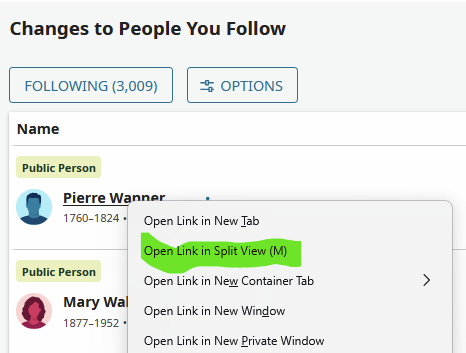
@jambones In Firefox, right-click on the name and either select "Open Link in Split View" or type M.
0
Answers
-
-
Thats cool unless don't remember who the Thoma I added 10 years ago was. :-)
0 -
You can view the full profile easily. It's not a static list; each name is an active hyperlink.
The split-screen view (available in most browsers) is an option I often use. A right-click on the name offers the option to open the full profile on the right.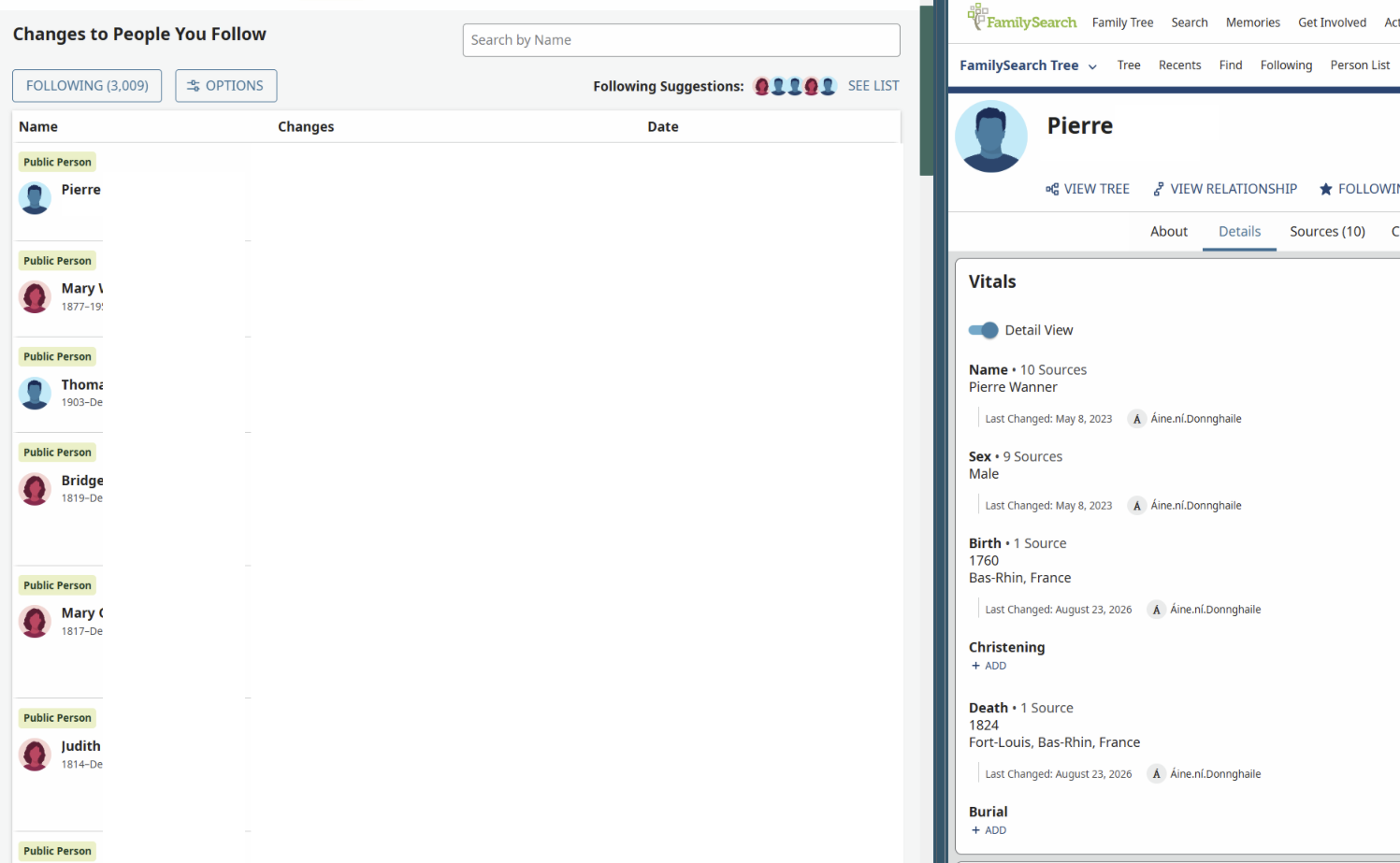 2
2 -
I do not get that function in Firefox/Windows. Maybe its just me. If I right click on the name I just get the usual Firefox options.
0 -
https://support.mozilla.org/en-US/kb/split-view-firefox
Starting in Firefox version 149, the Split View feature lets you view two tabs side by side in the same Firefox window, so it is easier to compare information while shopping, planning trips
or doing research.0 -
No, I mean when I right click on the name on the Following screen I just get the Firefox options, not the nice cool name pane that you had.
0 -
That works!! Would never have thought to try that pathway … Thanks
0 -
-
Ok, to recap. If I want to curate my following list I am going to change the sort to Last Name then use the split view option to see who the heck some people are whose I don't remember why I followed them. Perfect world this trick would work on the screen that pops up when you click on the Following tab at the top of the page so you don't have to change the sort option back and forth but few things in the world are perfect. :-)
0 -
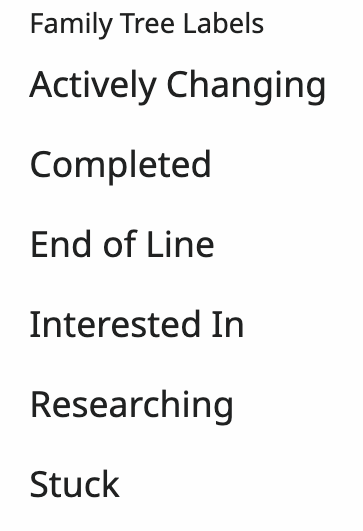
I suggest adding one or more labels to the profiles you want to keep and to profiles when you start following them. There are 6 preset labels (see image below) and 10 custom labels to choose from. Plus you can add notes. Future you will thank you when it comes time to cull your following list again.
 1
1 -
And I guess it would be asking too much to get a glyph on the following lines to indicate that the person in question has suggested sources pending. :-)
0