Is there a way to upload PDF files to my source box on FamilyTree?

Hi! I have found online records for births and baptisms that connect to my family tree in the 1800s. The records are available online and also to download, but I have tried to "Create Source" and it just disappears. I am also concerned that these links seem to at times change and return the 404 error, so I want to be sure to connect the page I need to the person and would like to upload a pdf of the page to my source box and then attach it. HOW??
Please help!
Answers
-
While it is a great convenience to have links or copies to the originals of all documents attached to a Family Tree profile, people have been documenting all types of research for a long time without that. And sometimes all you can to is create a source with a full citation of where a document is found so anyone with enough time and money can also find it, a description of what the document is, and a transcription of what it contains.
However, it is possible to use a PDF as a source.
Step 1: Make sure you have full permission from the archive or online platform you got the PDF from to repost it. Most commonly terms of use allow downloads to be used for personal and private research but do not allow uploading or posting to a different public platform like Family Tree. If you do not have permission, then you are stuck with just a citation and transcription.
Step 2: Go to Create Source as you have done before and fill in the usual fields but don't put anything in the URL field:
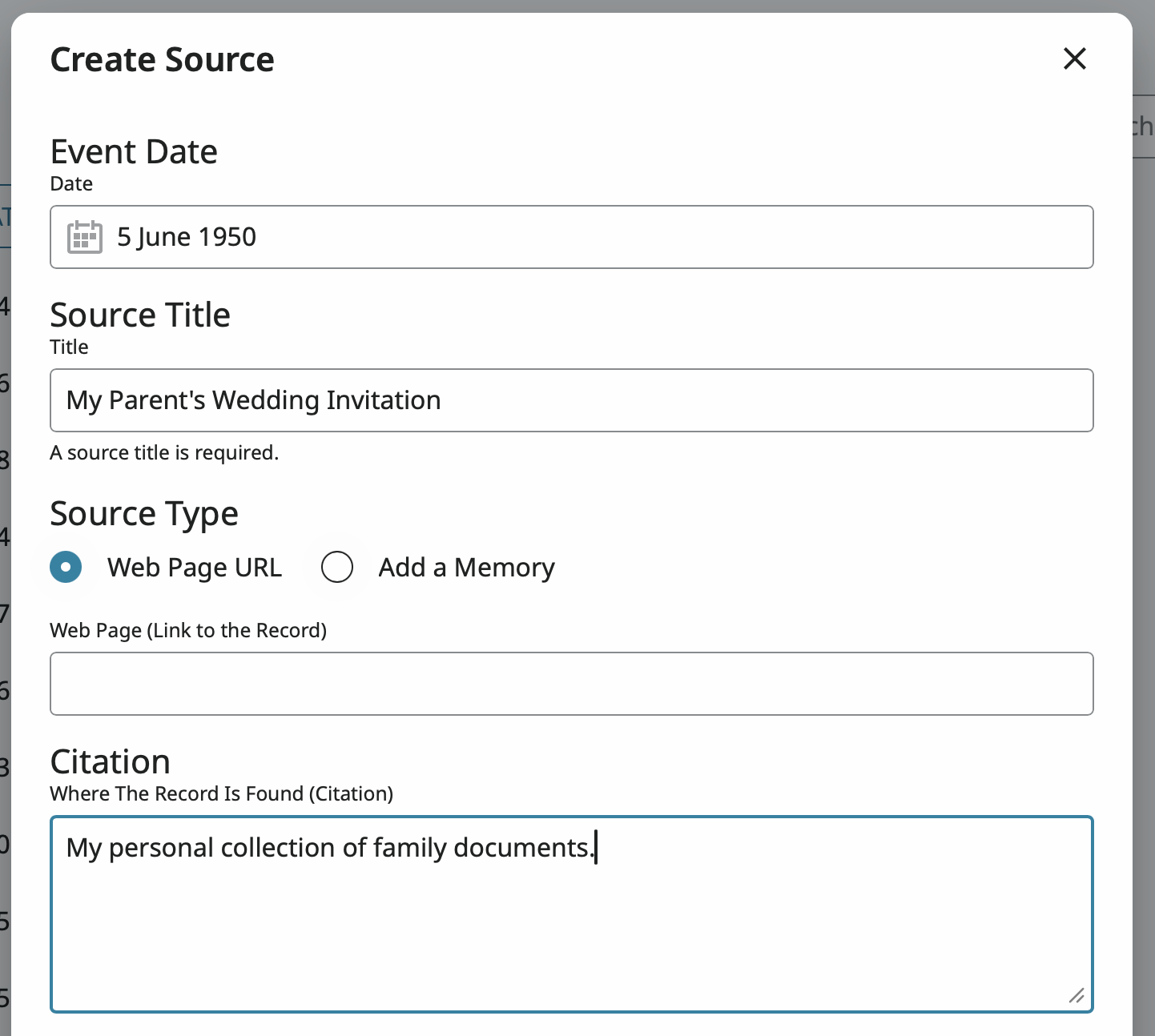
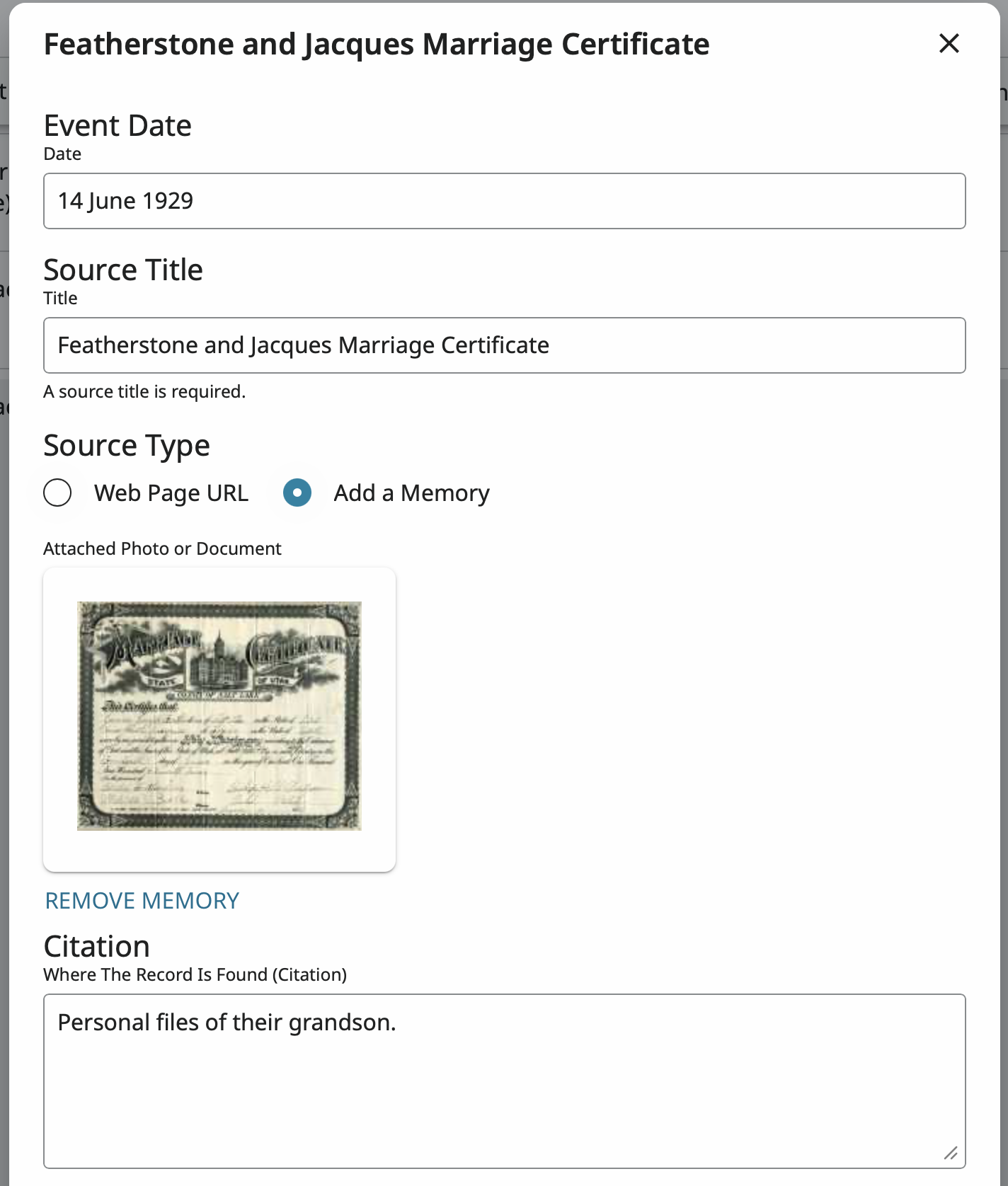
Step 3: Click the button by Add A Memory:

Step 4: Click on either Upload Memory or Select From Gallery:
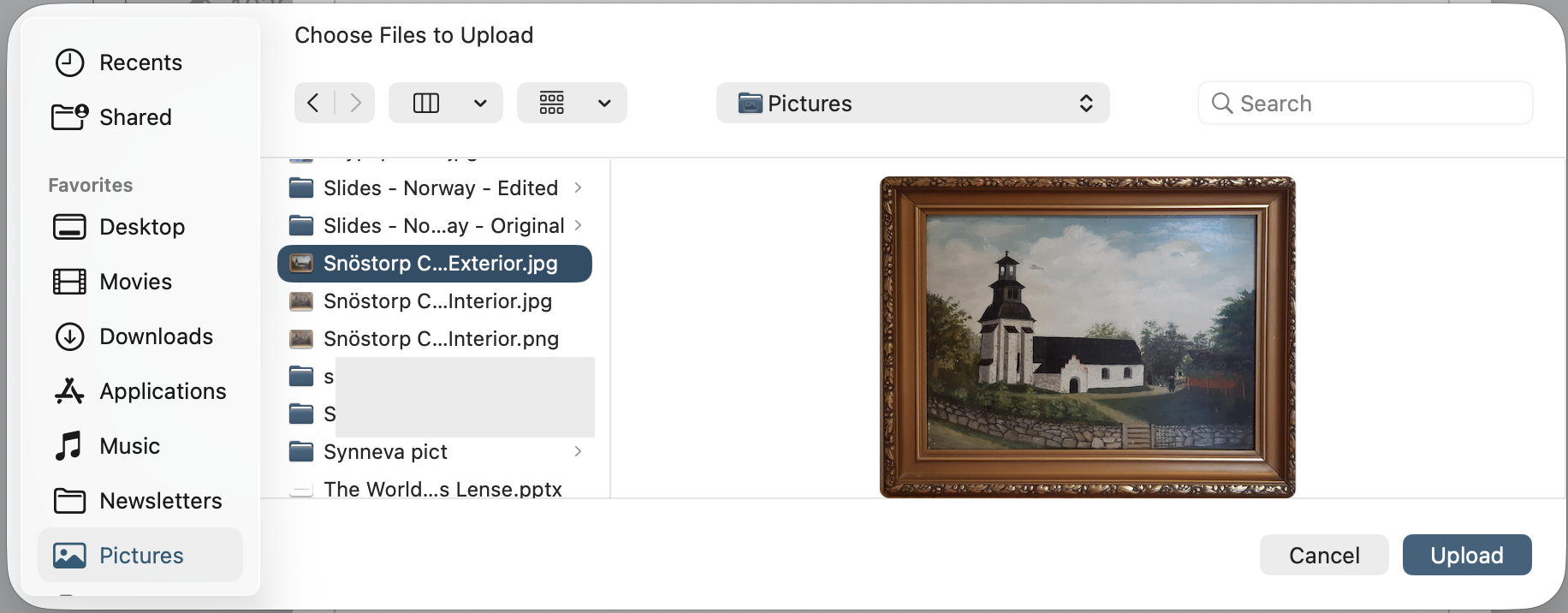
If you choose Upload Memory, the PDF will also be added to your Gallery.
Step 5: Click Save and you now have a source in your Source box that you can attach to any profile.
3 -
Thank you that is very helpful. So to restate I need to be sure I have permission to repost it and then I can only add it as a memory, but then I can save it to my source box and add to individuals that way…is this correct?
0 -
Pretty much. If you will allow me to be a bit pedantic: You up load a file (PDF, JPEG, TIFF, etc. to you gallery of Memories. Then you create a source and add the file into the source. The you save the source in your Source box. (You can't save memories to your source box. You can only store sources there. But the memory can be included as part of a source.)
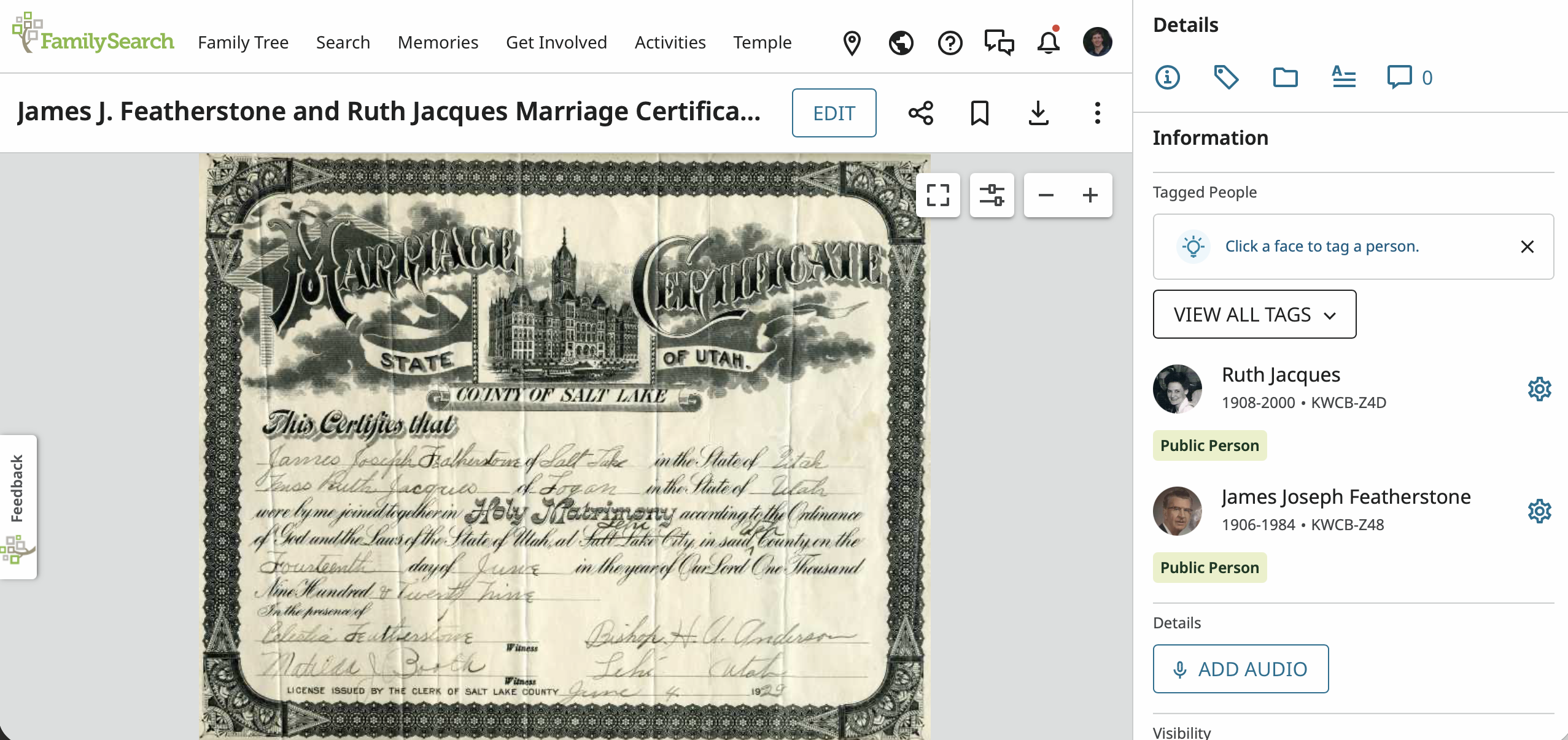
A document in my Gallery of memories:
That document included in a source:
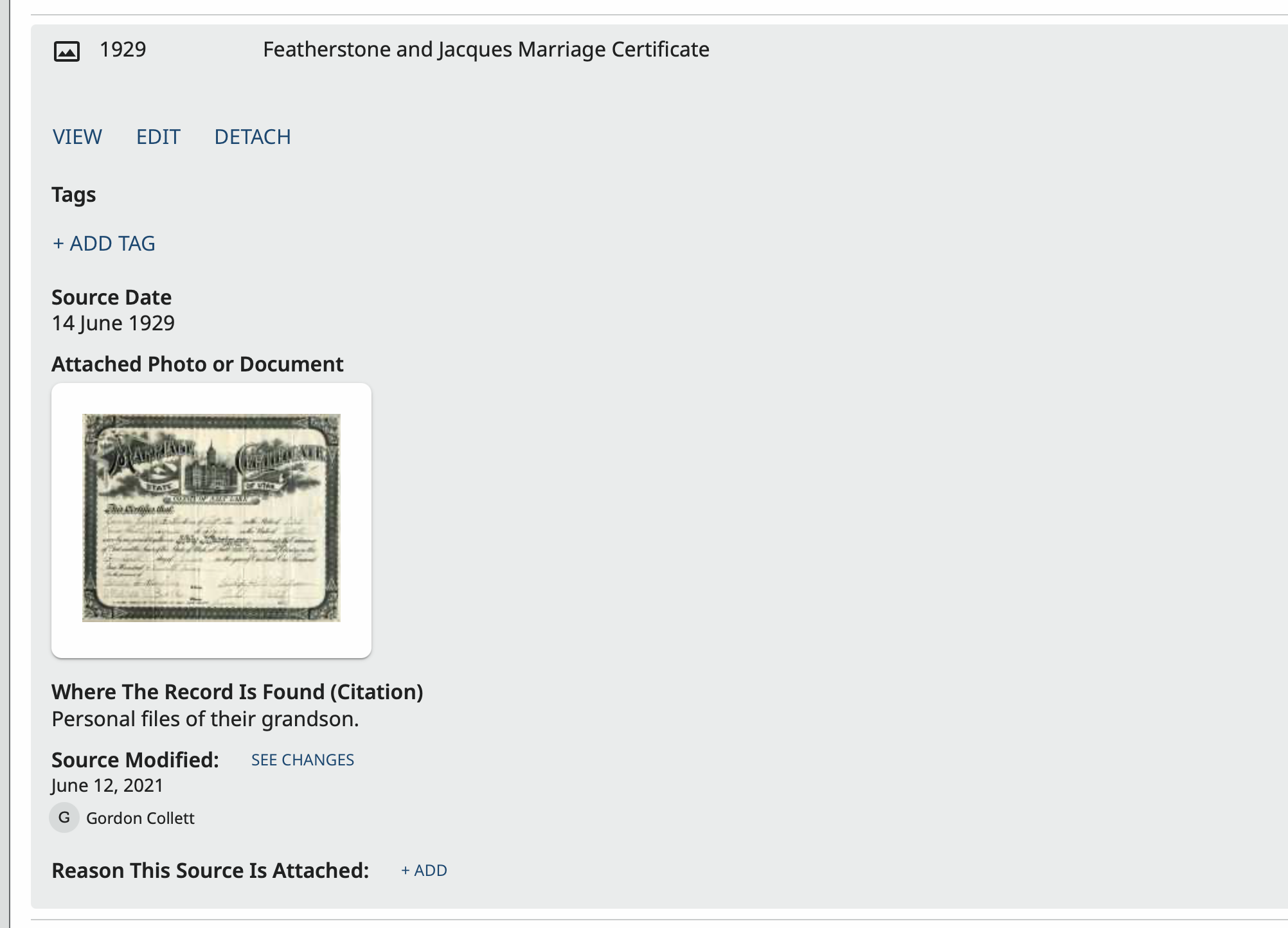
Here is a view of the source when being created or edited:
 1
1