Problem attaching an unindexed source to the family tree . . .

Problem. When you get to this point:
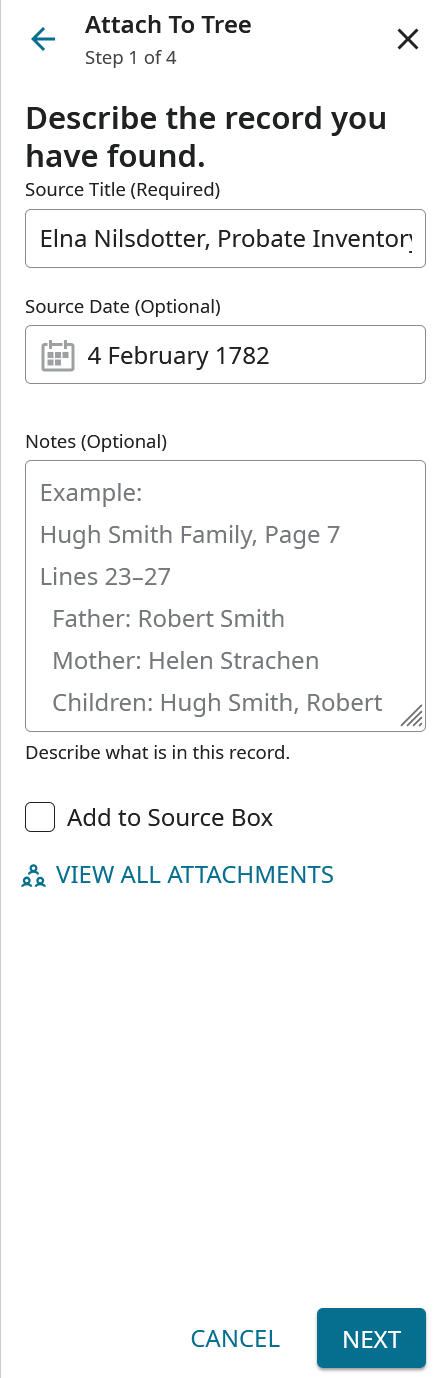
the next button does not work. Then if you try to send feedback, you get this message:
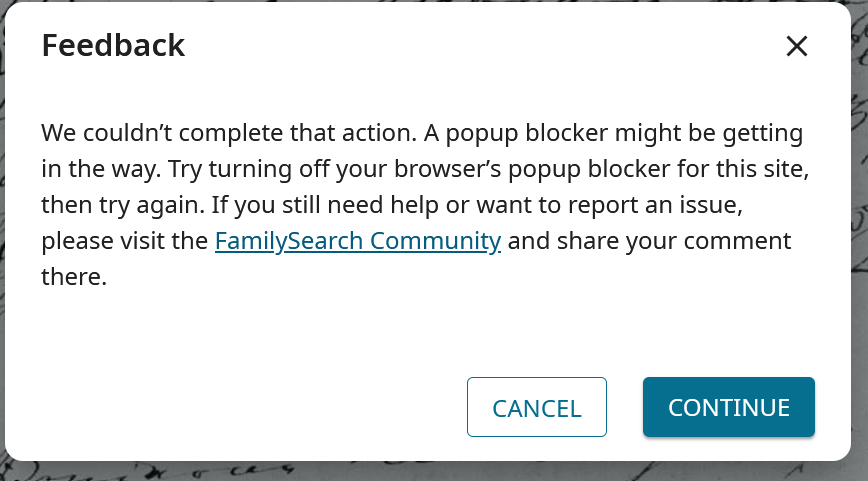
Same response on two browsers. No pop up blocker in play.
Answers
-
@karenrasmussen Are you attaching from the old film viewer? I think this thread will answer your questions, but if not let us know.
0 -
I am having the same issue. It started somewhere around 7:30 PM EST last night (Dec 2). Have tried Chrome and Safari, disabled popup blockers. Still no luck.
0 -
I just posted the same thing. Getting a similar error myself.
0 -
I'm getting the error on stuff I have worked with before. Has nothing to do with old or new. This is a brand new issue within the last 24 hours.
0 -
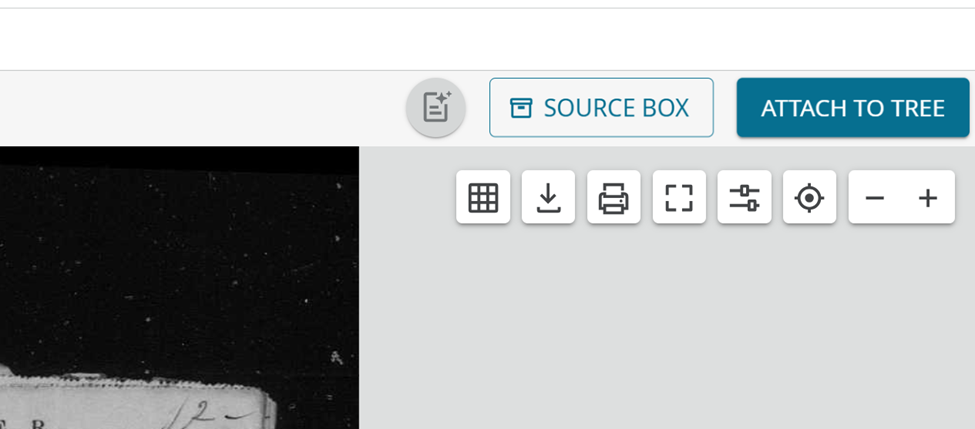
@StephenDespot Based on my testing, the issue appears to occur only within the old film viewer. Attachment functionality in the older viewer presents as follows:
And in the new viewer like this:
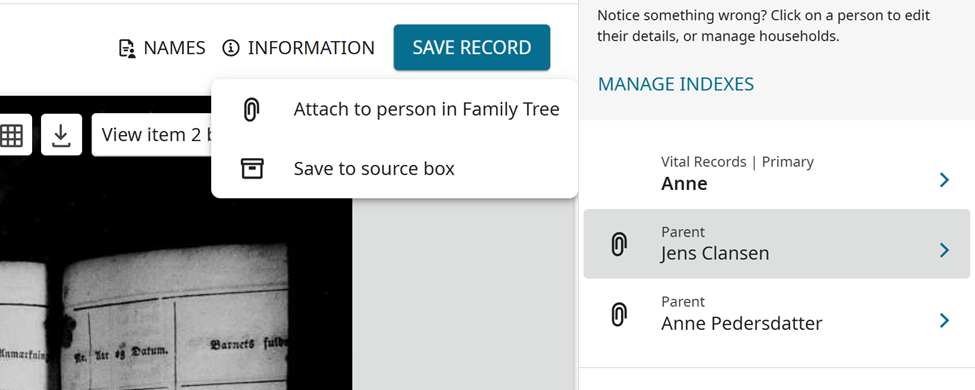
I agree that this is a newly identified issue related to attachments. The workaround for now, is to attach with the other viewer. Separately, there is an ongoing matter regarding image links not directing users to the correct viewer as intended, which our engineering team is actively addressing.
0 -
The top one with "attach to tree" is the one you get with catalogs and that's the one most everyone uses. That's the #1 go-to for most of us. Can we please put in a request to fix this bug? It was fine a day ago and before. I don't like the way this "Image" thing has stuff laid out to be able to locate stuff. Not as well organized and clear as the Catalogs are.
0 -
Request has already been sent.
2 -
SerraNola
Another issue I see is that there are indexes on a lot of those catalogs and now with the way this Images thing is laid out, you don't know which ones have the indexes in it. The Catalogs layout told you that. Now you have to guess or find it by accident. Now with some places I research in I know which films have them but it would be nice if this was told on the Images layout right up front. Those indexes are incredibly helpful for finding needed records. There is way too much missing information on this idea. Stick with the Catalogs.
0 -
Wow! I was initially informed that the problem was on my end. For now, my work around is by manually adding my source using "Add New Source" under the "+Add Source" tab. Slower, by gets the job done. I am looking forward to this being repaired.
1 -
@karenrasmussen @devonrowlandblake1 @StephenDespot @Richard Paul Coté
The functionality to attach an unindexed record to the tree in this film viewer has been restored.
To address a couple of other issues in this thread:
1- The Feedback Button in this viewer (the one that generally opens from Catalog) has been disabled and thus the error message referenced by Karen. It is not a bug, except that the button needs to be removed.
2-With recent restrictions, we are seeing some errors in the Catalog, as referenced by Stephen. Some appear to be indexed but the indexes have been removed. Some have a camera icon but when clicked a "Restricted Access" message pops up. Most of these issues should go away when the links are changed to the New Viewer.
0 -
Thank you for working this issue and helping to resolve.
0