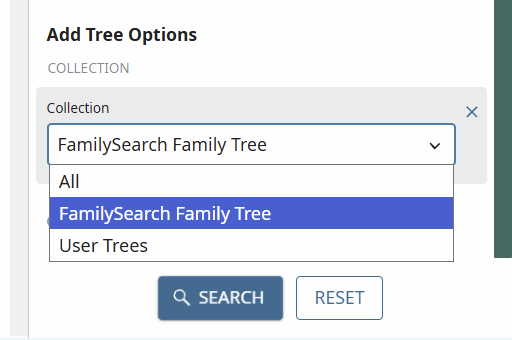
BUG: FamilySearch Unified Tree is not showing up in search results.

You changed the search output! When I select Family Tree > Find, or Search > Family Tree, it doesn't show the Unified Tree any more in results. It shows a bunch of other trees. They're NOT what I want — these other trees don't have temple information. How can I see the unified tree on a search first, now?
This is a change. This is a bug. It worked differently last week. The only way I can find to see the unified tree is to select filters, add an additional filter, confirm it. That's FOUR extra clicks to get unified tree that should be the FIRST in any search.
This is a huge FAIL.
Answers
-
-
There definitely is a bug. I noticed a few days ago that the Collection filter is now missing from the Find page. I too was getting the same results as the OP.
But today, it defaulted to "FamilySearch Family Tree".
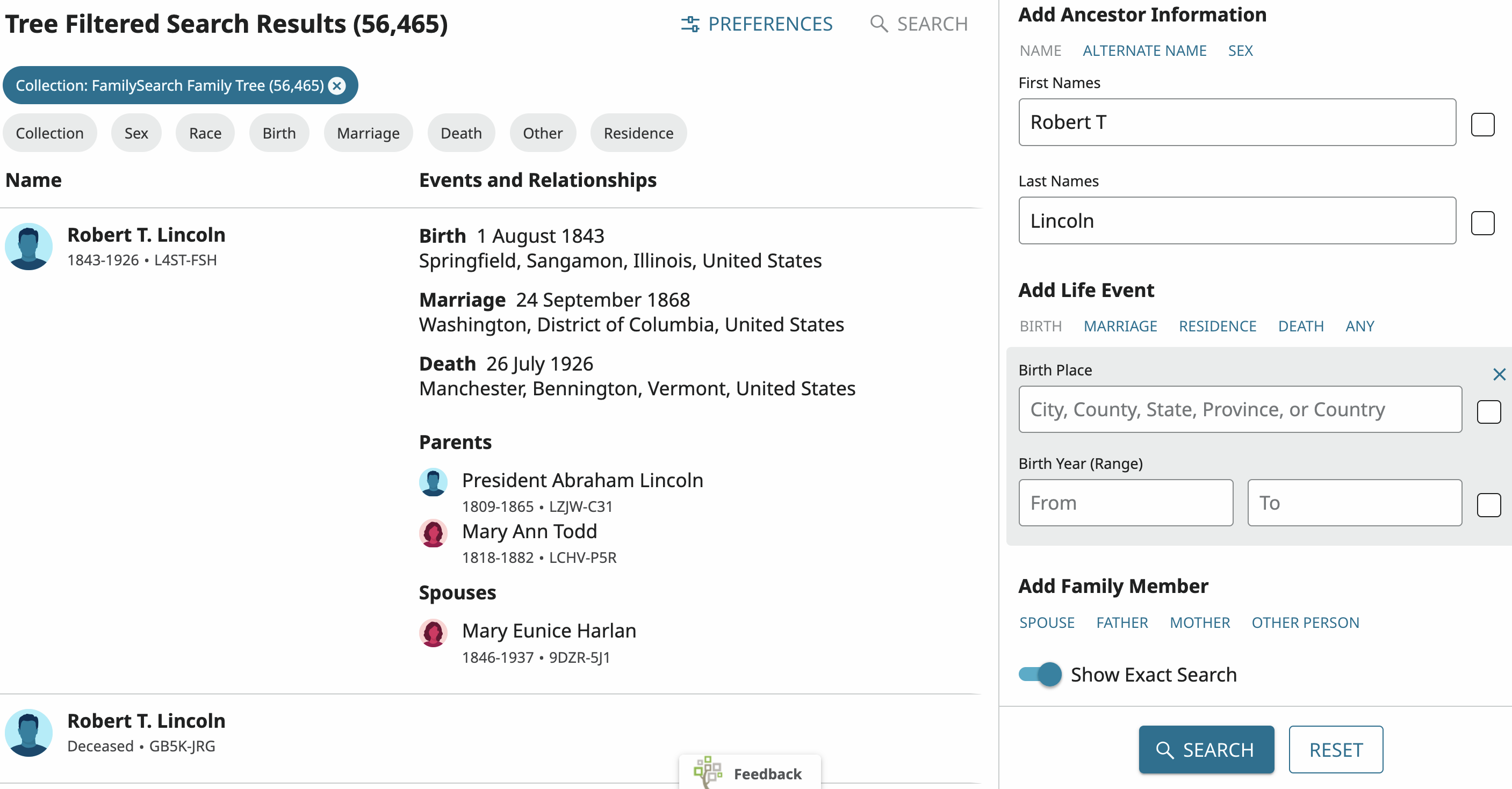
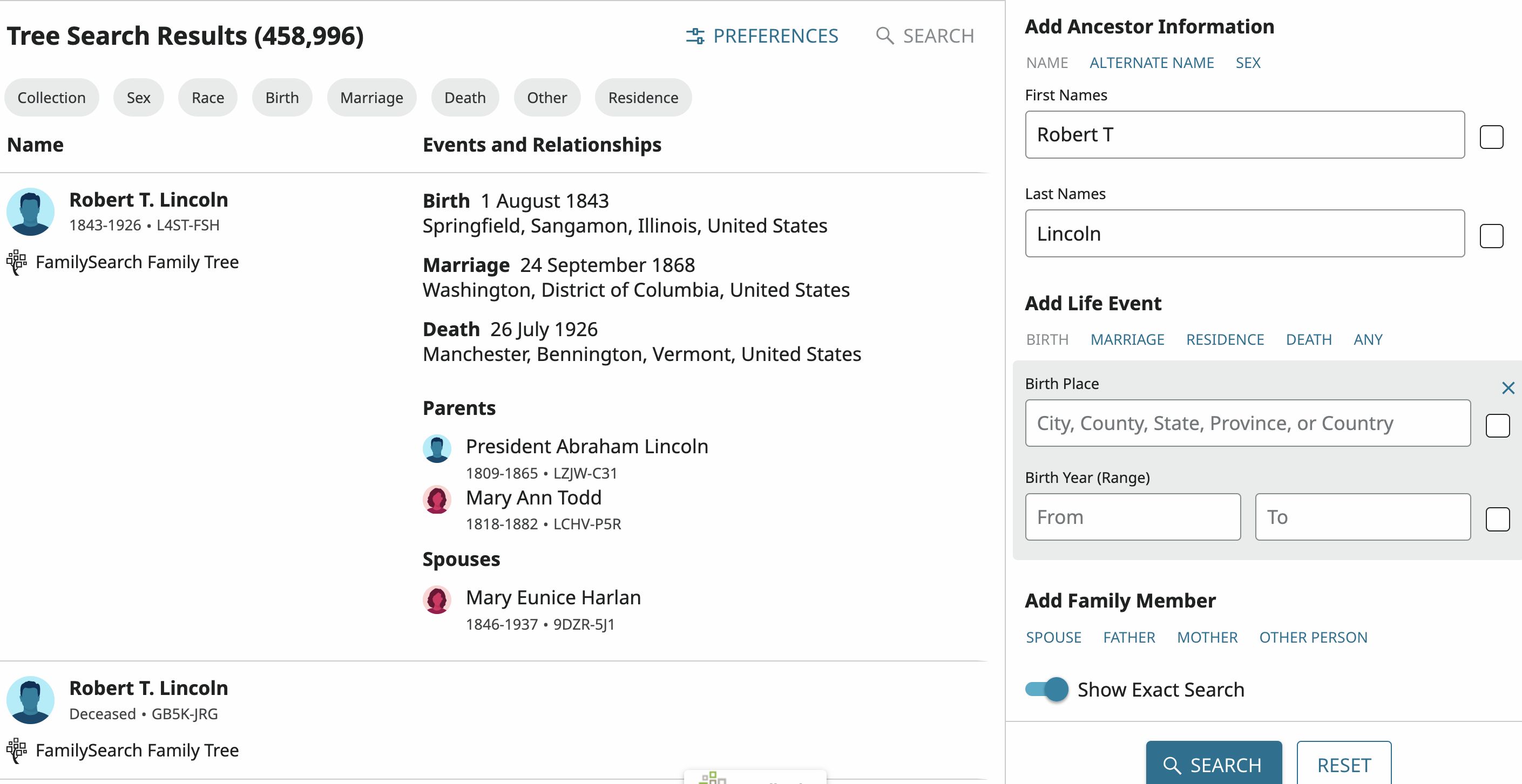
When I press the X to remove the default, there is no way to return to the pre-filtered selection except to start all over again.
 0
0 -
I don't even have a filter option (or I'm not seeing it). It seems to be searching the big tree (that's the only one I've used).
0 -
The filter consistently defaults to User Trees for me.
It's a 2-step process @CMichael7.
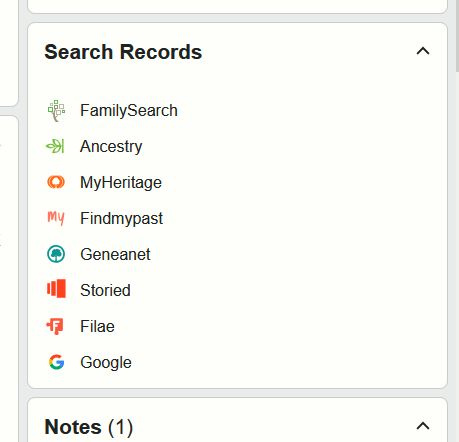
Search Trees appears on the Person Profile Page, in the right column.
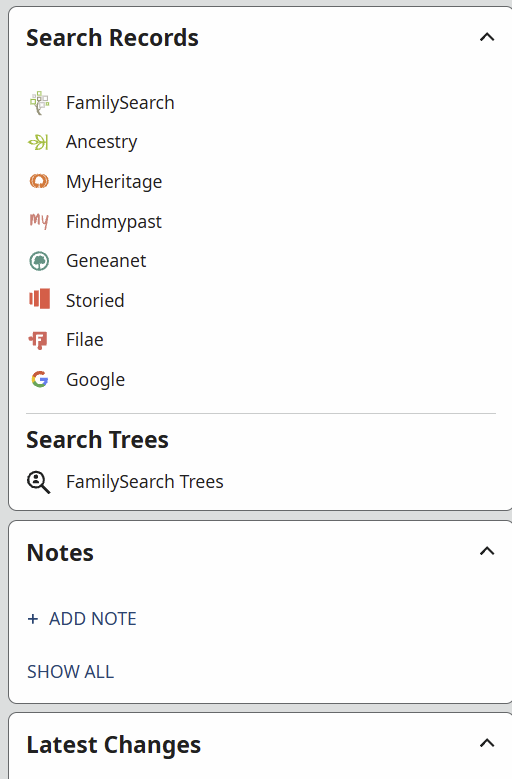
Then there are 3 options on the resulting page, also in the right column
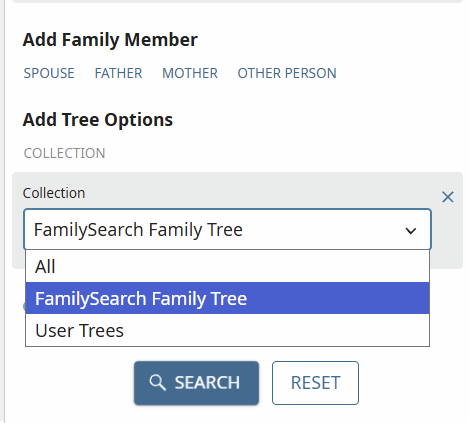 1
1 -
Well, I used what the OP said, Family Tree > Find. But based on you answer, I looked at a profile - I guess I'm not in the allowed group. I shouldn't need it though.
 0
0 -
@Áine.ní.Donnghaile
What do you see if you do Family Tree > Find?If I do Search Trees > Search Family Trees from the profile, I am again no longer seeing the Add Tree Options > Collection filter:
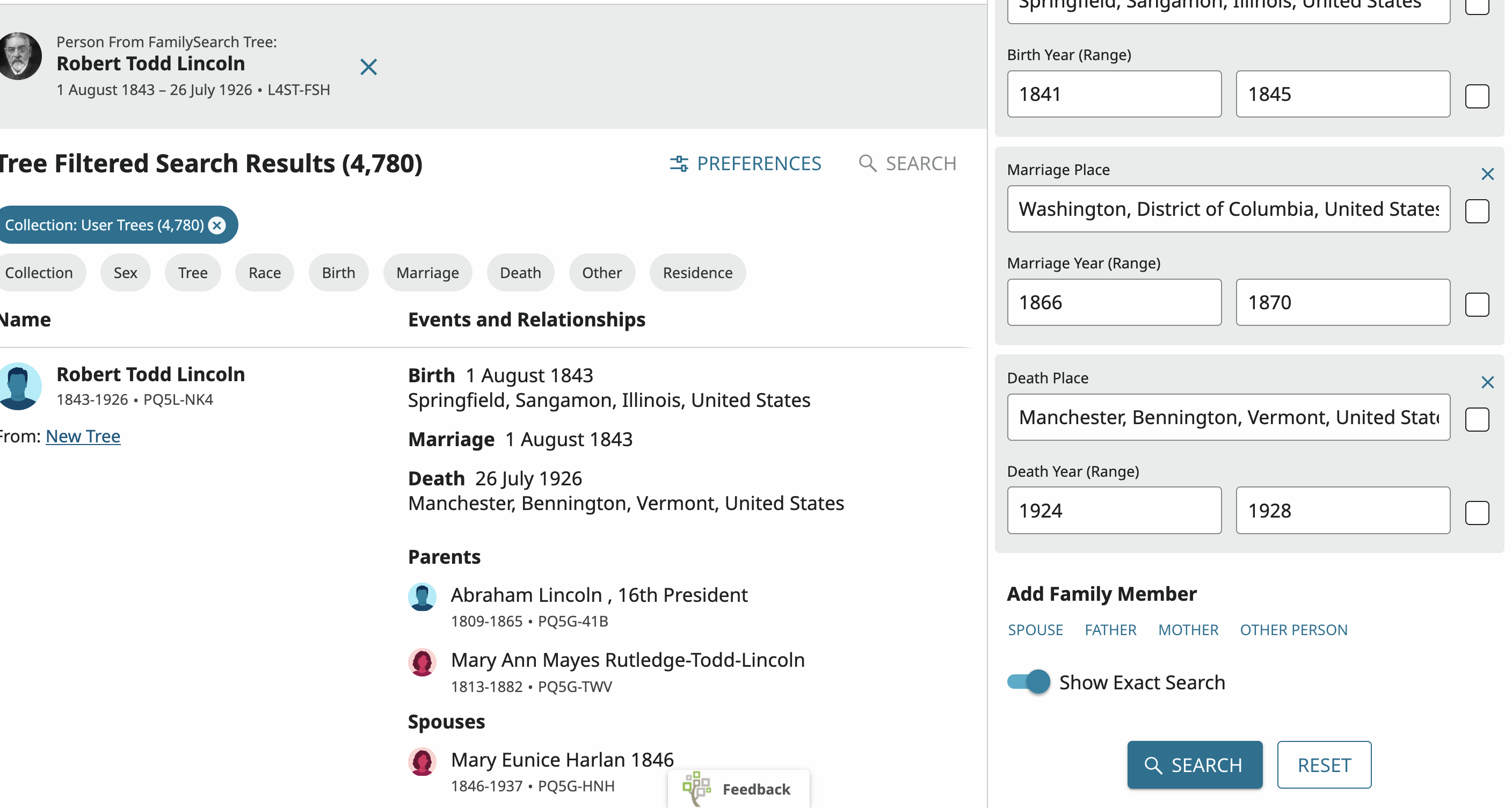
Up until about a week ago, I saw the Collection filter
0 -
@Nyx773 I wonder if some details of the collection filtering are undergoing some testing where some users see one thing and others see another. I personally always see the Add Tree Options section on the right, so I can choose the collection from there. And when I initiate my search from a profile, choosing FamilySearch Trees, I find that the default collection in that flow is User Trees.
But you have the exact same filtering capability, but presented in a different way. In your screen shot, you can see in the upper left corner the "Collection: User Trees" filter is enabled. Since you said that you started from a profile, choosing FamilySearch Trees, it makes sense that you would see that "Collection: User Trees" filter enabled by default. You can remove that filter by clicking the x on that chip, and you can re-add it (or choose the filter for FamilySearch Tree) by clicking the Collection filter just below it.
Except for visibility, I'm not sure why there is a need for the Add Tree Options filter on the right as well as the Collections filter on the left. It may be that the FamilySearch designers are experimenting to learn which options are used and work best for the majority of users.
1 -
@Alan E. Brown
Thank you for pointing out the Collection filter in the upper left corner.
However, it is weird that up until a week or so ago, I saw the filter at the bottom of the right side panel.It is a huge improvement that Find and Search Trees are now defaulting to "FamilySearch Family Trees".
It made no sense when it defaulted to everything.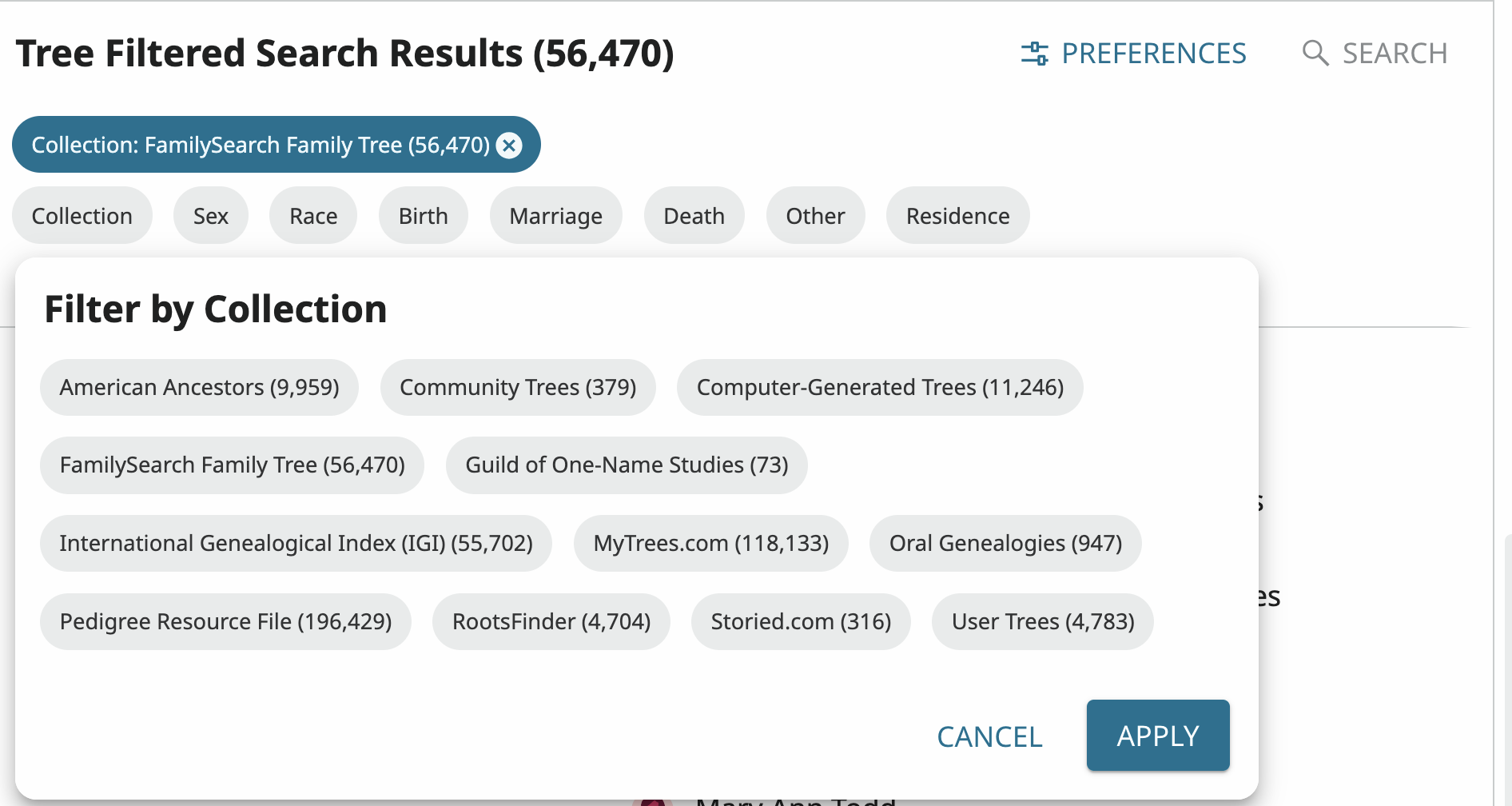 0
0