Latest Changes shows message: Unable to load the list of changes.

I am looking at the record in Family Tree (FT) for: Evan J. Morgan Sr.Male1800 – after 1881•LXSD-C5X. This record shows one spouse and 14 children and a conflict in the death date. Sources and collaboration imply there have been up to 16 different people merged into this person. When I have tackled similar problems for other persons in FT, I have been able to click on Latest Changes, Show All, click on the Filter and look at the merges, and check the Merge Analysis. When I try this for this person, I get the message: Unable to load the list of changes. I've tried it on multiple browsers. Has this problem been handled in the past? Do we have to call support and escalate a ticket, or is there a workaround?
Answers
-
I too am unable to view the change log.
https://www.familysearch.org/en/tree/person/changelog/LXSD-C5X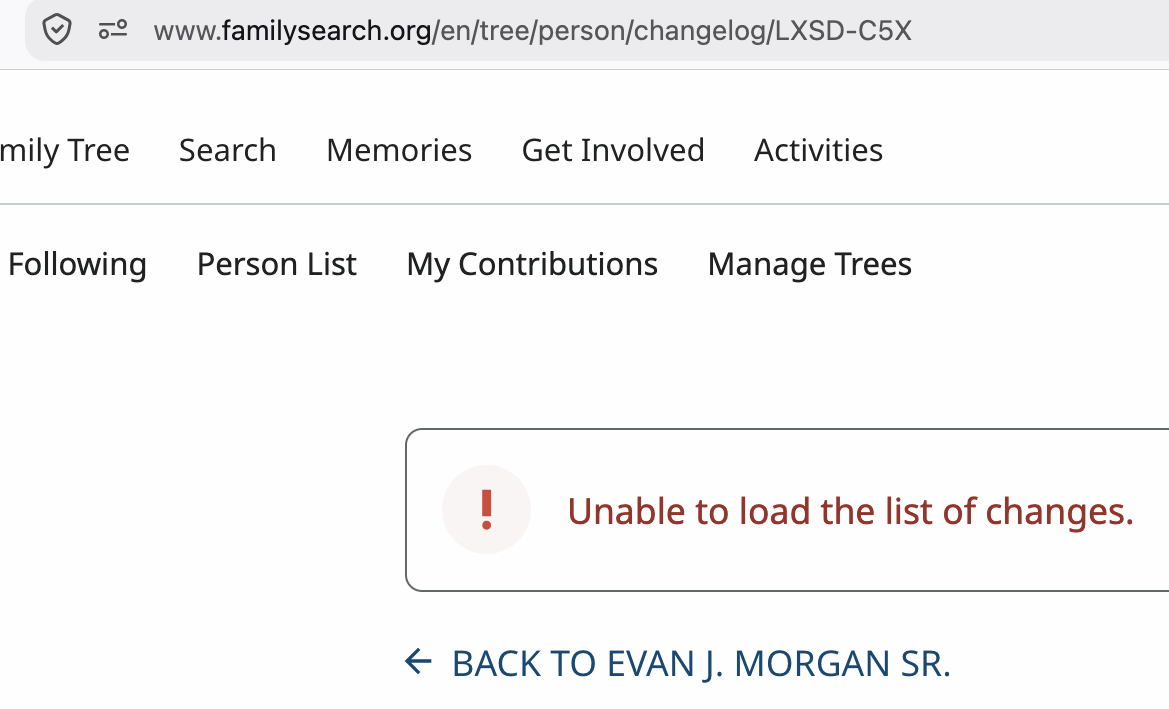 0
0 -
Windows 11, Chrome 153.0.8010.53 No problem displaying the Change Log
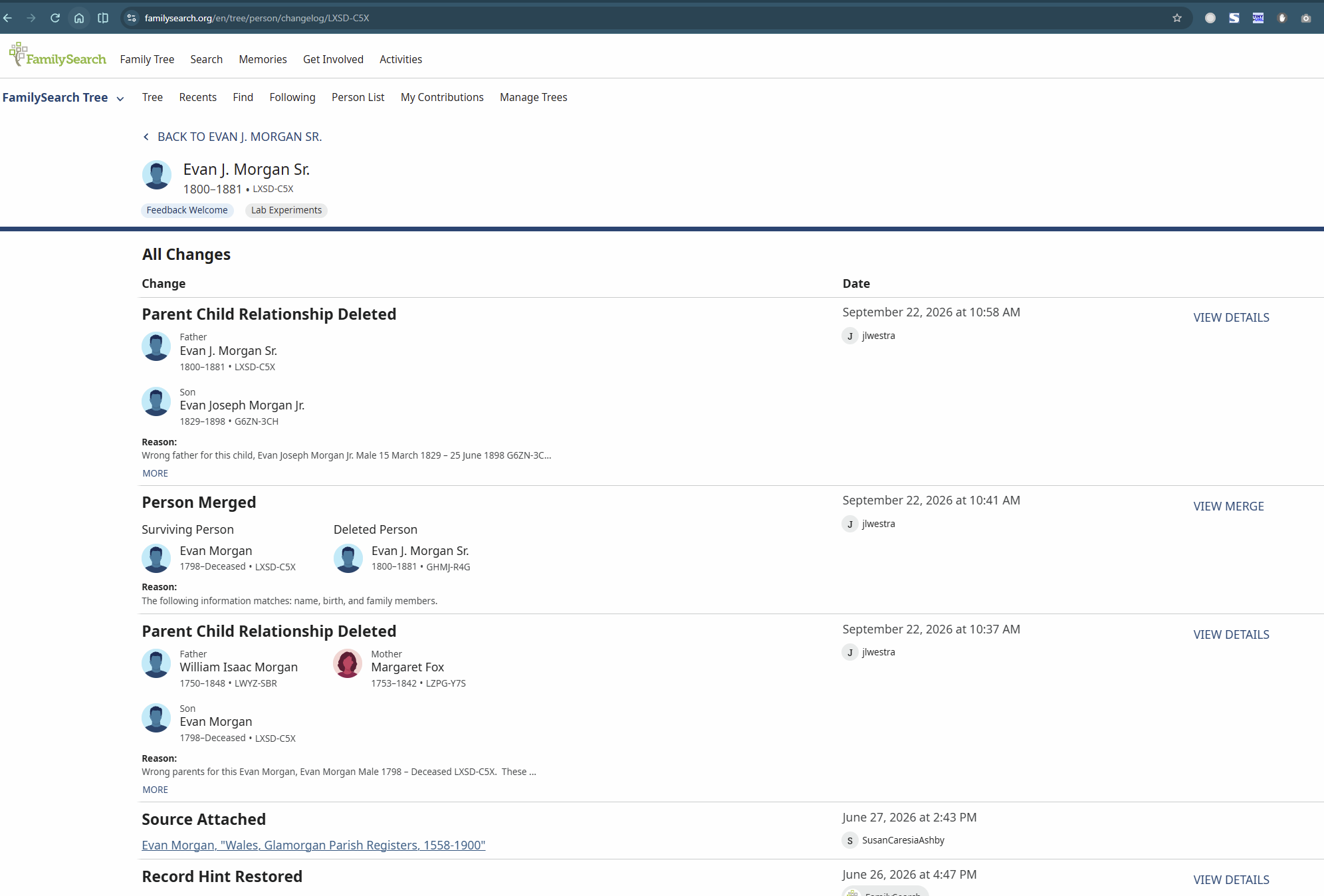
When I checked my Chrome version to include in my post, I was informed of an update. Updated Chrome to 154.0.8037.58, and the Change Log still displays without issue.
Then checked in Firefox, 156.0.1, and the Change Log also displays there without issue.0 -
-
I cleared my cookies on Firefox. Still unable to view that profile's change log.
I am able to view the change logs for other profiles.
1 -
I cleared the FS cookies from Chrome using:
https://www.familysearch.org/en/cookies
Still unable to view the change log for LXSD-C5X1 -
Windows 11, Chrome 153.0.8010.54 Unable to load the list of changes. Even as I tested this, Chrome was updating in the background, and the result is: Chrome 154.0.8037.58 Unable to load the list of changes.
0 -
We posted a new story in Memories for this Evan Morgan, Conflict in Death Information, where we described the above error message, and the comments given by 4-5 people. The latest comment was that we should call Family Search and report the problem where it can be escalated.
2 -
@jlwestra @Nyx773 @Áine.ní.Donnghaile @JulianBrown38 Thank you for testing and reporting. We tried it behind the scenes and had mixed results too. I flagged this for review by those at the next level. It's very strange, so hopefully it will resolve itself. We'll get back you if we need more tests.
2 -
In response to the above line, 'I flagged this for review by those at the next level', I waited 5 days or so and didn't get a reply what the next level might find. I thought to try the second suggestion by AI, to call family search support and have the ticket escalated. But then I thought to replicate the problem once more. When I tried that, the Latest Changes magically showed for the above person. I don't know if the next level finally took effect, or if it was other changes I had made to the family. I did change some relationships, of a child, and I made other changes. In any case, I can now see the Latest Changes, and will check out the many merges that have been done for this person, and check the Merge Analysis, and try to restore some of the people who have been merged into this person.
1 -
I too am now able to see the change log.
1