Why is Utah Territory not coming up as a Standardized Location?

I have many ancestors what were born "in Utah" before Utah became a state on January 4, 1896. I want to put places like Hyrum, Cache, Utah Territory, USA, but the standardized version only has Utah, not Utah Territory. This is really bothering me. I know I need to search Utah records for these people. But I feel like accuracy is needed here. And they were born in Utah Territory. How come Utah Territory is not a standardized place?
Answers
-
1. Open FamilySearch Places
Go to:www.familysearch.org/research/places
Sign in with your FamilySearch account.2. Click + Suggest a New Place
This is in the top-left corner of the Places page.
3. Choose a Place Category
You’ll see categories such as:
- Locality
- Cemetery
- Church
- County
- Province
- Etc.
Click the circle next to a category to see its definition.
4. Enter the Place Name
Type the name exactly as it should appear in the standardized database.
Check that the Language of Place Name field matches the language of the name you are submitting.5. Enter the Parent Place
This is the next larger geographic boundary (e.g., town → county → state).
Important rules:- You must choose an approved parent place.
- If the correct parent place does not exist, you must suggest the parent place first.
- Very high-level parents (states, provinces) cannot be added by users; email placefeedback@familysearch.org if needed.
0 -
@KimberlyAnnPulley
I agree with you.
Here is an explanation as to why "Utah Territory" is no longer a standardized name as of March 2022:Here is a post from April 2026, from when this subject was last discussed:
2 -
Under most circumstances your advice would be appropriate to follow, but - as illustrated by @Nyx773 - it was a policy decision by someone in the FamilySearch organisation to "simplify" matters when it comes to the area we now know as the United States of America. Hence, unless current policy is reversed, any such request will not be acted upon.
Many of us continue to find the decision to drop such historically correct names, such as Utah Territory, from Place Name database to be completely baffling. Especially given the fact that the database is being ever-extended to include detail right down to, say, the address of a specific cemetery. With that in mind, it seems rather odd (in comparison with the U.S. states / territories issue) that the firm advice is to record / select the name that includes the name of the town / jurisdiction by which it located at the time of the burial, rather than opting for the address under which the cemetery can be found today.
5 -
@KimberlyAnnPulley The Places database has other areas where decisions have been made to use more general standards rather than strict historical accuracy in order to simplify the database a bit. For example, they use just Norway for the entire history of the current country even during the time periods when it was part of Denmark or part of Sweden. Otherwise the number of entries for Norway would have to be quadrupled to cover the various time periods.
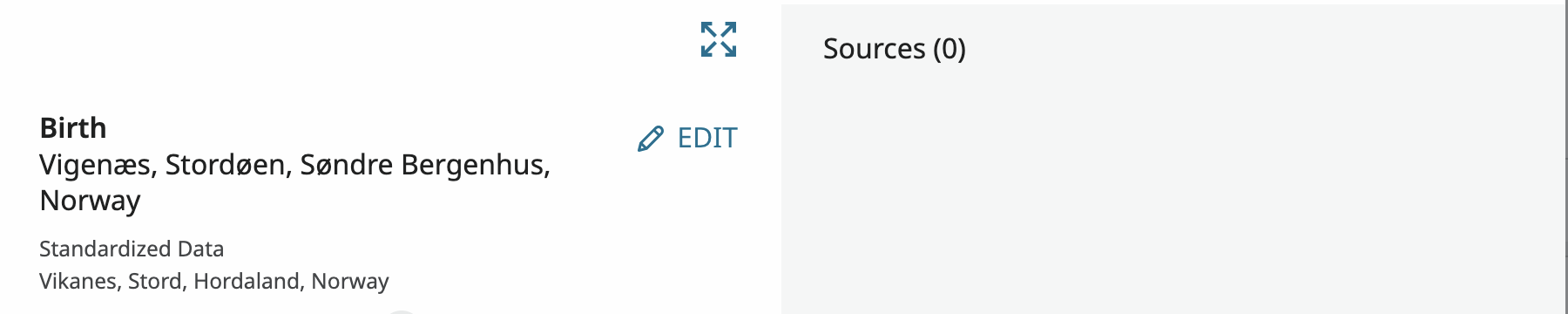
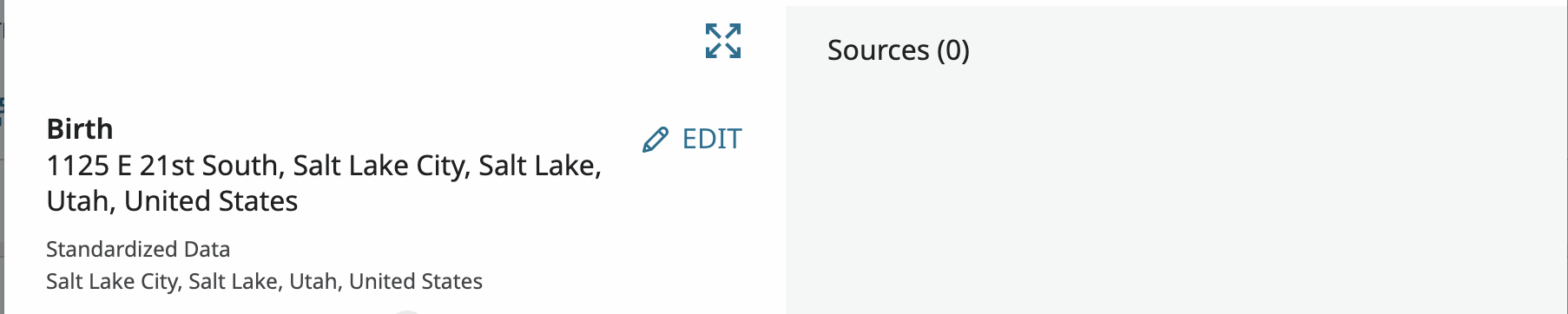
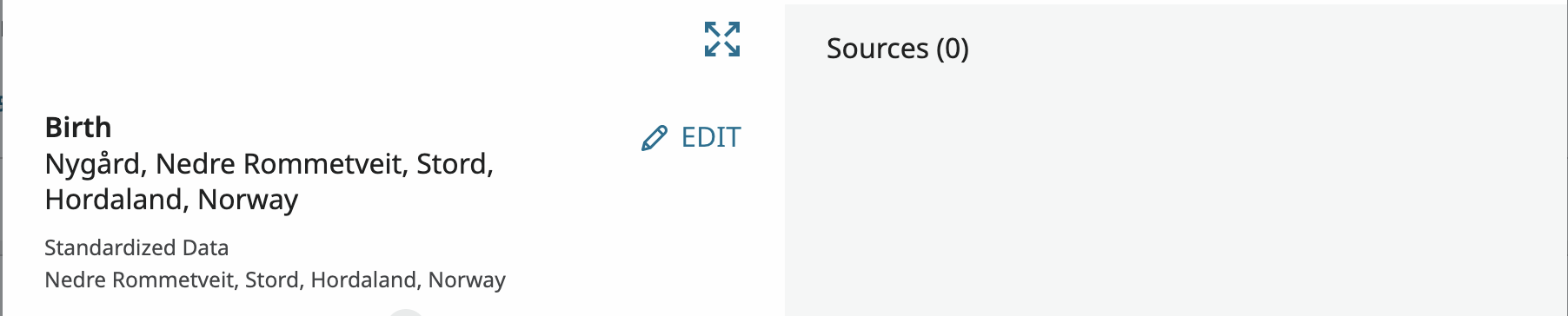
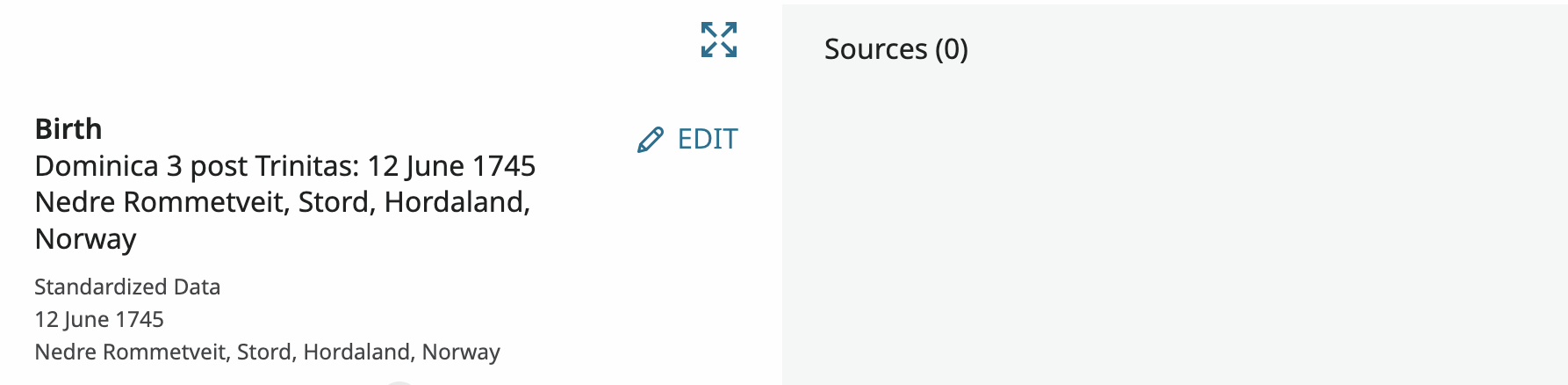
However, as mentioned above, you can be just as accurate as you desire. This is because you are never required to use a standard place name in Family Tree. You are only required to standardize the place name you do use. There are many situations where this is useful such as the following:
To be more historically accurate:

To give a more specific place name:
To add additional information to the date or place name:
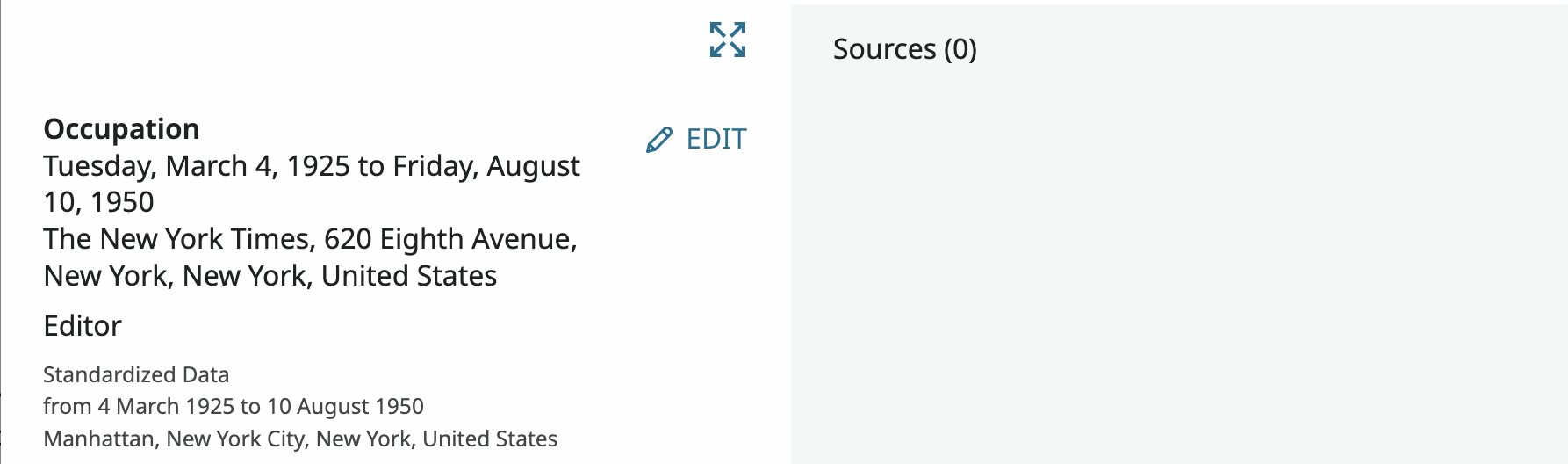
To use the language of the country rather than the language you use the website in:

Taking advantage of this feature of FamilyTree can add a richness, clarity, and accuracy to the information we enter that most programs do not allow. It also allows full information about an event to entered where it can be easily seen rather then being scattered between the data field, a reason statement, notes, discussions, and memories.
4