AI Research Assist

What happens if I click on Dismiss? I've been seeing this notice on my Home Page for a couple of weeks. I've got tons of names I'm following from the world-wide public tree and from my personal family tree so I should be getting more help from AI Research Assist.
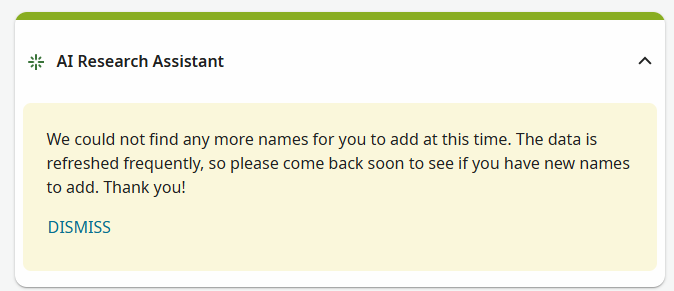
Please help me understand better - 😂
Best Answer
-
@maryellenstevensbarnes1 When you click DISMISS, the message and button is removed, leaving an empty box:
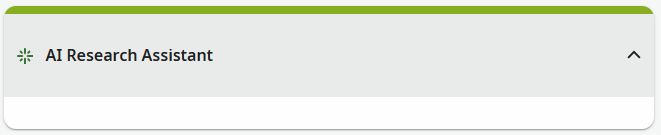
As is the case with other widgets on the home page, the upward-pointing arrow means that the widget is expanded. You can collapse the widget by clicking the title:

The system remembers whether you have left the widget in the expanded or collapsed state. When you open the home page again or refresh the page, the widget will be displayed in the same state. At that point, if the widget is expanded, the system will look for names to show in the list. This may take a few seconds, and you will probably see "Scanning your tree…" message at the bottom of the widget while this happening. After that, it will display either some names or the or the message that you have reported.
If the widget was left in the collapsed state, then, when you open or refresh the home page, the widget will be displayed in the collapsed state and it won't scan your tree until you expand it. That makes the loading of the home page a bit faster in this case. Repeatedly expanding and collapsing the widget does not cause your tree to be scanned each time; this just provides a way to hide its contents when you don't want to see them.
Dismissing the message doesn't do anything more dramatic or unrecoverable than this.
2