Occupation

Hi, Is there a way of seeing the most popular occupations of people in my tree? Not as a search option but rather as a general information statistic about my ancestry.
Answers
-
@Teri2112 FamilySearch does not offer an easy way to retrieve all the people in your tree and their occupations. There are ways to get this information. You can work with an A.I. that will help you build a database in a step-by-step process. (refer to Copilot or Google, plus many others) You can try to export your tree to a Gedcom program (e.g., RootsTech, Legacy Family Tree, FamilyTree Analyzer (which is free)). Use the Family Tree "search-find" tool to extract occupations manually. While not a statistic generator, the Find tool can search for a specific occupation keyword across your tree.
How to:
- Go to Family Tree → Find
- Choose Other Information
- Enter a keyword such as farmer, laborer, weaver, miner, etc.
- Filter by My Tree or Ancestors
2 -
I have just done some quick analysis which has raised what I think is a key point. The profiles I looked at had far less occupation information on them than their sources did. You may want to go through and update your profiles with occupation information off their sources (in particular censuses) before you start analysing them.
The good news however is that, having looked at a gedcom I created via a tree import from FS into one of the FS partner solutions, it had easily readable occupation coverage in it for those profiles that /did/ have occupation information on, e.g.:
1 OCCU Scholar
1 OCCU LIVING ON OWN MEANS
1 OCCU Tailor Employing two apprentices and one Journeyman1 -
P.S. I would
1.Make a gedcom as above, say mygedcom.ged in \mygedcompath
2.Open a Windows command prompt
3.find "OCCU" "\mygedcompath\mygedcom.ged" >"\mygedcompath\mygedcomccupations.txt"
4.Open \mygedcompath\mygedcomoccupations.txt in Excel and use a pivot table to do the counting
Or see if the partner solution to which you did the import can count the occupations within its reporting functionality (may be easier).
0 -
@Teri2112 Have you tried asking the AI Research Assistant for this information. It is supposed to be able to look through sources. If it doesn't work then click the thumbs down at the bottom:
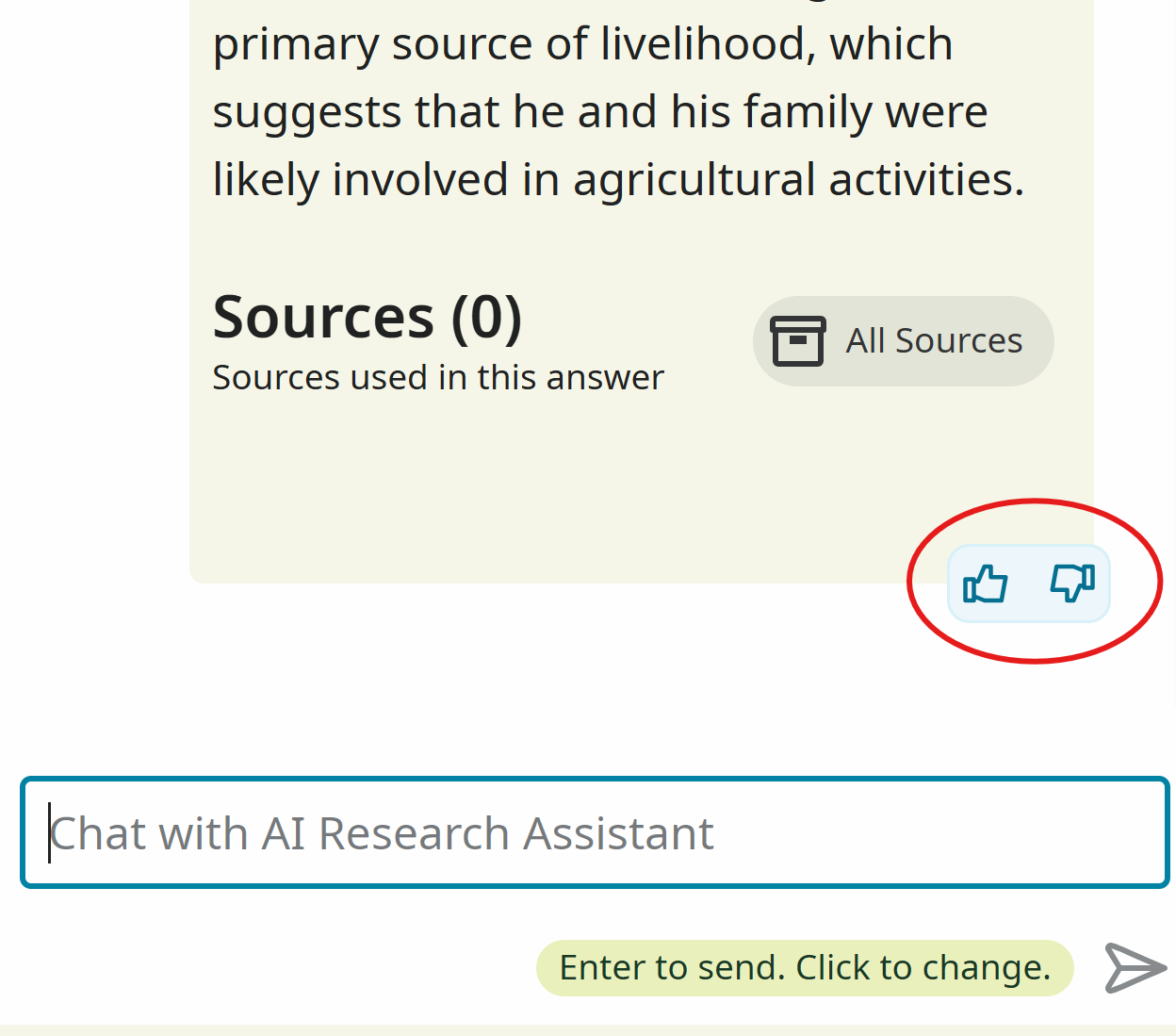
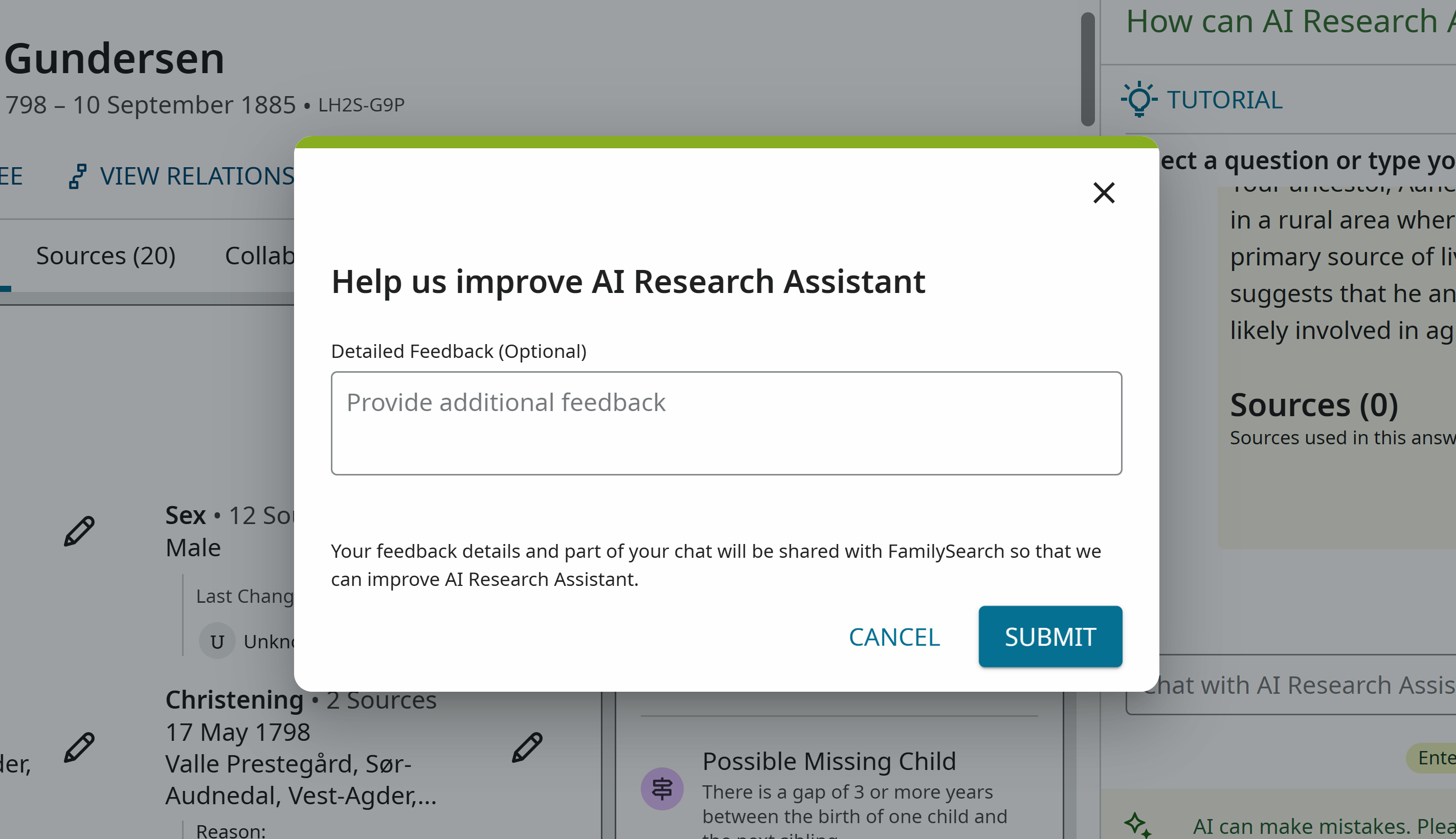
It will open a page where you can explain what you were asking about, what you expected and why the AI Research Assistant's response wasn't what you wanted.
 1
1


