Anyone else having problems with memories not syncing on the android FamilyTree app?

Hello, I use the FamilyTree android app and have the newest version downloaded 5.2.8. I have auto updates turned on.
In February 2025, I began recognizing memories I'd added through the Family Tree App were not synching. I contacted FamilySearch, because I was changing phones, but wanted to salvage the memories in the cache, since they weren't synching online. Ultimately, I had to lose the data because they couldn't figure out how to synch the memories in the app before I had to turn over my phone.
When I got My new phone (Samsung Galaxy S24 Ultra), I downloaded the FamilyTree android app. I began uploading memories without problems. I checked online and they synced, so I figured the problem resolved.
However, in June, I began realizing that photos I'd uploaded to the Android app didn't identify me as the contributor.
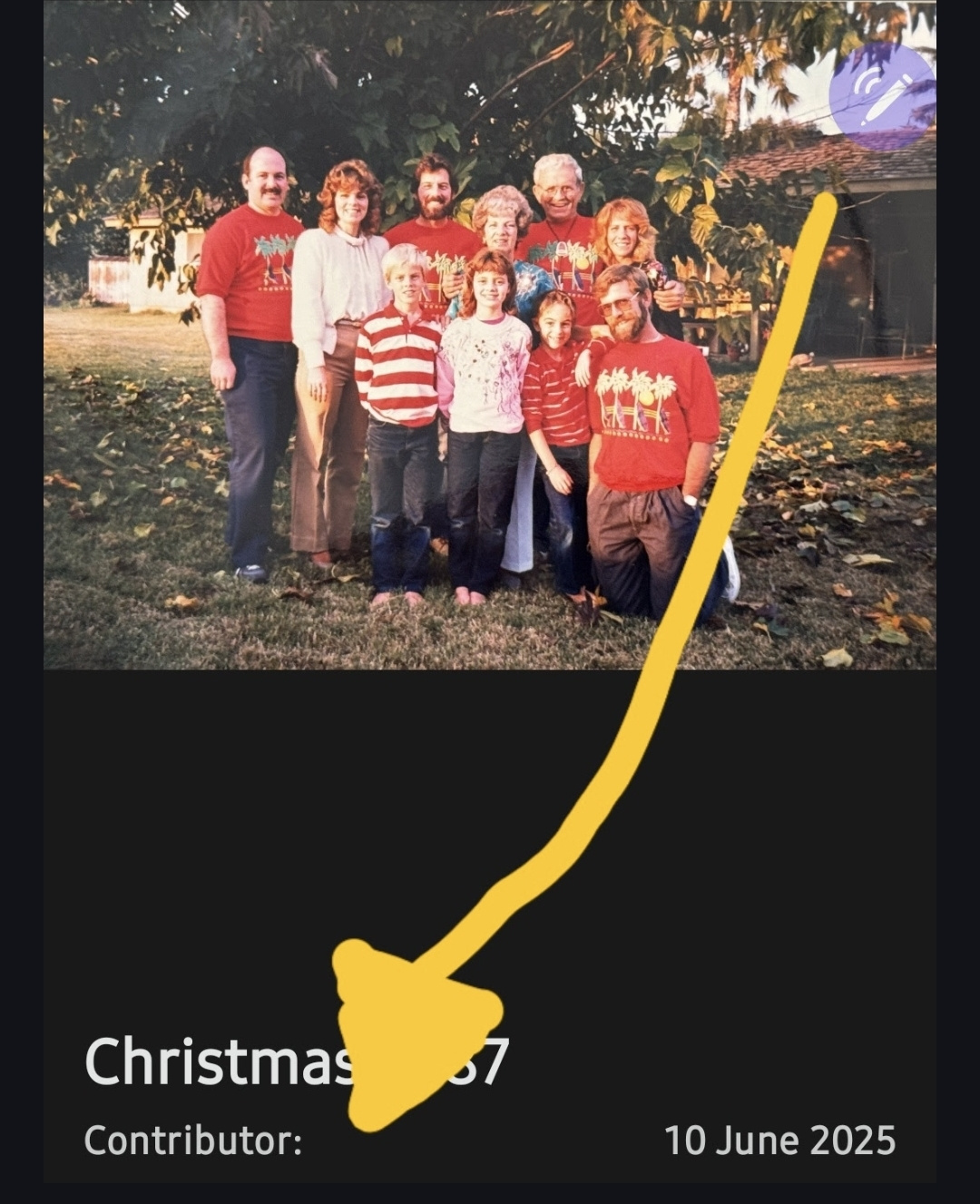
I checked online and discovered the memories I'd uploaded (3-20/day since February) using version 5.2.4, stopped synching at some point.
When I spoke to FamilySearch missionaries we walked through the protocols. I didn't want to delete my cache because it would delete all the tagged and detailed memories. (I'd been assigned the family photo uploader and we found an entire chest of old labeled photos!) The app warned me that if I cleared the cache, the unsynched memories would be lost.
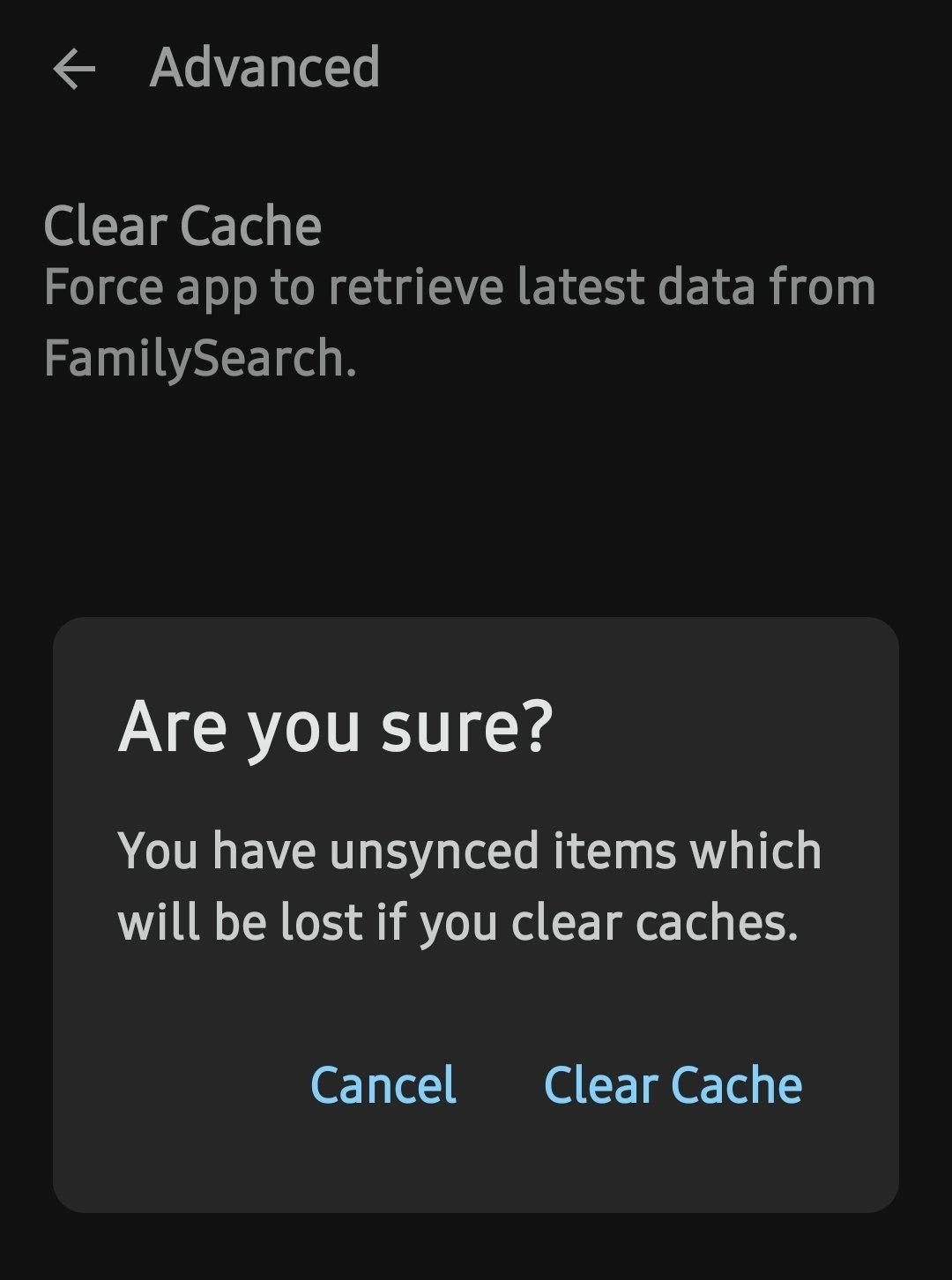
Naturally I didn't want to lose all my work. So I told the missionaries on the helpline that, I didn't want to lose it.
A second missionary had me share my screen on my phone. Then she had me add a memory online using the Chrome browser. The new story popped up in the app within moments. Then, she had me edit the memory on my phone and refresh the person. The newly edited story didn't sync. 20 minutes later and it still didn't sync. It didn't matter that I'd refreshed the person every 5 minutes or so.
Ultimately I deleted the cache, uninstalled the app, reinstalled it, and it began working again, so I didn't post my question... until now.
Today, I was looking at a photo I'd uploaded to memories of a recently deceased family member. To my dismay, I discovered that once again, my photo didn't have any contributor identified.
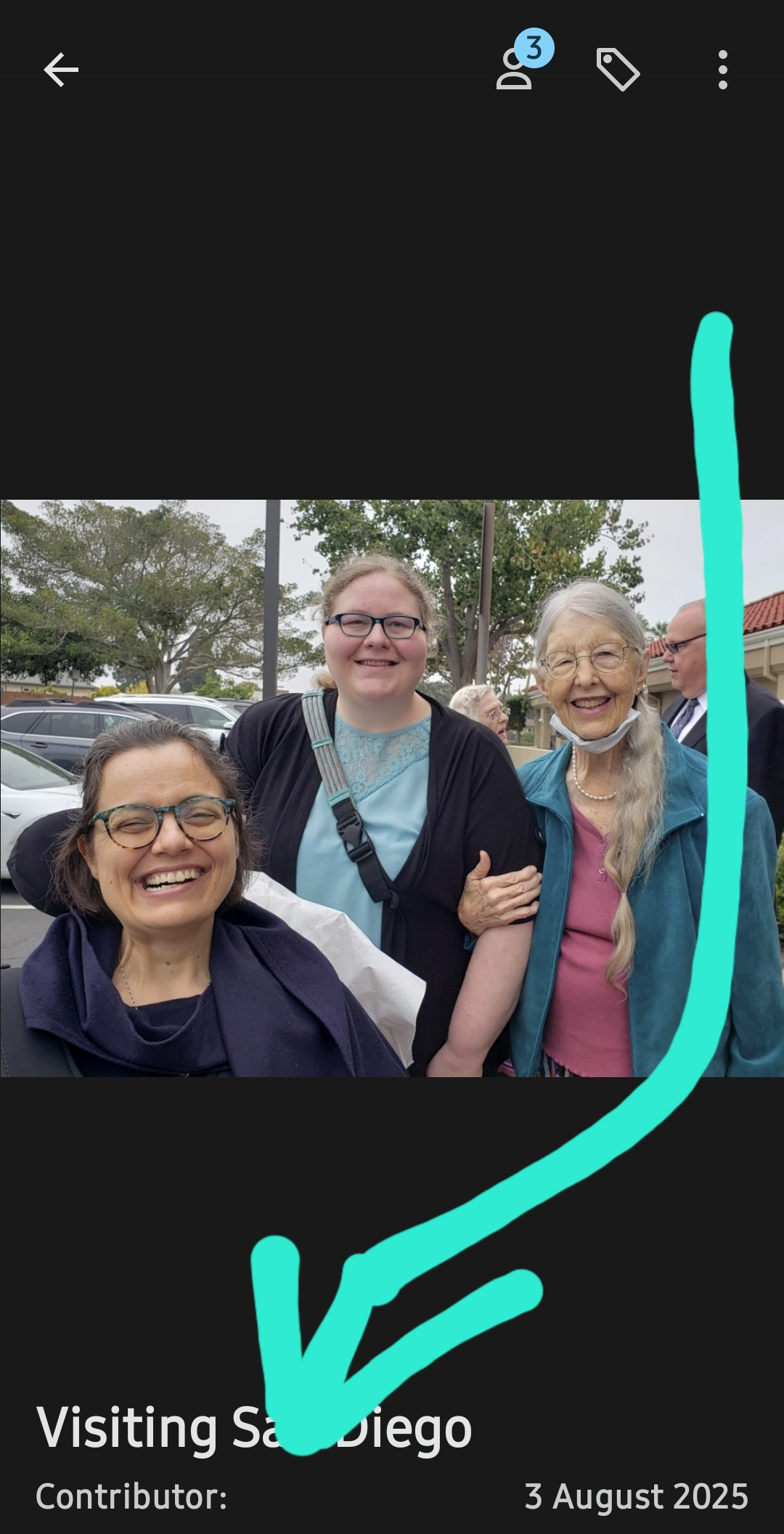
As you can see, I uploaded the memories to the FamilyTree android app on 3 August 2025. Today is 2 September 2025.
When I pulled up the individual's profile today on Chrome, that photo wasn't in the individual's memories. Which really worried me because I've been serving as a VROC missionary and had added loads of obituaries as photos the memories of multiple people for the past several months of service.
I began this ticket at the invitation of those who attempted to help with ticket #1816898, just in case anyone else has had a similar problem with their Android app not syncing memories.
Gratefully, today, after I began this question here, I refreshed the individual's profile in the app and the memory did synch, adding me as a contributor.
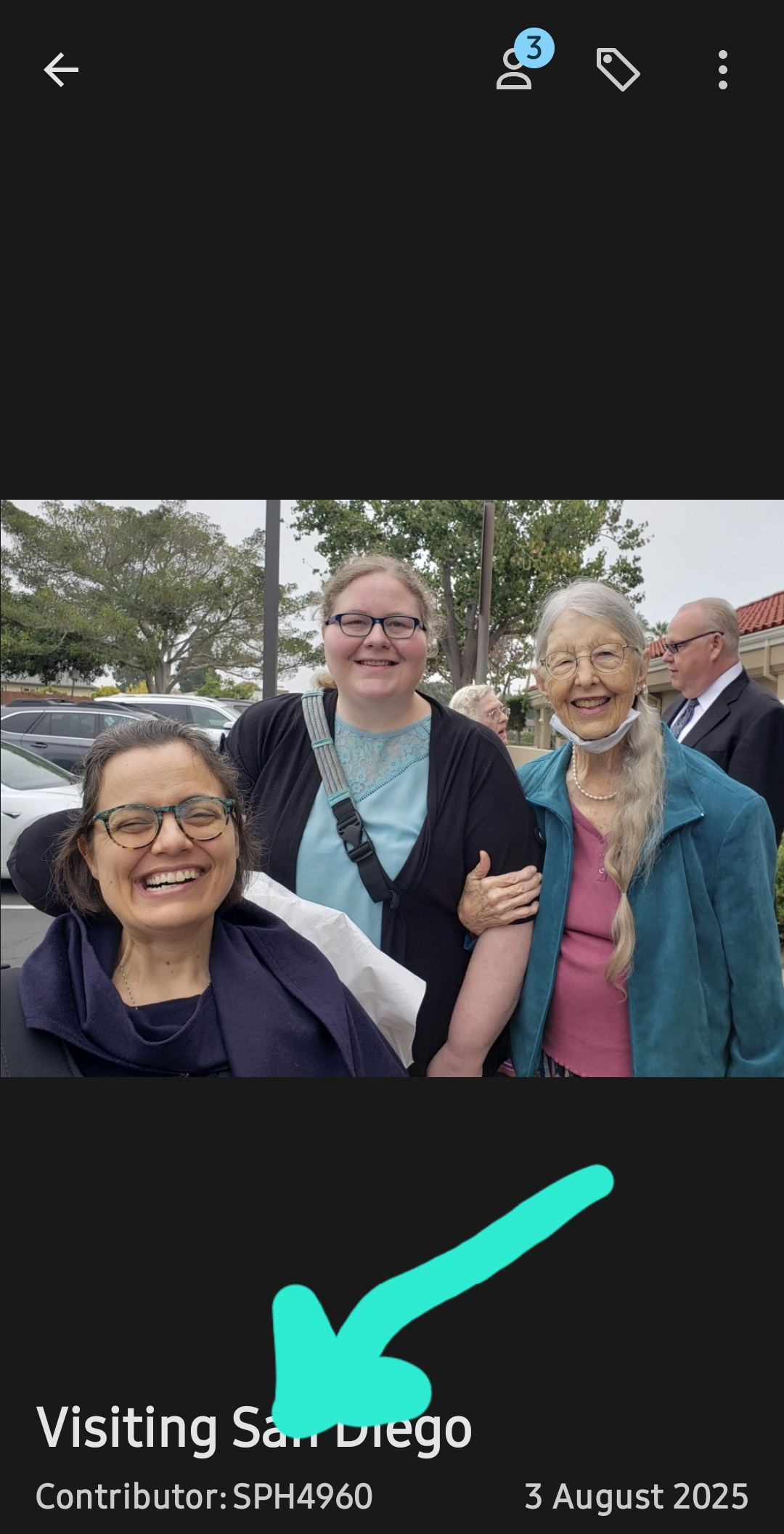
While I'm grateful the app is syncing. It's concerning that I use the FamilyTree android app (Version 5.2.8) daily on stable wifi for sometimes hours, yet it took nearly than a month to upload and sync this photo.
I looked at the "last 300 changes" in the app Gratefully the photos available in those "300 changes" are synced.
I want to say this is an isolated incident, but now that the Android app has had trouble syncing on two separate phones and at least two versions of the app, it's quite plausible that there's a something within the code of the android app which is making syncing to the online server glitchy.
Does anyone else have difficulty syncing memories from the FamilyTree Android app to the main server?
Answers
-
Thank you for providing such a detailed account.
I will reference your finding in the Memory Feedback group. The Memory Feedback group specifically manages questions, concerns, and discussions regarding the Memory Tools. It also provides access to Updates and Known Issues.
I will also share this with the Memories Team…we'll see what they can find as they poke around with this issue. And I'll share any of their thoughts or ideas in the discussion I open in the Memory Feedback group.
Thanks again for sharing!
0
