How do I fit a picture in the circle of the family tree? Size please.



The pic on the top is really smaller than the bottom pic, but the bottom fits in the circle. Inside the circle is what I want for all the pictures. Is there a certain pixel combo, or?
Thank you
Best Answer
-
The preferred portrait can be edited for size and centering. When you click on the picture, the "frame" stays stationary, you are moving the picture behind teh frame,, and using the scale on the left side, you can increase or decrease the magnification.
How do I add or change a portrait photo in Family Tree?
0

Answers
-
I understand and tried it that way, but I still can't get the picture small enough by moving the slider down.
Thank you
0 -
I have the same issue as Dan Hickman. The photo is not small enough to fit and the magnification slider is at the bottom. In Ancestry.com there are options to DRAG and RESIZE image and also an option to "USE FULL IMAGE" which automatically reduces the photo to the size of the square. FamilySearch should also offer these options for the Portrait. How do I leave this request in FS feedback. Now feedback at the bottom left takes me to this blog. thank you! Bonnie Whitley
0 -
There is a sliding scale to the left of the photo, so you can size the photo for clarity.
0 -
I've tested out a few sizes of "photos" and it really doesn't seem to matter. In all of these, moving the slider to the very bottom puts the entire photo into the circle, except for needing to crop the square into the circle.


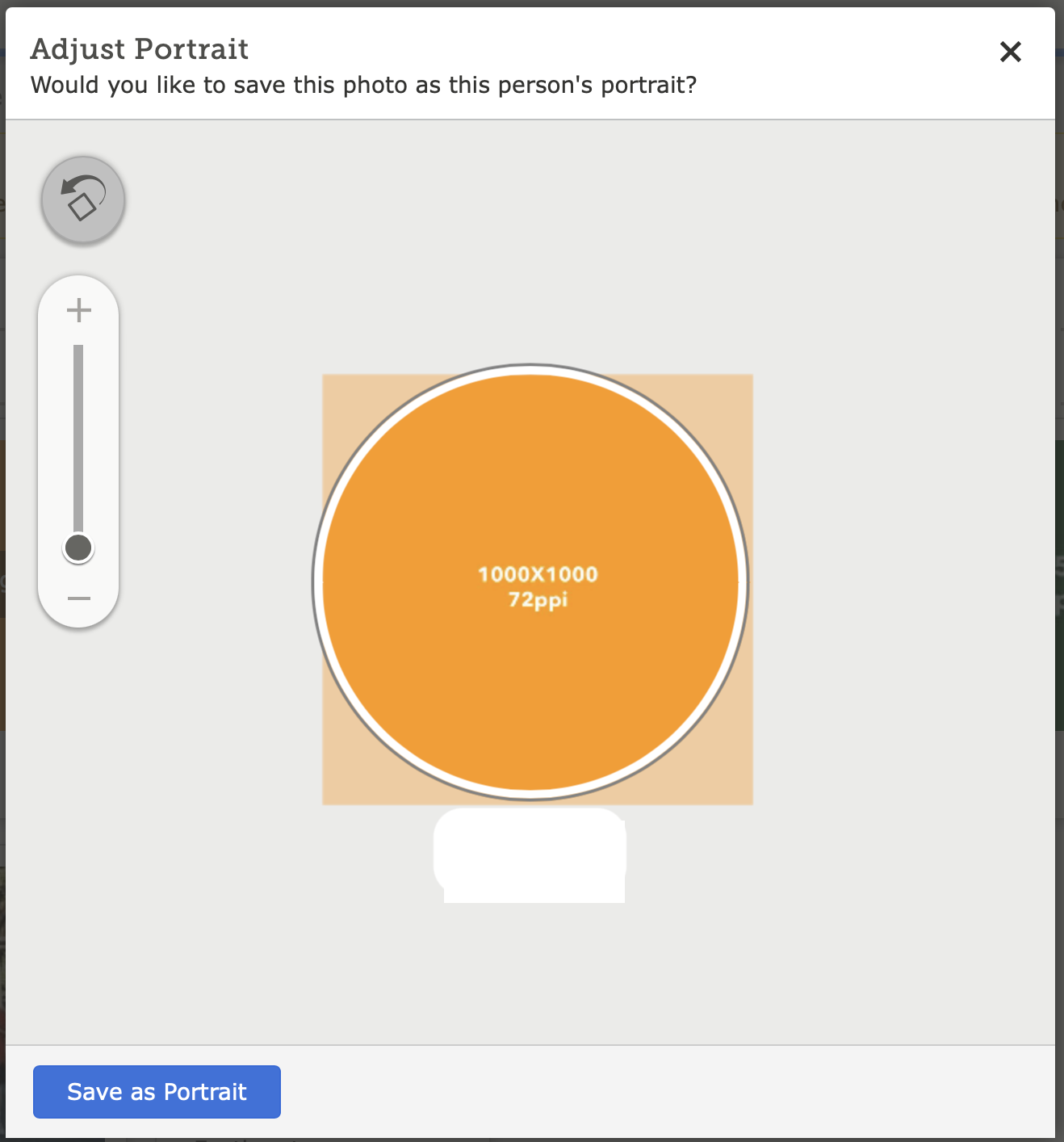

Which makes me wonder, are you actually requesting that the entire square fit into the circle like this?

That would be a different definition of "the entire photo" than what the FamilySearch programmers are using. I guess they had to make a stylistic decision as to whether to force the circle to always be filled or to allow those empty spaces around the square and made the call that it looks better to have the circle filled.
You can circumvent this programming decision by putting your photo into an image processing program, adding on a thick white margin, then uploading it to use as the portrait photo.
Or are we still not understanding the problem you are having correctly? You might have to post the ID number of the person in the very top photo and let people play around with the portrait for anyone to see what is really going on.
2 -
I am so frustrated with trying to center existing pictures. NOTHING seems to work. I'm always chopping the top of heads off. I am not new to adding pictures. I've added more than a hundred in the old system and had no problem. The new system just won't keep the picture the way you want to center it. It jumps around all over the place. I've even tried copying the picture onto my system and then trying again. But it is futile.
The old system allowed you to center the picture exactly the way you wanted - no increments or jumps from one size to the next size. I am happy for the most part with the new system - EXCEPT for the centering of pictures. Don't refer me to your instructions because I've read them all and they don't help me.
Right now I'm working on two pictures LHP3-BZH and LHP3-BD9 (husband and wife). Try centering them and then tell me how you did it !
0