Feedback button

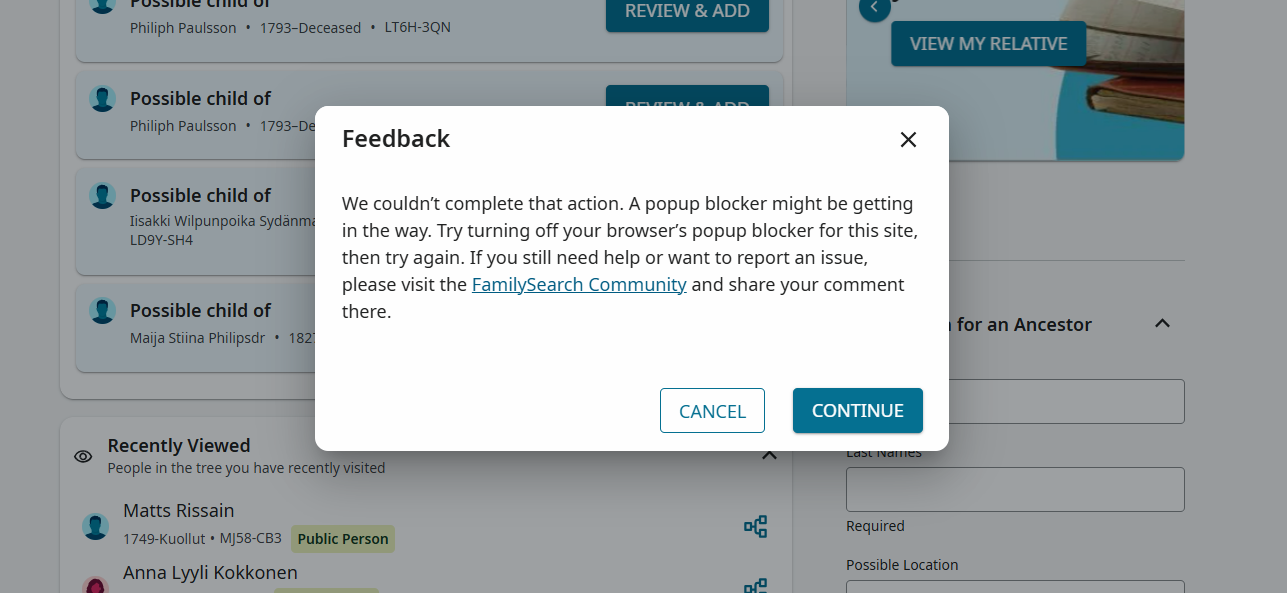
Is there something wrong with the Feedback button? When I click feedback button on the FamilySearch home page, I just get a pop-up window saying "We couldn’t complete that action. A popup blocker might be getting in the way. Try turning off your browser’s popup blocker for this site, then try again."
I have checked my browser settings and tried with Chrome, Edge and Firefox browsers and none of them have a pop-up blocker on.
Answers
-
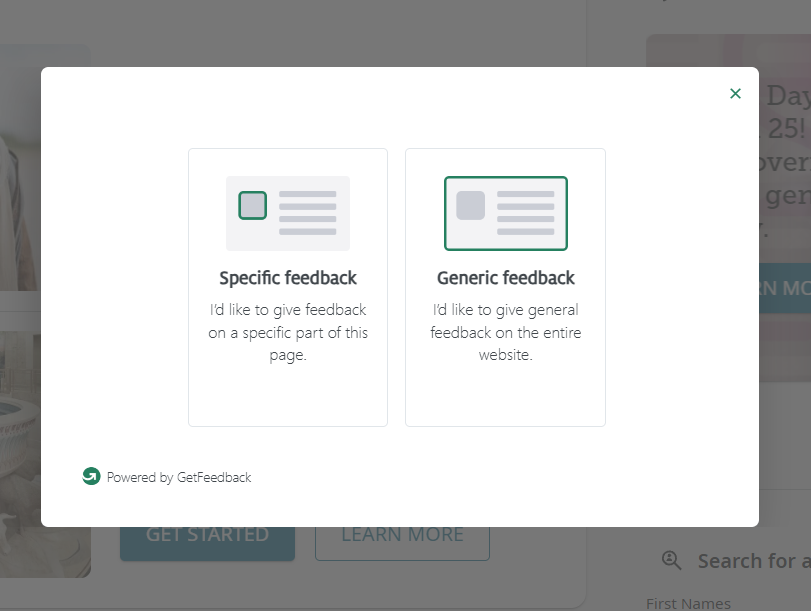
@Heidi3469 The feedback button is working for me this morning. It is indeed a pop-up. What page are you accessing it from - the home page or somewhere else?
 0
-
@Heidi3469
Your antivirus protection can also cause the Feedback button to fail.0 -
Have you cleared your FS cookies (FamilySearch – Cookies Page)?
Are your operating system and browsers at levels supported by FS? See https://www.familysearch.org/en/help/helpcenter/article/which-internet-browsers-are-compatiblefor details.
Do you have any browser extensions present? What if you switch those off?
Do you get the same results on another computer? What about when someone else logs in?
0 -
Thank you. I have figured out, that it is perhaps my data secure protection browser extension which has started to restrict this. It is the only thing which is affecting. I have had that extension for about 2 years and previously there has not been any problems in giving feedback. I tried with most recent versions of Microsoft Edge and Mozilla Firefox and Google Chrome after clearing cookies and with 2 different accounts.
I had two Chrome browsers into which I am signed in with different user account, and they did not have that extension, and I could give feedback. Then I made a test and added my data secure protection browser extension to one of them and after that, I could not give feedback anymore.
2 -
Thanks @Heidi3469, that's good news, might be useful If you could identify the offending extension in case others have the same problem, but no problem if you prefer not to.
0 -
I use Malwarebytes, and sometimes it will affect the Feedback button. I can temporarily disable Malwarebytes, and the Feedback button works. Feedback will sometimes work for weeks at a time with Malwarebytes enabled, then something will change, either with an update on FS or on Malwarebytes, and I'll have to disable again.
2 -
I use F-Secure for my computer and phone data protection.
1 -
I have cleared my cookies and all popups are "allowed" but I still get the same message window showing earlier in this thread. I am using Mac mini running Golden Gate 27.0.1 I have no data security protection on my computer
I have another iMac running Ventura 13.7.8 and it allows me to access the feedback.
I use Safari on both computers.
I just opened Edge browser on the MacMini and was able to open the feedback option.
Do you have any suggestions for Safari? I have also checked the system settings and popups were already allowed.
0 -
Can you access your problematic Safari browser's "Private Browsing" via clicking File, and then "New Private Window"? See if you get that same message window in that new window. You might have to log in again when entering via that way. That might indicate a need to clear your cache and cookies. (Safari, Settings, Privacy, Manage Website Data, Remove All)
If you do that, you might need to relog into other websites from which you have stored your login for convenience.
1