Odd behavior when viewing documents. (2)

We have exactly the same issue as reported by MarinaMuilwijk. It started March 31 2026. Lost the ability to backtrack ("Default Image View with options to view in image browser, combo). The index and information tabs that were at the bottom of page gone, so you can't get the proper citation. Used to be able to go to the next page. Now you have to click on a image. Will we get the old behaviour back eventually? My records are Canada, Quebec, Catholic Parish Registers, 1621-1979
Answers
-
The viewer for historical documents seems to have problems.
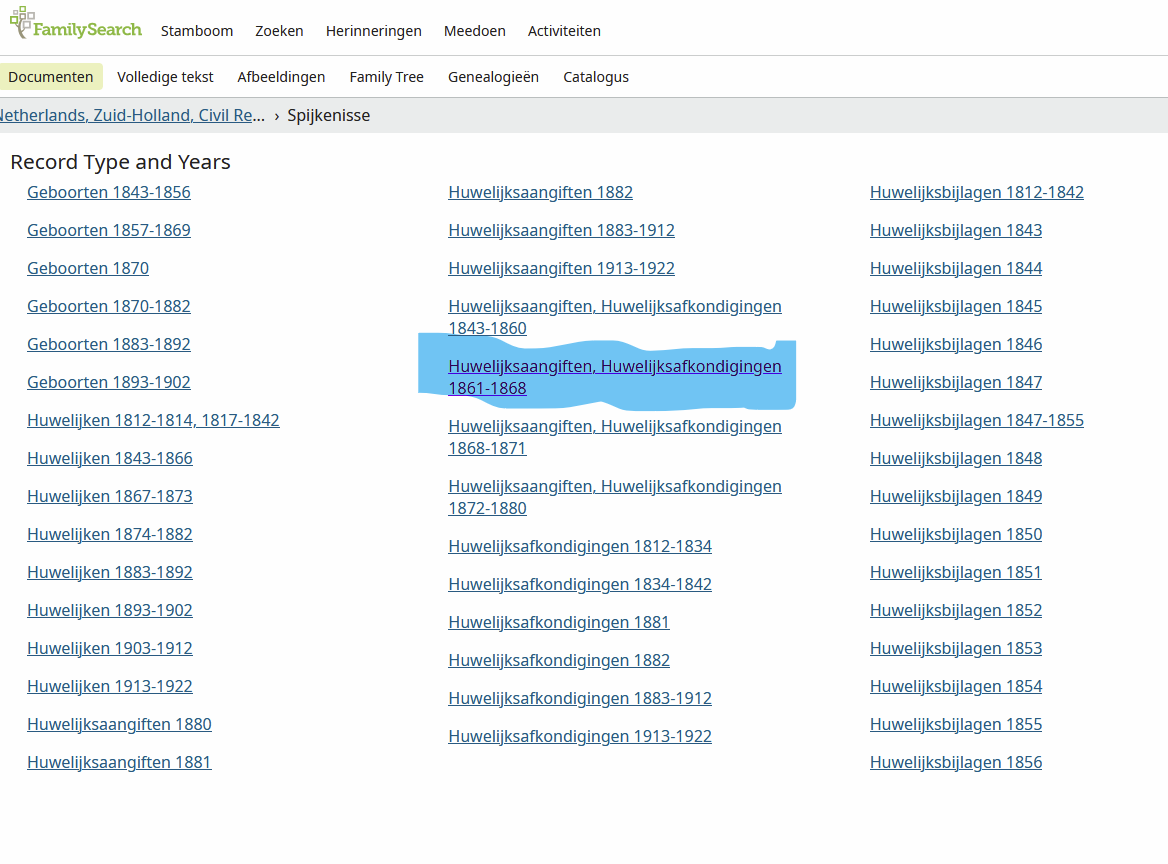
The worst one is that after you've viewed a document, you can't go back to the overview of all documents for that municipality. Example: https://www.familysearch.org/nl/search/image/index?owc=9P6X-GP8%3A115310101%3Fcc%3D1576401&cc=1576401 (documents for the town of Spijkenisse). Open the first one ("Geboorten 1843-1856"). After that you can't get back to the overview. If you try, you get a message "Default Image View with options to view in image browser, combo, etc".
The viewer also looks different, although it still works, and the title is wrong sometimes.
This is all with the Safari browser.
0 -
@MarinaMuilwijk
Do you have the new dropdown option? I understand it has been rolled out a few days ago to about 10% of users.For example, if I choose a random item from the URL you posted:
When I am on the resulting page for DGS 4684901, Item 19, I can switch to other items from that DGS from the new dropdown option:
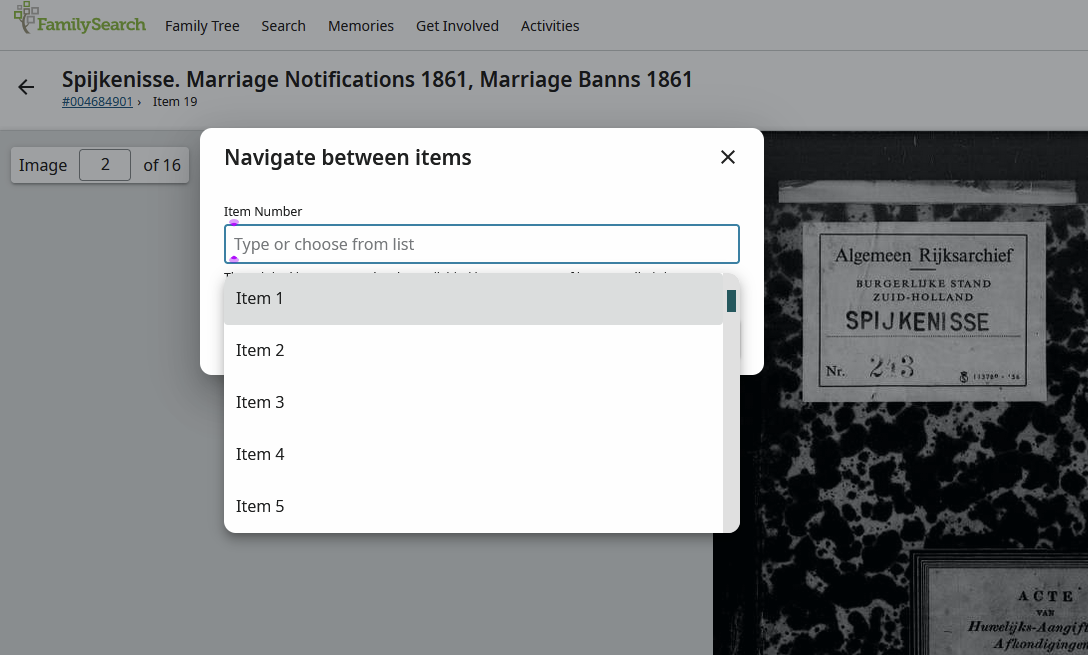
It's part of the process to migrate to the new viewer. SerraNola explains here:
https://community.familysearch.org/en/discussion/comment/623128#Comment_623128
Hope this helps!
2 -
@mariemercier1 @MarinaMuilwijk
It seems that both of you are part of the 10 percent in which catalog links (or waypoints) now take you to the new viewer. (It's not really that new, but newer than the old one you seem to be familiar with.) There are two ways to move around the film:

The film number on the left links to the dropdown shown in the previous post. With the button on the right you can choose to open the whole film. Engineers are in the process of updating the links to reduce confusion so these buttons may eventually be different.
Also notice the links in the header for "Names" (index) and "Information". Opening information will show place and date description, citation, and helpful links to the catalog collection, records collection, image results, and more.
Changes are always a little frustrating at first. Perhaps it will help if I explain why this change was necessary. As we are dividing films and assigning different permissions to item numbers, the old viewer is not able to open those that are unrestricted. As a result, users assume the whole film is restricted and miss out on accessing some records that are available.
Don't hesitate to reach out if you have more questions.
2 -
@SerraNola Thank you for your explanation. The new viewer will take some getting used to, but that's always the case with change.
It's annoying that the link back to the catalog doesn't work. Going from a person's birth registration to their marriage registration, to add both as sources, takes more clicks now. I'll experiment a bit to find the best way to do this.
0 -
@MarinaMuilwijk
If you can adopt the habit of using "Open in new tab" when opening a link, then the page with all the links to DGS numbers will still be available for your further research.
Right-click to see the dropdown of choices. This screenshot is from Chrome, on a PC.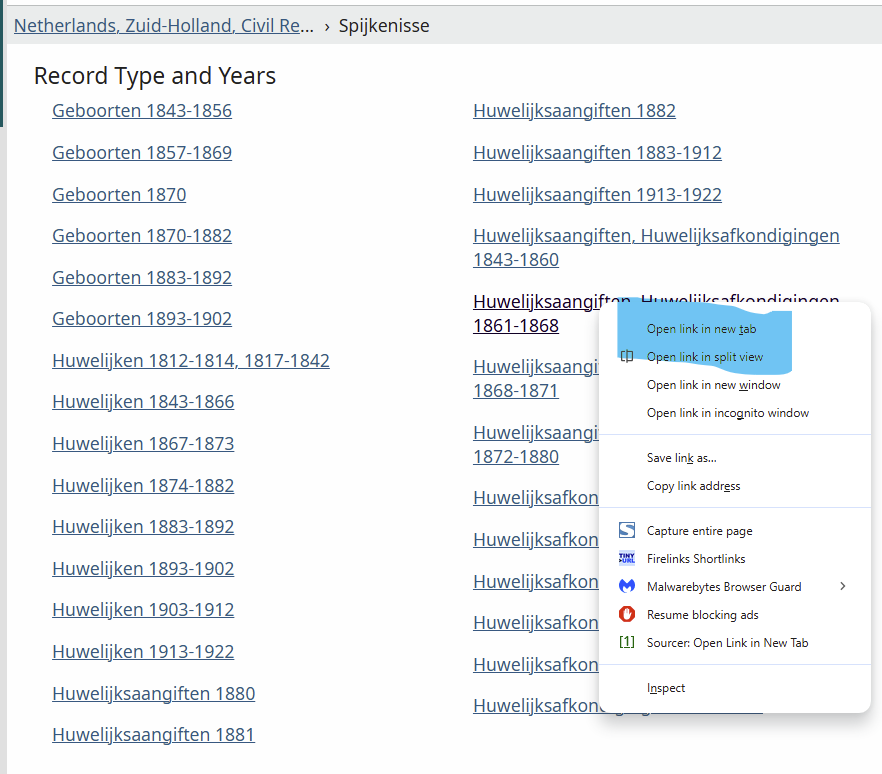 1
1