Problem with the webpage showing

For several years now I've not been able to see the main webpage after getting an "Internal Server Error" statement (see circled in RED below):
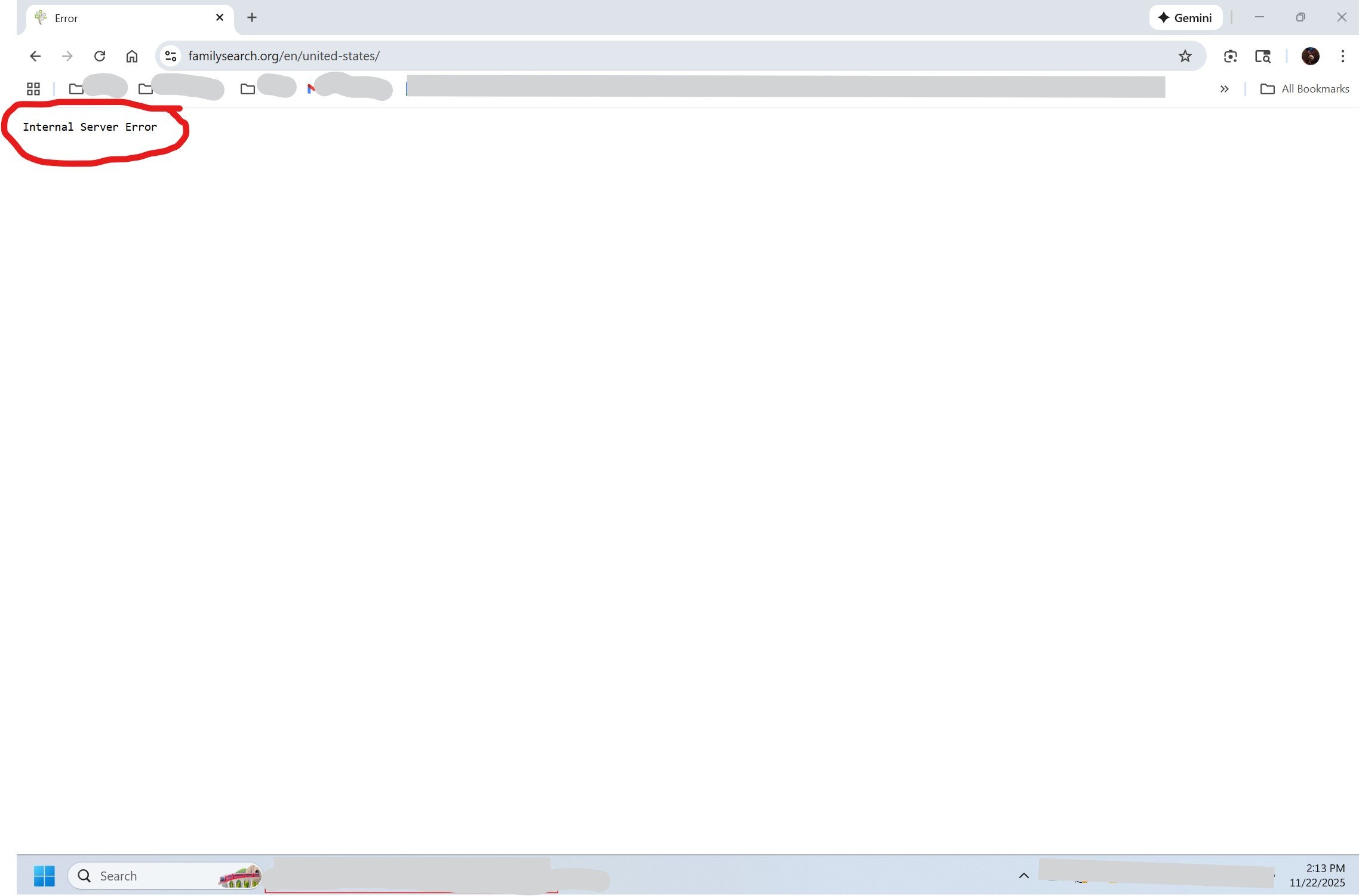
I have to leave that page, then log into the webpage again to actually get to the "main" page.
However, at that point I get this:
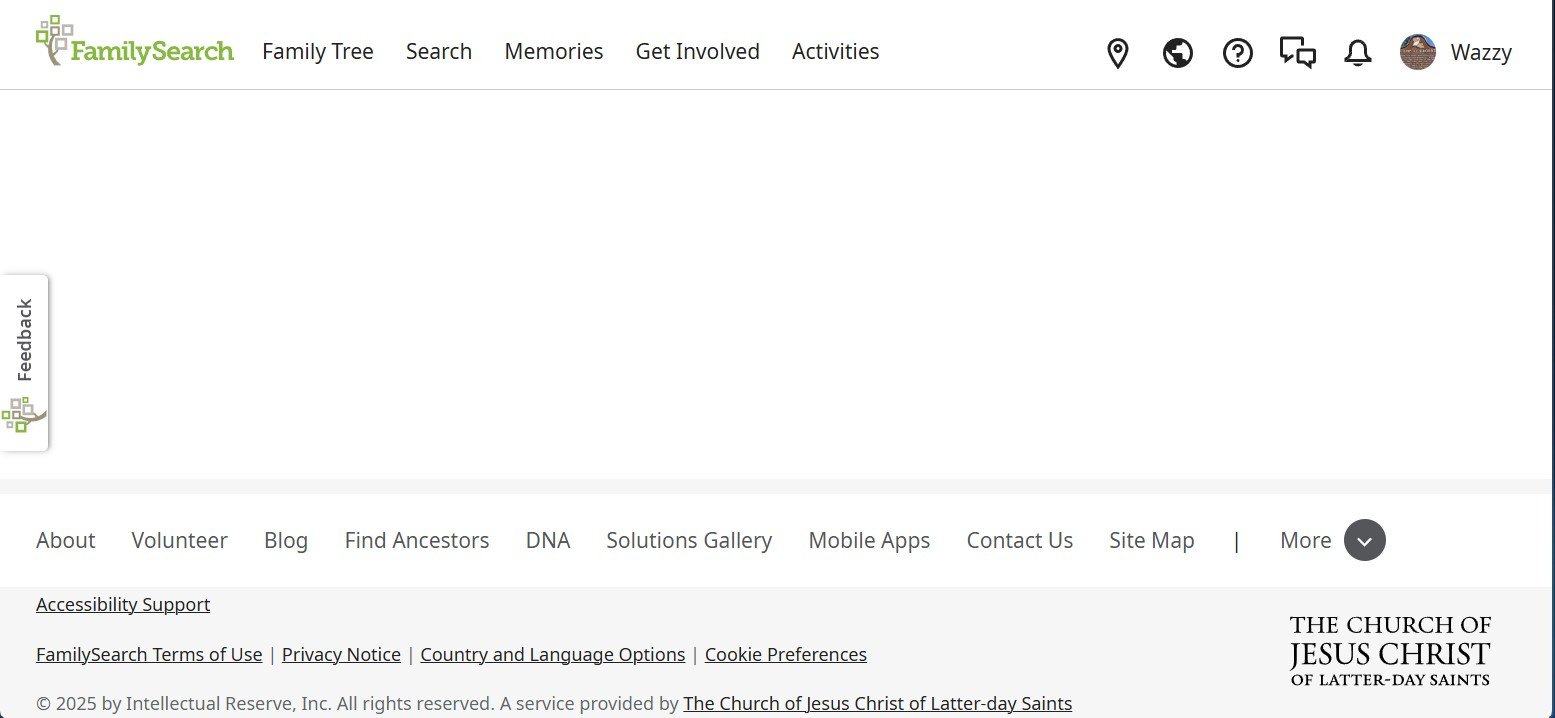
What settings or virus settings are causing this to be blank?
What do I need to change them to?
Thank you for any help with this.
Best Answers
-
@Wazzy I have great news!! This has been fixed. They were able to determine what was causing the issue. Please try it out and let us know (here) if you have any issues seeing the home page.
Sam 😃1
Answers
-
I don't use the URL of your first image and hence can't answer that part.
But I encounter the symptom of your second image repeatedly. In my case, this symptom is not persistent. I have to reload the web page with such a symptom, sometimes repeatedly. Sometimes, I've to go into the address window with the URL, position the cursor on the end and type the enter button of my keyboard. There may be a few root causes in my case for such FamilySearch web pages. Either I have a slow or unstable Internet connection. Or there are some timeouts occurring between the several Internet and database resources used by the FamilySearch web server to collect the information for display. So my work around helps the web server to collect that information before too many timeout happen as the repeated request may reuse information found in data cache by preceding requests.
0 -
@Wazzy what happens when you use this URL? https://www.familysearch.org/en/home/portal/
1 -
@Wazzy For the avoidance of doubt, can you confirm your browser and operating system levels are compliant with FS requirements please (see )?
Also, does the same issue occur if you try from a different browser?
FamilySearch only supports its websites on the current and most recent versions of Chrome, Edge, Safari, and Firefox, and the current and most recent operating system versions. This will mean in practice that changes are likely to have been tested only in these environments.
If your browser and/or operating system doesn't meet the requirements at the above link, it's entirely possible that the functionality you are having problems with has been changed and now uses browser technology in a way that is not supported on the software you are currently using.
1 -
Thank You ALL for helping me with my problem.
Ger876 - The URL in the first image is what shows up when I get the error statement. I didn't get the URL in the screen clip for my second image. The URL for that image where I'm not seeing/getting the main home page is: https://www.familysearch.org/en/home/portal/
I tried putting my curser at the end of address and pressing enter and still get the same blank area.
ShelleWells - As I mentioned above. I doubled checked and I do have the URL you posted.
MandyShaw1 - The browser I'm using may be the problem. I will say that I also tried logging into my account from my husband's computer, but he's using the same browser I am. Didn't get the main webpage still.
I'm going to try changing my browser, think I'll have to delete it from my machine completely. I'd tried that some time back and it didn't do anything, but I didn't take it off my machine.
Just went and took my old browser off my machine, then shut down and restarted. I then made sure Google Chrome was running on the latest update. Shut down again and restarted. Sadly, getting all the same things as before, the error page, have to leave and then go back into FS and the Home page is still blank in the middle.
I'm frustrated.Thank you again for the suggestions.
0 -

@Wazzy what version of Windows are you using? If you told us, I missed it.
1 -
ShelleWells - I'm using Windows 11.
0 -
@Wazzy do you have any popup blockers or browser extensions running? What happens if you disable them? Also, does everything work fine for your husband's account on both computers? And does the mobile app work normally for you? (I'm thinking this may perhaps be specific to your account, not to your environment.)
0 -
MandyShaw1 - Thank you for the idea to check the ad blockers. I googled and found how to turn on/off the adblocker in Chrome. Didn't see any ads or extensions except for google docs stuff. Did turn off the adblocker so will get the popup ads now. Shut down and restarted my computer and went to log into FS and got the same error statement. Went through the same rigamaroll of leaving that webpage, then logging back into FS and got the same Home page with blank middle.
What I did notice again this time is as the Home page loaded the middle stuff did flash by. It's only for a nano second and does it every time, but obviously is trying to load, but obviously doesn't stick/load.
As for the mobile app, I don't have that or use it. So don't know if it's my account or something on my computer.
A year or more ago, I did reach out to FS with this exact issue (mentioned in my op that this exact issue has been going on for some number of years). I would imagine that if the problem were with my account it would have shown up at that point. But who knows.0 -
This is not an issue that I have seen anyone else report. If the same computer/environment works fine when signed in using your husband's account, I am honestly wondering, given everything you've told us, if there is an account-specific problem with one of the data sets that the home page loads up for your account.
The key ones I can see on my (admittedly UK) home page are 'recents', hints, latest memories. Have you experienced any problems at all elsewhere on the FS site with any of these? Or with your messages/chats/notifications?
If not, I'd personally be trying FS Support again, clarifying that you have already checked all the stuff we've discussed in this thread. Hopefully they can open your home page as if they were you (i.e. with your data sets) and see if they can replicate the problem.
0 -
@Wazzy Another thing to try, would be to load up your browser under incognito or Inprivate mode. You often can right-click on the browser icon to get a menu that will have that option. What that does is open a fresh, isolated session of your browser. It doesn't keep any cookies or information, however, so you'll have to log into FamilySearch as though you were on a new computer.
If it works properly then, this might let you know if you have any corrupted information being retained on your normal browser, in the which clearing your cache or other steps might need to be done.
1 -
MandyShaw1 - I think I mentioned that I did try logging into my FS account using my husband's computer and had the exact same problems (i.e. getting the error page etc.).
A few years ago when I reached out to FS Support they had the same issue and couldn't figure out why the middle part was blank. After that, they figured something beyond their control was the problem and couldn't help me any more. So I just left it since I was still able to research the records.
My motivation now is with all the great AI help that's been coming online and I'm not able to access it b/c of not being able to see it on the main page. Quite a few of my Virginia ancestors have records and that haven't been Indexed and I'm hopeful that the AI might be able to find things I have missed.With all of that, I'm thinking it has to be something with my account or something.
David Alan Webber - I'd tried that some time ago and I've cleared the cache so many times I've lost count. None of it has made any difference.0 -
Sorry @Wazzy, re 'I think I mentioned that I did try logging into my FS account using my husband's computer', what I asked was the reverse of this, does the error occur when your husband signs in on your computer? Knowing the answer to this is key to understanding whether the issue is related to your account, to your computer(s), or perhaps to a combination of these.
0 -
MandyShaw1 - I totally misunderstood what you said! I am SO sorry.
I asked my husband to make an account on FS (he's not interested in doing research), but to help me he will do anything.
****!
I logged into his newly made account and I can see EVERYTHING and didn't get the error page first or anything. Just opens on the main home page with EVERYTHING showing.
Thank you SO VERY MUCH! I am thrilled and this is just amazing.1 -
MandyShaw1 - I am in my husband's account "John15585" which is why my user name "Wazzy" isn't showing.
0 -
@John15585 @Wazzy definitely time to raise this again with FS Support as I suggested above.
0 -
MandyShaw1 - Yes, it definitely is time to raise this problem again with FS Support.
Thank you again for all your help with this.0 -
sc woz - Thank you!
0 -
Great discussion and effort to help each other!!!
Just so you know, by posting here in the community, you have reached out to support. We will get someone to look into this. Sam 🙂
0 -
Replying to Sam Sulser:
WOW!!!!!
It's working!!!!!
Hooray!!!!
Thank you EVERYONE for all the great help and suggestions, you all are the BEST!
Happy New Year!0


