Unable to open the profile of a contributor on a source record.

I can't open a contributors profile on a source record. This seems to apply with windows 11. I've checked on windows 10 and it will open then. Anyone else having problems with this?
Best Answer
-
@KFrame So glad you figured it out! I was really quite mystified as to why it would behave like that. I will keep that in mind if anyone else runs into that problem!
0

Answers
-
@KFrame We tried this out with a number of different operating systems and browsers and cannot replicate this issue. Is this still occurring?
1 -
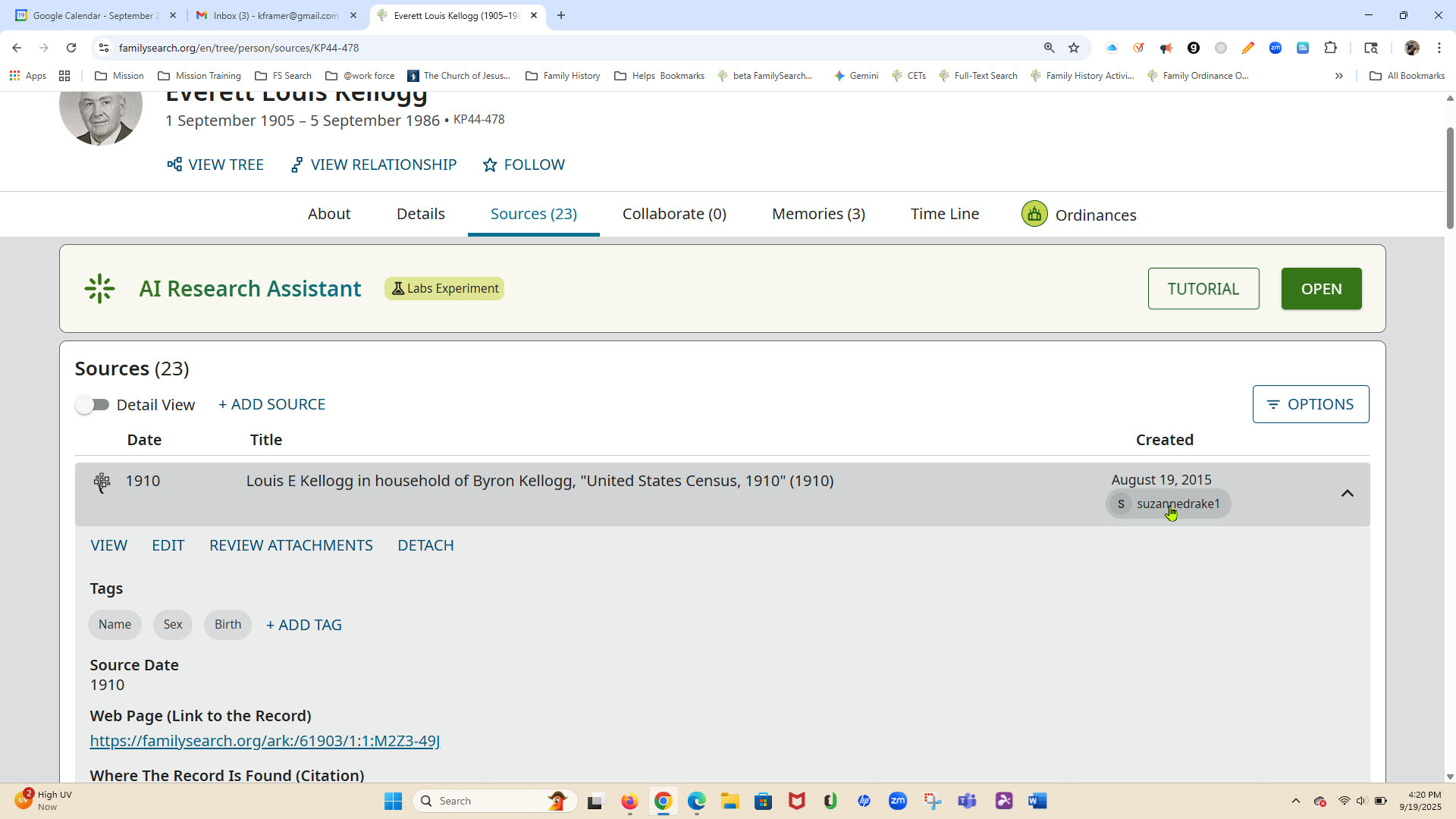
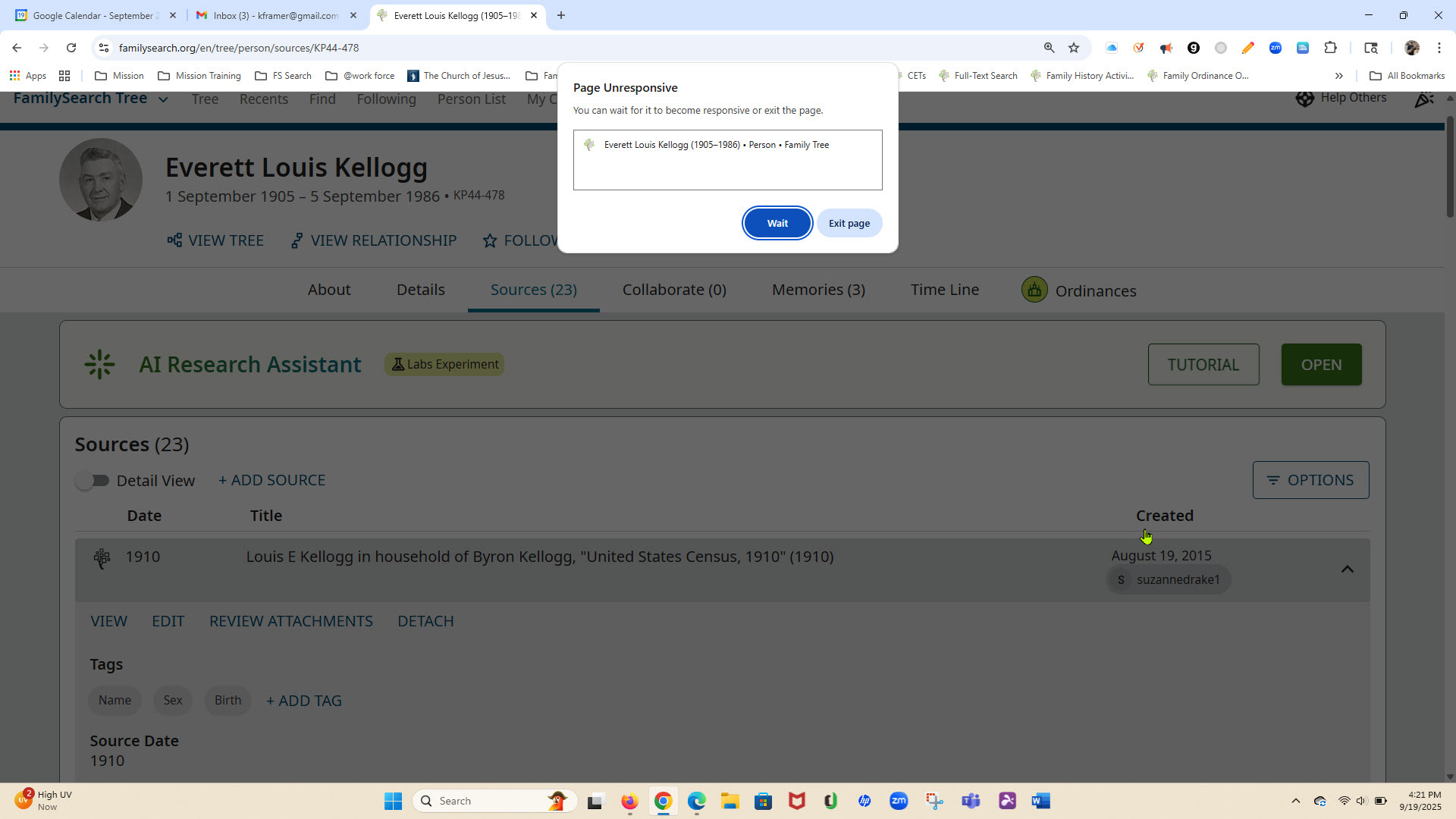
Yes, Ive got two differnt laptops. I've cleared browsers - Chrome and Edge and restarted computor. If I go to latest changes and click on a contributor it will open to the contributors profile. When I go to sources, I can open the source but as soon as I click on the contributor it does nothing and the page locks up. A window will open saying page not responding. I have two accounts and the problem is same with either account. When I use my wifes laptop everything works fine. The App also works fine.
0 -
@KFrame Am I understanding correctly that your accounts, when opened using your wife's laptop work correctly, but using your computers both of your own accounts will not open the contributor information? Does your wife's account work correctly on your computers? Can you send a screenshot of the page that you are on?
1 -
Yes, my accounts work properly on my wifes laptop. So I downloaded firefox on my laptop and the accounts opperate properly. I'm able to open the contributors to their profile. However I still can't open them with Chrome of Edge. I again cleared cookies, browser history and cashe closed browser and restarted my laptop. Didn't make any difference. Firefox is the only one that works. Included screen shots of chrome browser.
 0
0 -
@KFrame Do you have any Chrome/Edge extensions/add-ons/popup blockers, etc., active? Does it work if you disable anything of that sort? Also, what version of Chrome are you running, and does it work ok if your wife signs on on your PC? Thanks.
0 -
Ok, I think I figured it out. The extention "Eternal Reminder" V 2.1.7 is what is causing the problem. I'm running Chrome Version 140.0.7339.128 (Official Build) (64-bit). I also disabled in on my Edge browser and I am able to open the contributor profile.
Thanks for your help.
1 -
@AnneLoForteWillson I would suggest that asking about operating system and browser versions (so you can check FS supports them), and about the presence of browser extensions and/or popup blockers (given the extensive history of related problems, especially with popup blockers), should always be the first step in dealing with this sort of 'weird browser behaviour' question.
0
