How do I record a child born out of wedlock?

My grandfather MX6Q-CD3 Nils Ingebrigtson had a child out of wedlock. The child's name is Pernille Nilsdt (GMWW-VGS) and the mother is Lisbet Karine Mortensdotter (GPX6-CQ7).
Best Answer
-
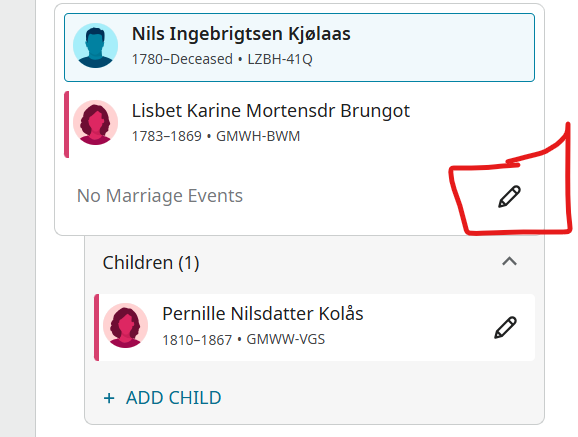
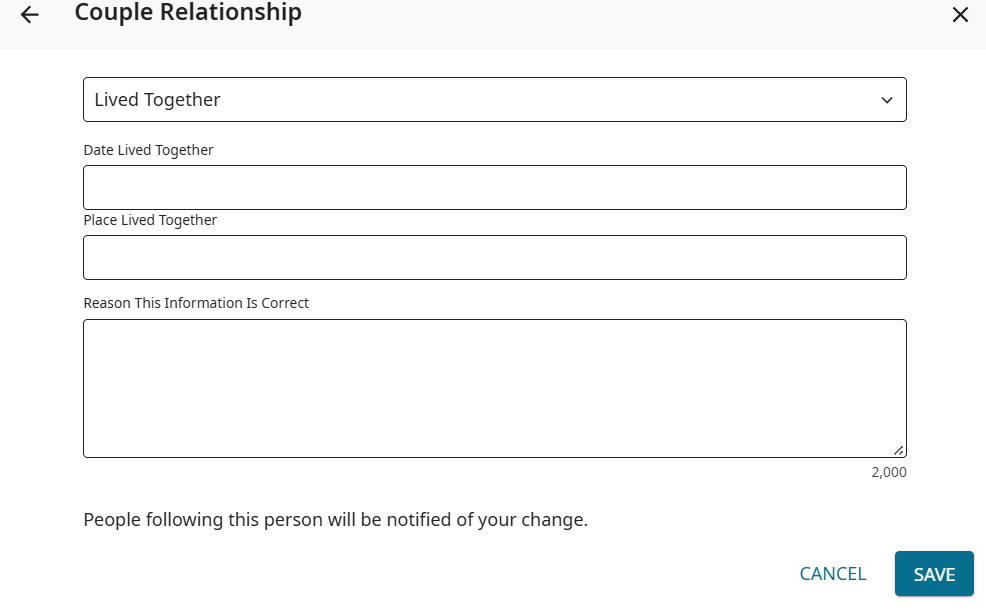
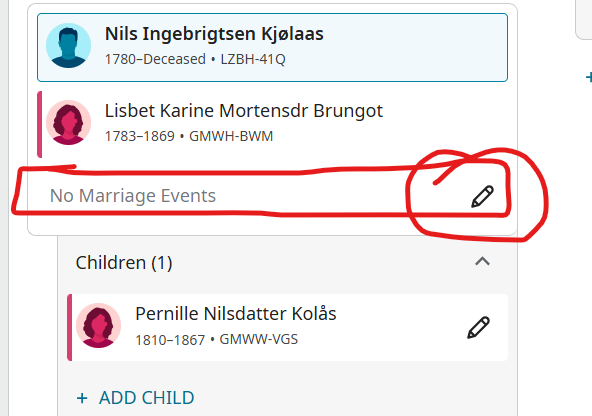
I found a couple already in FamilySearch with Father LZBH-41Q, Mother GMWH-BWM and finally the child GMWW-VGS, this appears to be duplicate information but easier to fix if you merge it with yours. You can read the FamilySearch knowledge article, How to add a child in Family Tree to create the proper relationship. This set shows them as married but you can correct that relationship by putting a note in the Marriage event section., or changing the relationship. To change a relationship you can do the following. Click the pencil icon in the marriage events box.

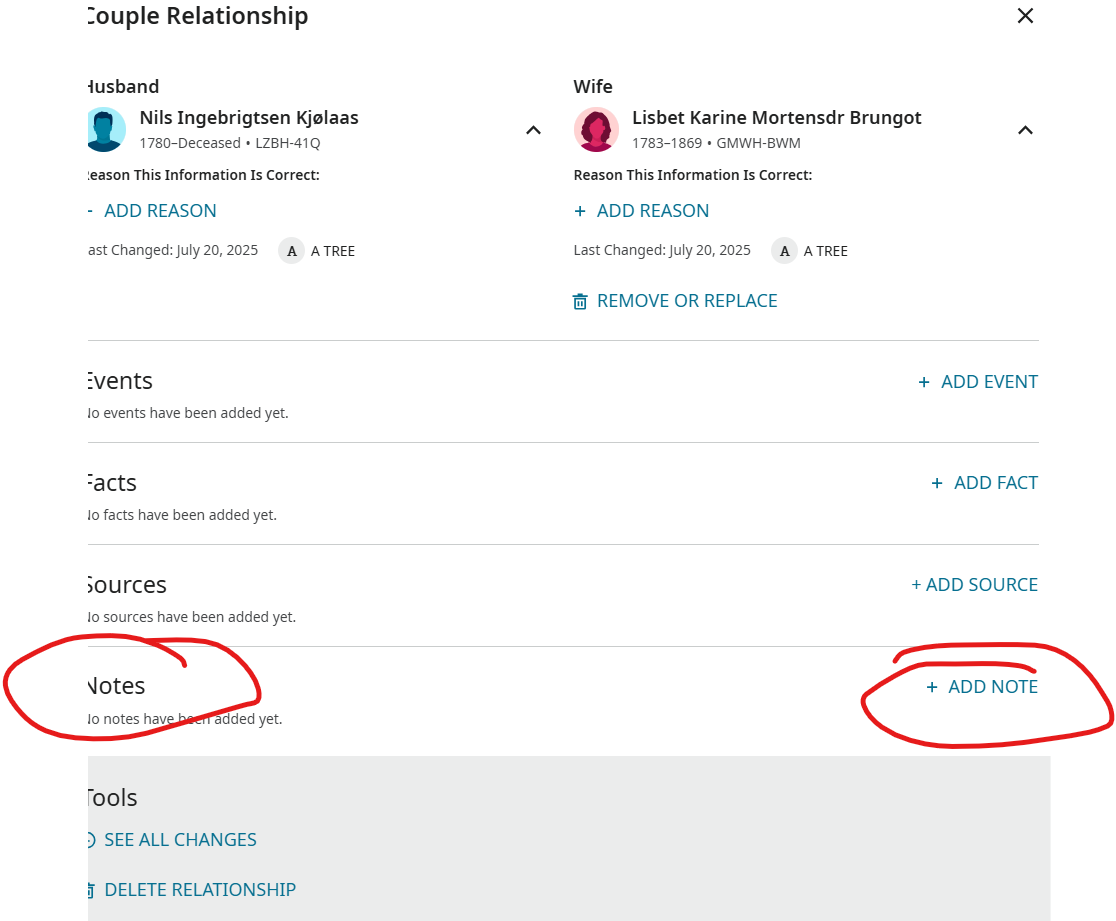
Add a note if you desire to explain the relationship.
Children whose parents were not married
Consider the following guidelines when adding children whose parents were not married:
- You can add both parents together as a couple and then add the child. Consider the following situations for the parents:
- If the parents never married and never lived together, delete the couple relationship between the parents. FamilySearch will show that there was no couple relationship between the parents.
- If the parents lived together but never married, click the edit (pencil) icon next to the marriage event. Then click Add Event and select either Common Law Marriage or Lived Together from the drop-down menu.
- You can add relevant information about their relationship as a note to each parent. If the parents never married and never lived together, be sure to add relevant notes to each parent.
- You can also choose to add each parent individually to the child. This will result in each parent's family line appearing separately, meaning you won't be able to view both lines at the same time.
- Indicate the child's relationship to each parent by doing the following:
- Click the edit (pencil) icon next to the child.
- In the pop-up window under each parent, click the edit (pencil) icon next to Relationship to Child.
- Select the appropriate parent and child relationship. Currently, Family Tree provides five relationship types between parents and children: Adopted, Biological, Foster, Guardianship, and Step.
- The system assumes a biological relationship. You can specify a different relationship type for multiple sets of parents.
1 - You can add both parents together as a couple and then add the child. Consider the following situations for the parents:
