
Obituariaries that have incorrect labeling....

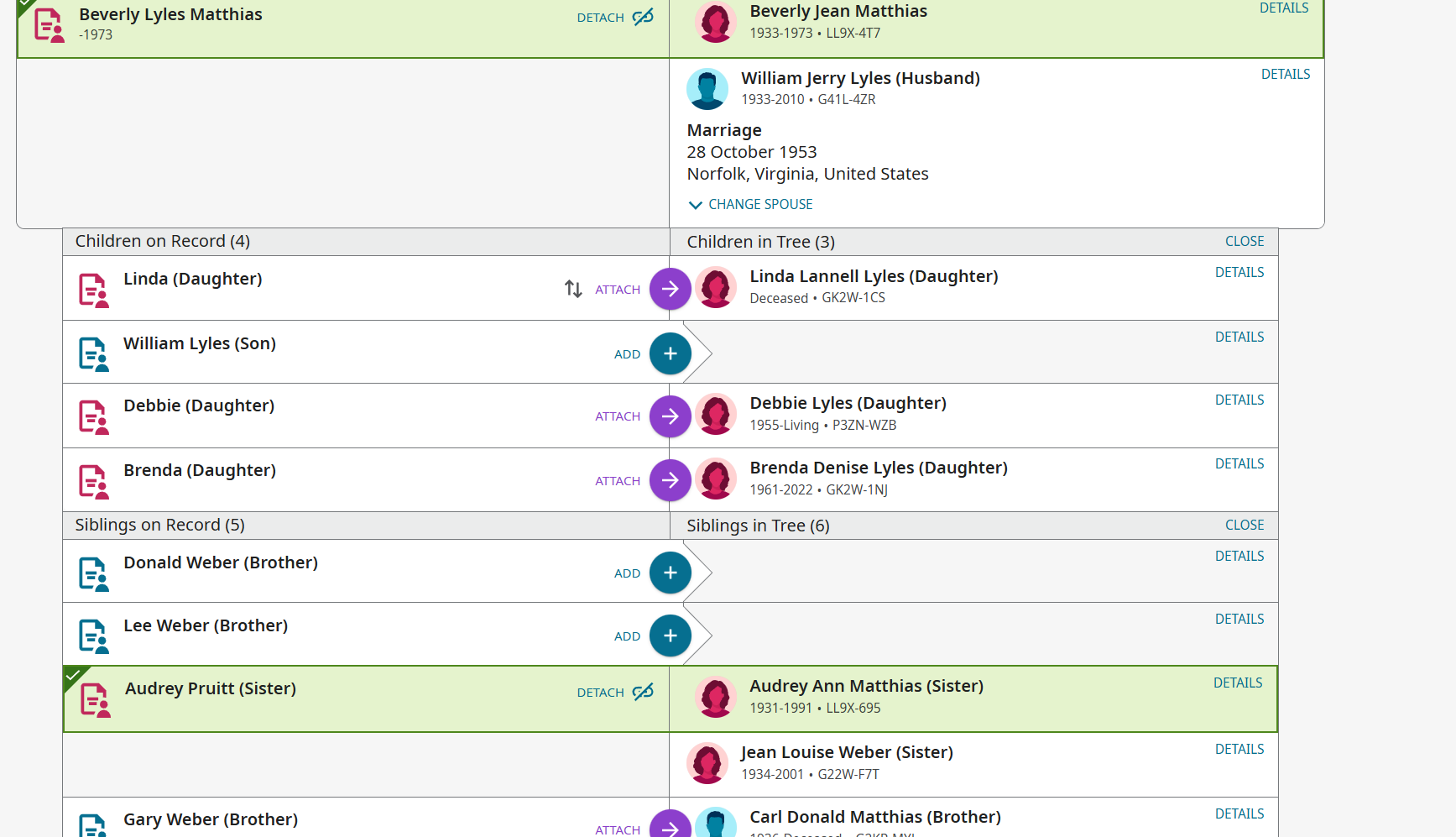
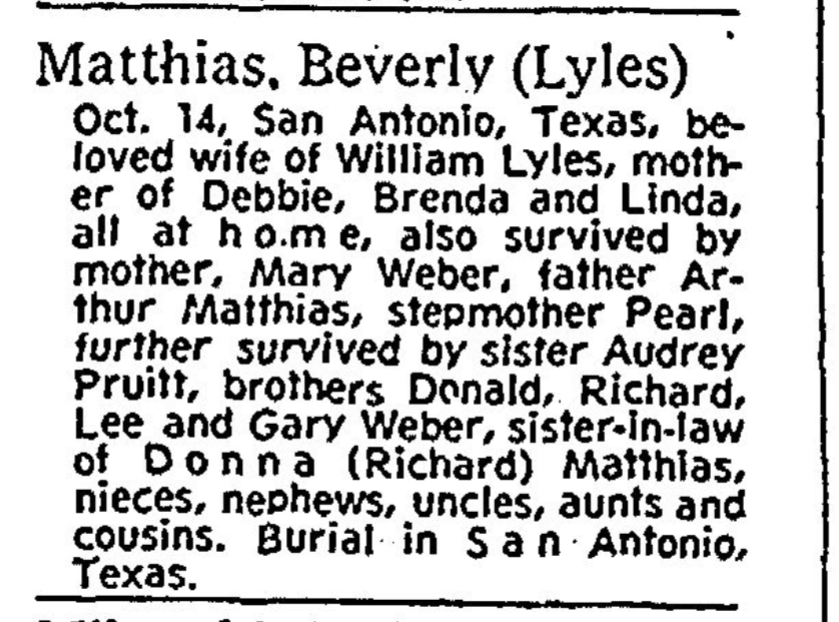
Have the ability to either edit or submit obituaries that have issues for correction. I am submitting a screenprint of an example of one that the husband is shown as a son and step brothers are indexed multiple times. The article I found only has them listed once. I will also submit that newspaper clipping. This is only 1 example of many problems in my family I have come across over the last month. Have wrote to GenelogyBank and been told editing is on FamilySearch end not thiers.
Thanks
Colleen
Comments
-
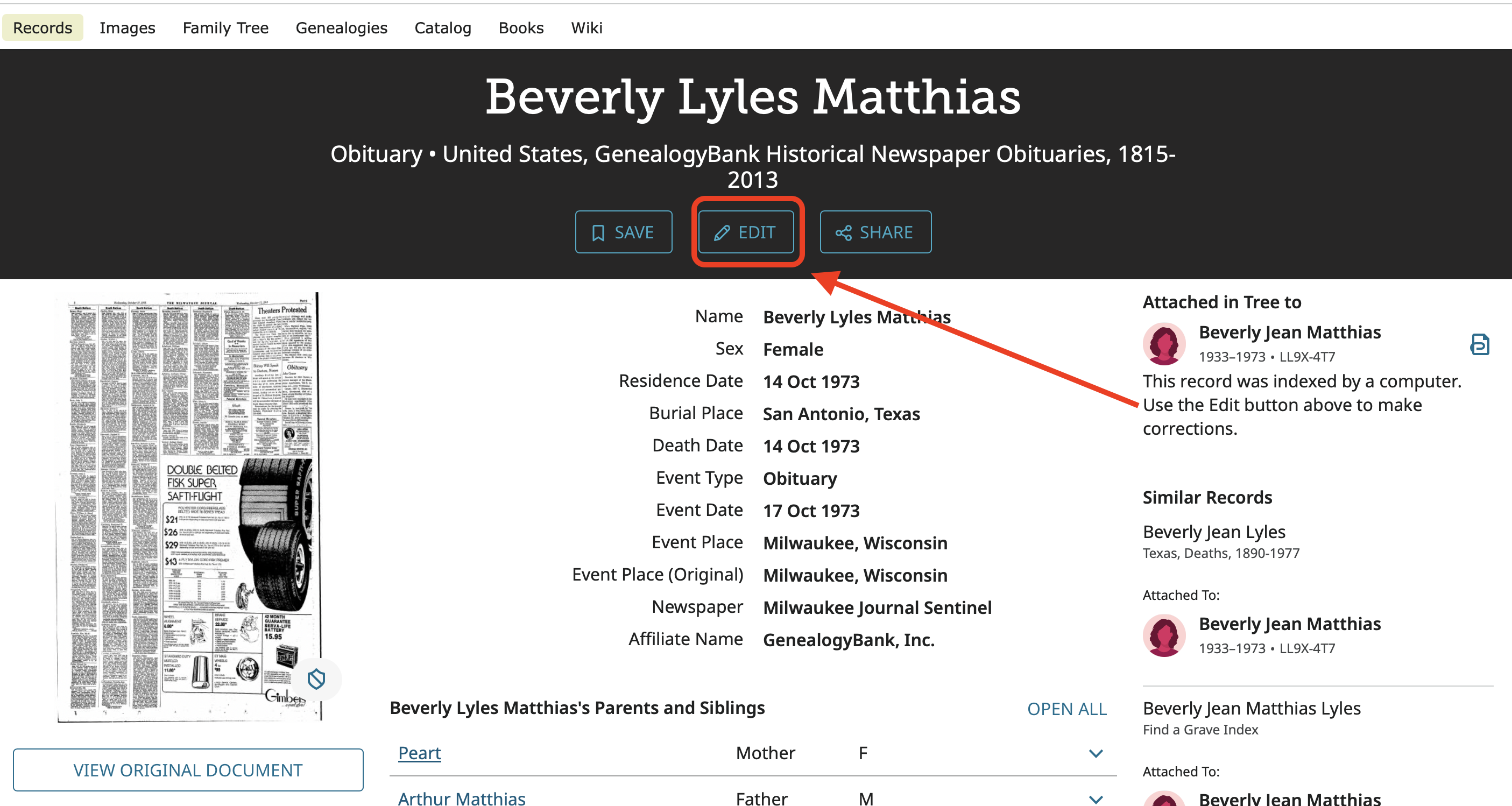
You can edit Genealogy Bank obituaries. Go to view the source and in the header just under the name of the person the blue Edit button is active. Click there to open the image viewer and editing system.
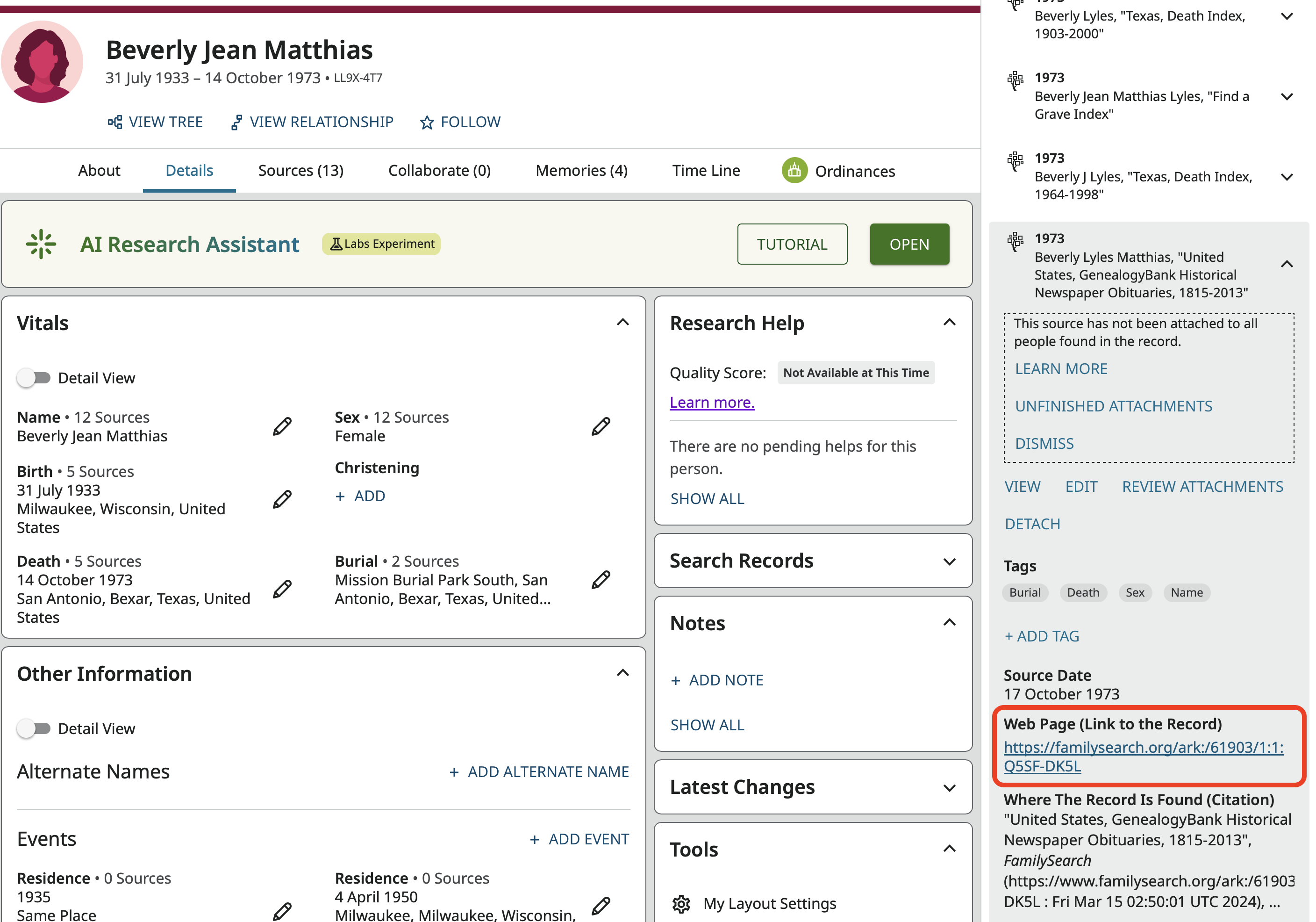
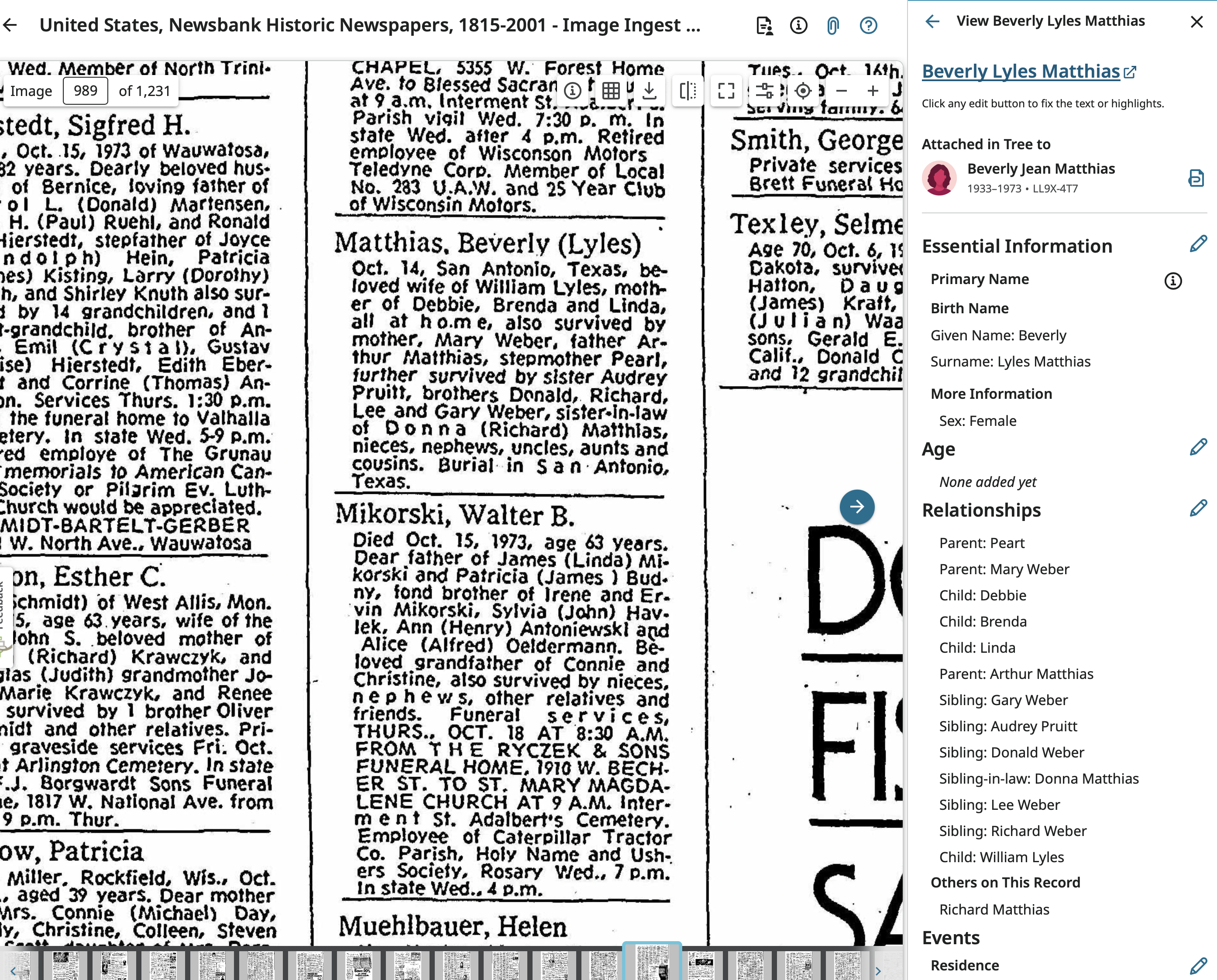
The editing does have a bit of a learning curve and does take time. In particular editing relationships is a bit confusing. But it does seem to be working well these days.
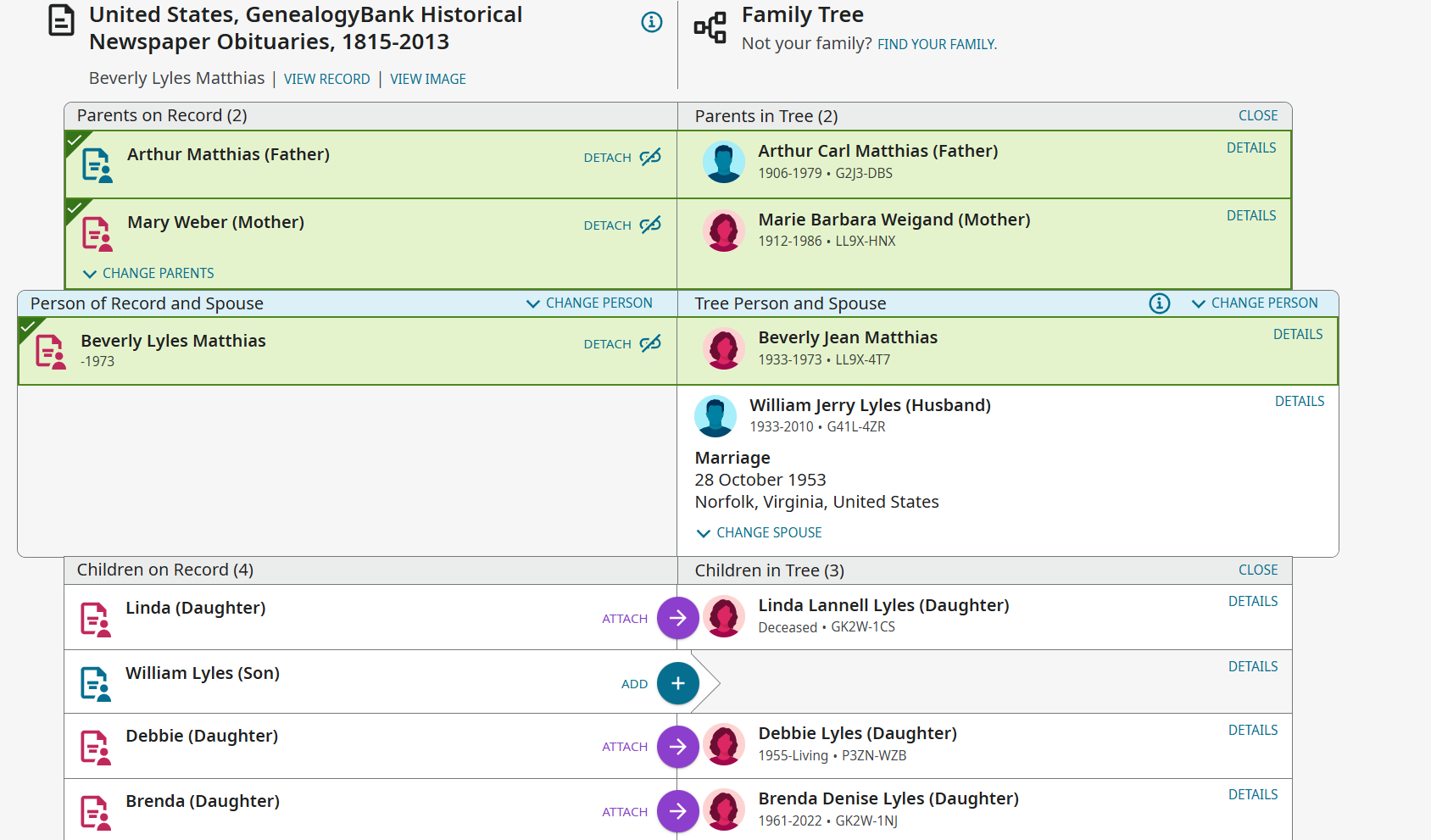
To get to the other people in the record, click the blue left pointing arrow in the top left next to View Beverly Lyles Matthias to get to this view where you can pick another person to fix:
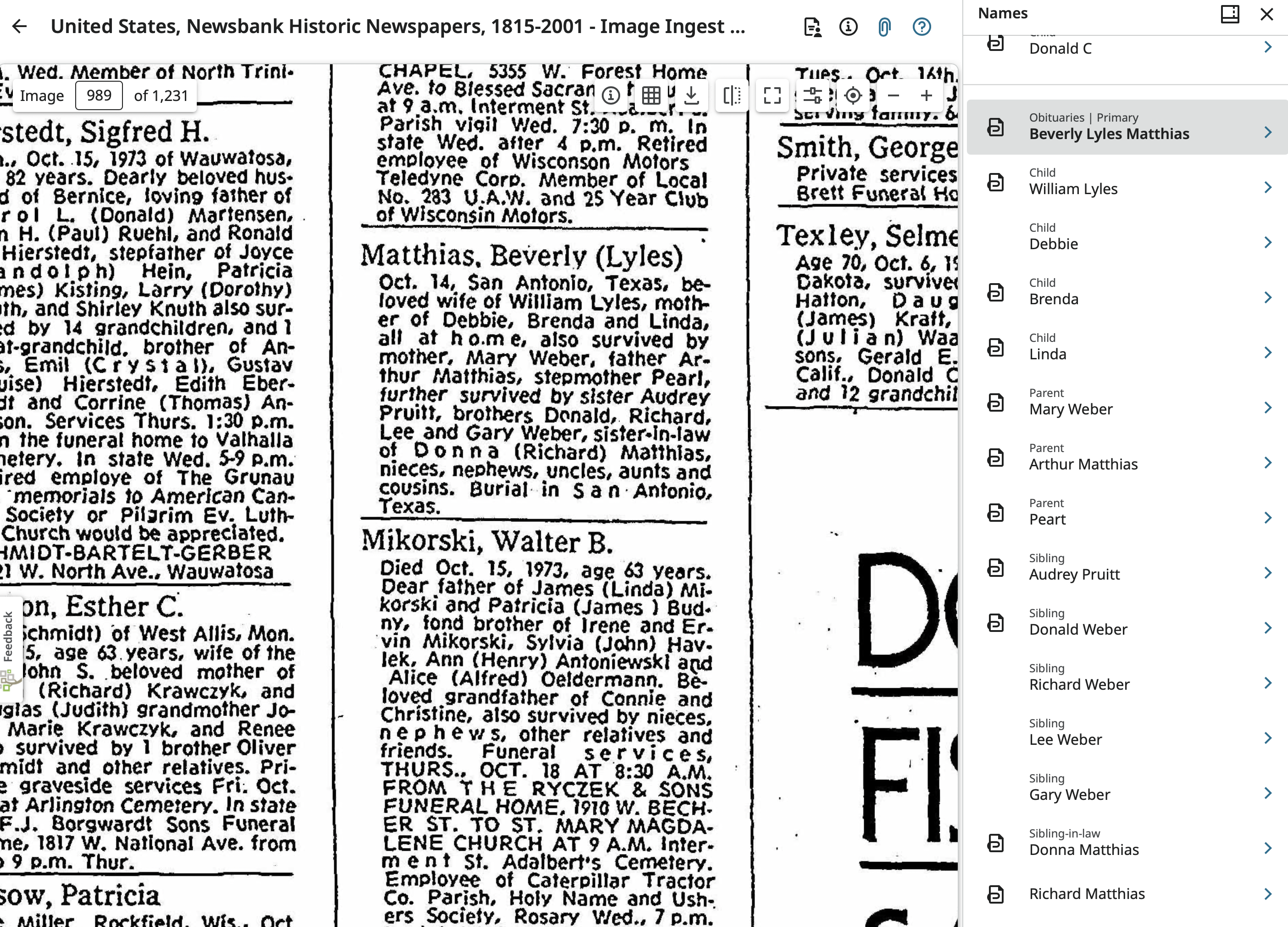
If this is not making sense, let me know and I'll go through step by step what to do. Do keep in mind that since the obituary gives definite relationships, that is how is should be indexed. So step brothers may still end up as brothers. Also, I don't see in your example where "step brothers are indexed multiple times." Be sure to point out exactly were that is and who is listed more than once since apparently I'm not seeing straight.
1