
Location filter in full text search

I was looking at the Revolutionary War Warrants database, following Julia Anderson's webinar today (21 May 2025) I often search for a known object to see what will get there, so I was searching for Captain Thomas Moore who served in Virginia and applied for his pension (which was finalized by his wife) in Kentucky.
I filtered (using the buttons for location next to date and collection) on location, and although USA was available in the filter box, there were no states or counties. Is that a quirk with this database, or ??
Then I tried to search for Thomas with Kentucky in the location field on the search panel. THat worked. Does location maybe mean the location of the whole database? So since I had Rev War and that has no general location, there's none? Just trying to understand how best to search using location.
Comments
-
@Nancy Caton It looks to me like the collection was too 'broad' from a location perspective and a specific filter was not associated other than 'United States of America'. But as you found, location is associated with an image if during the processing a location is found in the transcribed text. You can enter the location in the search 'Place' box or as a keyword in the Keywords search box. You'll potentially get slightly different results. A bit 'off topic' but I found it interesting that you cannot 'browse' thru the Collection

If you navigate to the collection you are presented with a Search tool specific to the pension files. Kind of a Full Text search interface. Interesting…
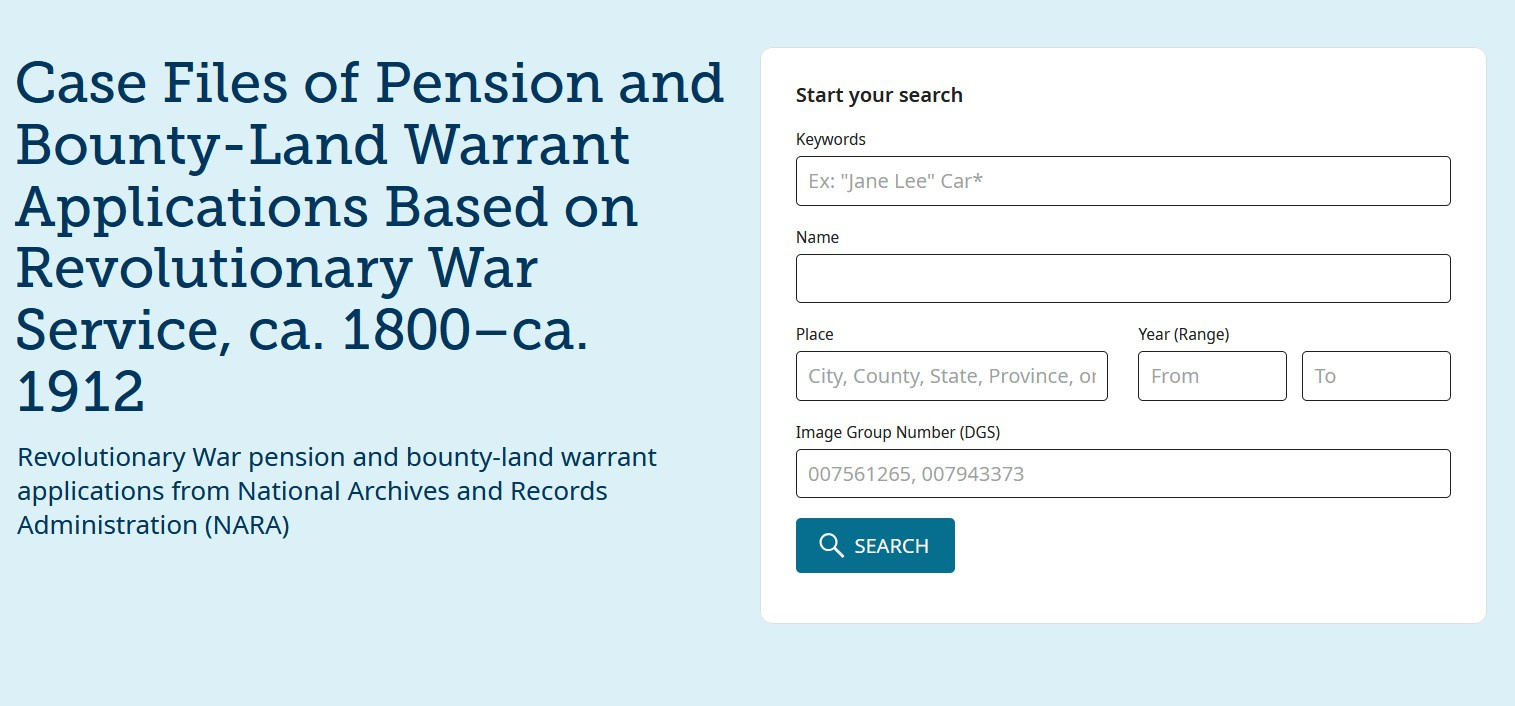
Quite a few records in there!
0 -
@Mark McKenzie_1 Thanks for the instructions and insights.
0
