Access Denied

Can someone else please check to see if they can successfully view the digital version of this book… I am getting an 'Access Denied Error 15'
Best Answers
-
It opened on the first try for me, @Mark McKenzie_1
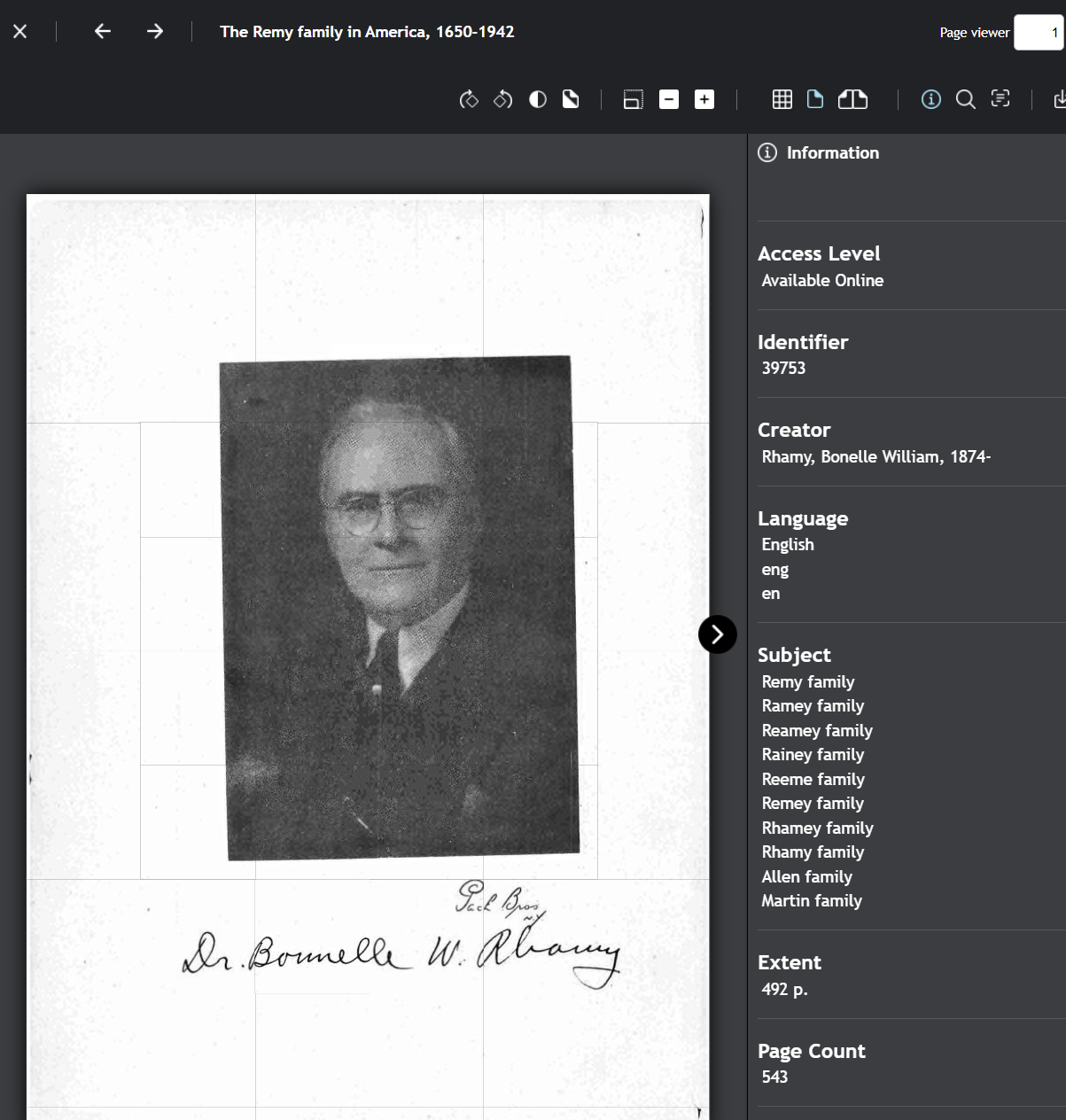
Win 11, both in Chrome and Firefox, all fully updated, in the USA.
2 -
I then tested with my VPN enabled and got the Error 15.
Are you perhaps using a VPN?
2

Answers
-
I think my ISP [a small outfit] somehow does a 'piggyback' with a larger provider which probably has the same effect as a VPN. Thanks for checking this out
1 -
@Mark McKenzie_1 Just in case never forget the basics. Make sure your browser is up to date as possible. Clear out your cookies and cache every few weeks if you use it a lot. Use this to clear FamilySearch Cookies and Cache. If you need to clear all cookies and cache on your browser look up how to do your individual browser such as Chrome, Firefox, Edge, etc. I use Chrome so these are the instructions to clear everything if needed:
Click the three-dot menu (⋮⋮⋮) in the top-right corner, select Delete browsing data (or More Tools > Clear Browsing Data). Select a time range (e.g., "All time"), check Cached images and files, then click Delete data. This may allow you to access items previously blocked.
If nothing else, it is a good habit to get into keeping your browser running efficiently.
0 -
@sc woz I think my service provider is the problem. We live in a pretty rural area and our service is limited. The way it is set up for us makes a few too many 'bounces' to get out so I think in this case FamilySearch site flagged it as an issue. Thankfully it doesn't happen that often. I hope this is not a portent of things to come.
Hadn't seen the Cookie reset function before so I'll have to remember that one…1
