When I sign in to the Community, no trending discussions are listed

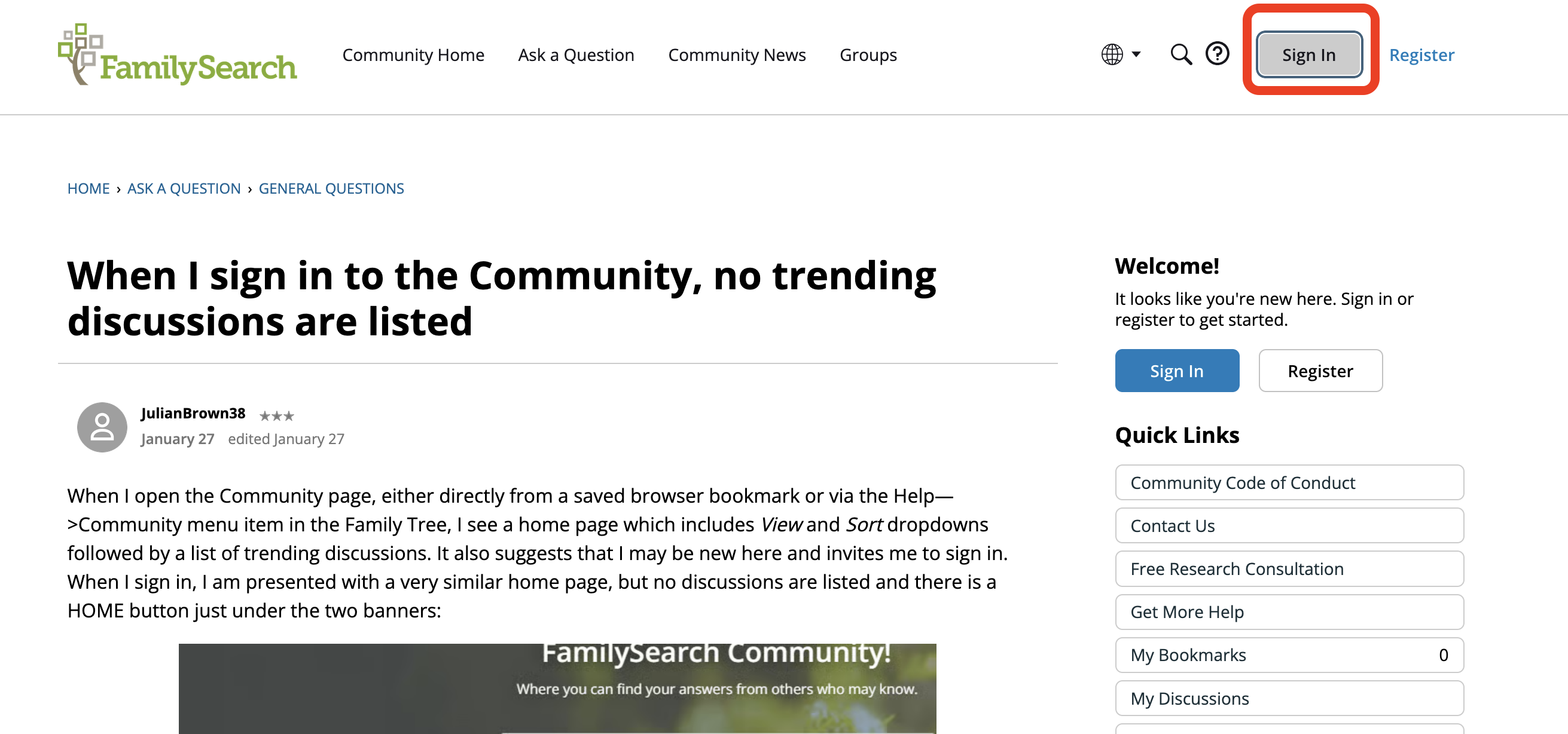
When I open the Community page, either directly from a saved browser bookmark or via the Help—>Community menu item in the Family Tree, I see a home page which includes View and Sort dropdowns followed by a list of trending discussions. It also suggests that I may be new here and invites me to sign in. When I sign in, I am presented with a very similar home page, but no discussions are listed and there is a HOME button just under the two banners:
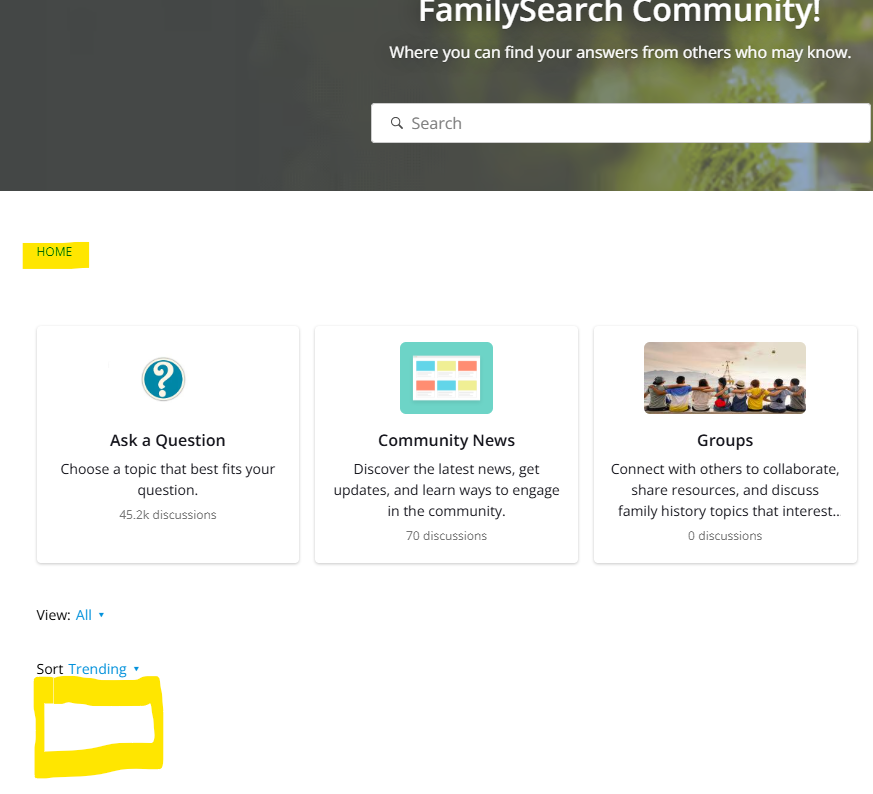
To get the list populated, I have to click the HOME link. That displays the same page that I saw before I logged (minus the invitation, etc.):
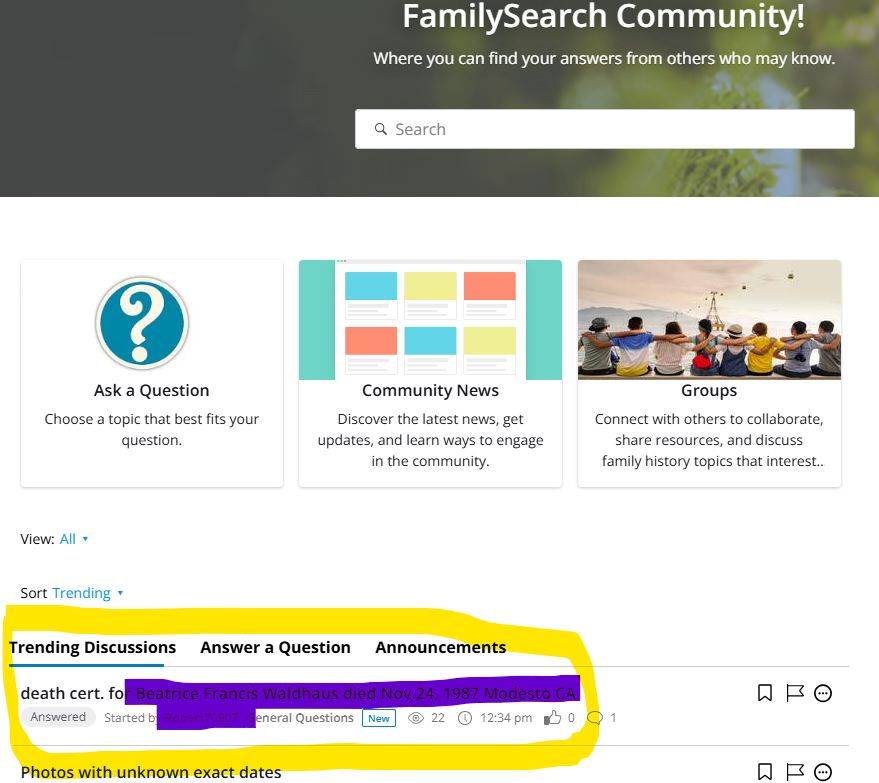
Could the login process go directly to the populated page instead of the one with the empty list? This is a fairly trivial issue, but it is a "first impression" I get each time I sign in to the community.
This behaviour started several months ago.
Answers
-
My experience is not the same.
I had opened the Community this morning in Firefox and signed in. Then I saw your post.On my other monitor, I opened the Community in Chrome. This is what I saw before I logged in:
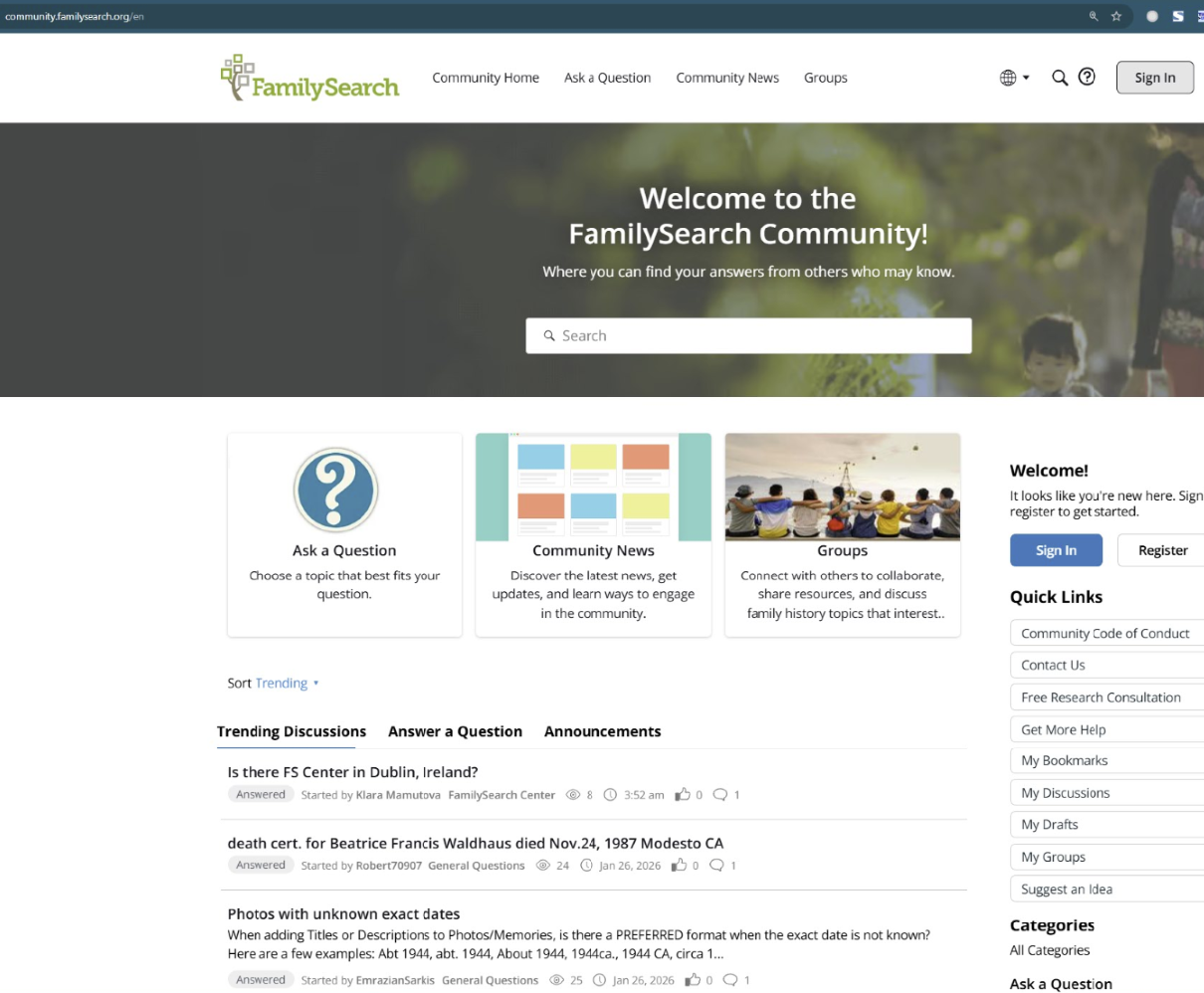
I logged in and saw
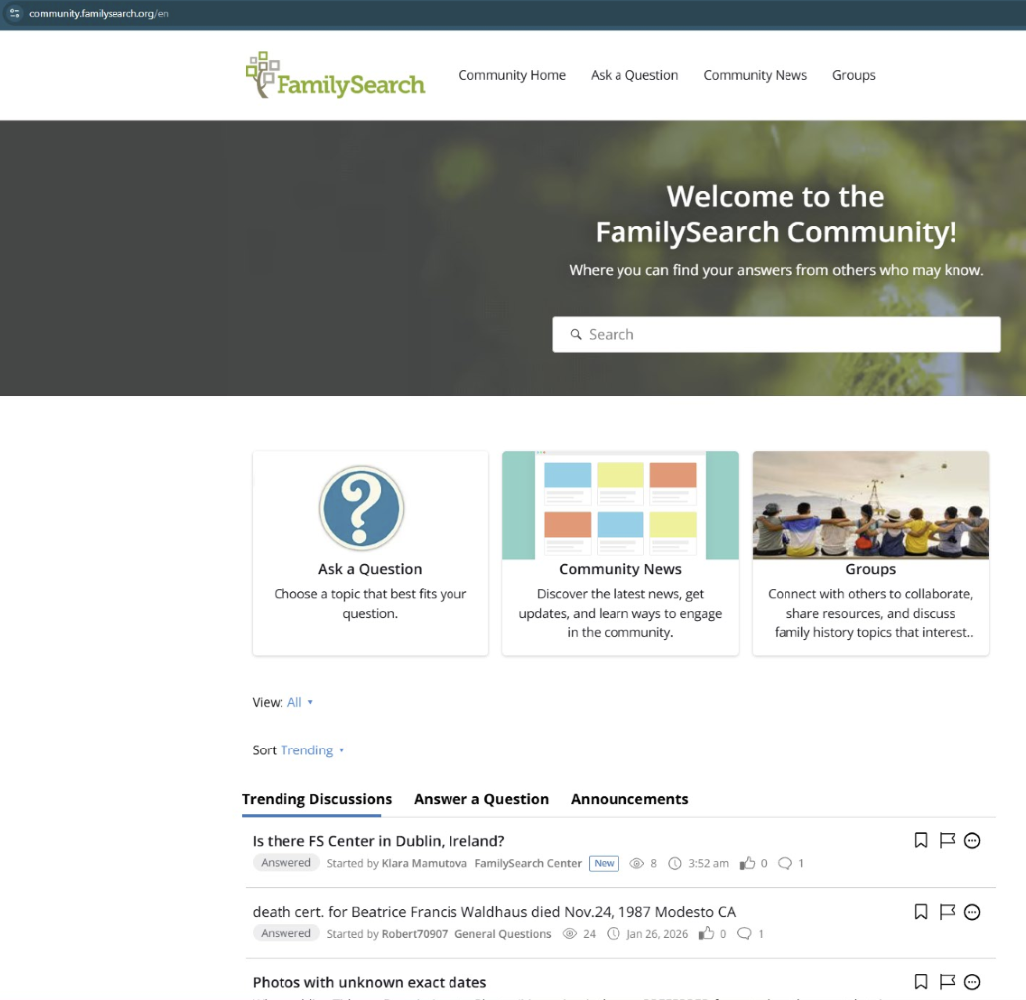 0
0 -
There seem to be two different "home" pages for Community.
There is the one that has the trending discussions: https://community.familysearch.org/en/
And the one that does not which I occasionally stumble onto and which, of course, I cannot find now. It sounds like you are somehow accidentally getting the less complete page.
When you get the page without trending discussion, what is the URL?
1 -
That's why I included a visual of the URL in my screen snips.
0 -
Here is a detailed description of what I see:
- My bookmark for the community is https://community.familysearch.org/en/.
- That goes to that page with the populated list. It has the "Sign in" button whose target is https://community.familysearch.org/en/entry/signin?Target=categories%2F971.
- The "Sign In page is https://ident.familysearch.org/en/identity/login/?prompt=consent.
- After I sign in with my username, I get to this page: https://community.familysearch.org/en/categories/971. That is the one that has a HOME link, no discussions in the list and slightly different graphics from the normal home page. The target of the HOME button is https://community.familysearch.org/en/, which is the same as my bookmark and where I expected to end up in the first place.
- Clicking the HOME button, or removing the "/categories/971" from the address bar and refreshing the page takes me to the populated home page.
So, it looks like the "Target=categories%2F971" component on the "Sign in" button in step 2 is what is causing the issue.
I have found that I can also get to the page with the HOME link and the unpopulated list by clicking the "All Categories" link in the Categories section on the right side of the home page. @Gordon Collett, maybe this is how you stumbled on that page.
For the record, I am using Windows 10 and Chrome.
2 -
That https://community.familysearch.org/en/entry/signin?Target=categories%2F971 link also takes me to the page with no discussions. So that is the problem. I also go to that page if I use the sign in button on the home page. However, I hardly ever use that button. Generally I go to a discussion first then click Sign In if I'm going to comment. That is, I'm using this button to sign in almost exclusively:
That button, on this particular page, has this link: https://community.familysearch.org/en/entry/signin?target=https%3A%2F%2Fcommunity.familysearch.org%2Fen%2Fdiscussion%2F185026%2Fwhen-i-sign-in-to-the-community-no-trending-discussions-are-listed because it is going to bring me back to the same page after signing in.
Interesting bug you have found. I hope a moderator sees this and gets it reported and fixed.
1 -
Thank you for letting us know. This has been forwarded to the appropriate group.
1 -
For me, just the link https://community.familysearch.org/en/categories/ without the 971 portion still brings me to the no discussion page.
0 -
@JulianBrown38 Thank you for the detailed info on what you are seeing and the URLs that come up. I've tested this on a few browsers and different accounts. It comes down to that weird target with 971. What I'm finding is that the two Sign In buttons have different target URLs. The top one that is gray sends me the to the page WITH trending discussions. The blue one in the middle (ish) sends me to the page WITHOUT trending discussions. Interesting! We'll see if we can fix this.
1 -
@Sam Sulser This problem has been fixed. The two Sign In buttons now have the same target URL and take me to the page with the populated list. Thank you.
0 -
Woohoo! I just heard that as well. Sam 😊
2 -
@Sam Sulser This issue has returned in the last day or so. Using the lower (blue) Sign in button takes me to the screen with no discussions listed after I sign in. It also happens if I (a) used the Community Home button in the banner when I was already signed in, or (b) used the upper (grey) Sign in button.
Case (a) was how I discovered the issue a few minutes ago. Case (b) was when I just tested this with another browser. This makes me think that the problem is very recent, possibly starting within the last couple of hours. In fact, I don't seem to be able to get to the populated list at all now.
3 -
There are major issues all over the community. They are being worked on. Sorry for the mess! Sam
0


