In the 'full name indexing' I came across a situation where it hadn't highlighted anything

Its not really a problem on my end, I can just skip it, but I know ai can end up becoming 'lazy' over time, and having an entry with nothing highlighted could be a sign of this, perhaps seeking to increase the number of entries without having to find more entries.
Answers
-
@AnthonyHopkins5 Next time you see it, send us a screenshot and URL so we can take a look. Thanks
1 -
I finally got another one!
(Gonna skip this one to try to preserve it, will just to back and start a new one)
0 -
@AnthonyHopkins5 Unfortunately, it would not let me see it. Maybe take a picture of the whole screen next time?
0 -
If I do print screen it takes a picture of both screens, do you think it will let it through anyway?
0 -
When I've gotten images without any highlights (and it's been rare), I simply back out and go on to another. There's really nothing you can review if nothing's highlighted.
0 -
But the whole objective of Name Review is to help train AI to find and interpret name elements correctly, or so I assume (I keep asking for clarification on this, but no answer has yet been forthcoming). We need a way of telling AI how it has failed on these specific images.
1 -
Ok, not quite the same, but on a similar topic if were still talking about ai laziness.
Selection boxes way larger than they should be. (This is one of the smaller ones I've found. a lot of the time they expand over multiple lines.)
0 -
Mandy, I don't think "our" job is to teach AI everything. Our job is to review the names AI has highlighted. There are professionals who are behind the scenes taking care of the problems and teaching AI.
1 -
Our reviewing of the highlighted names identifies whether AI has got it right or not; this feedback is a key information source for the detailed tuning of the AI models. If our review can clearly see that AI has got it wrong by ignoring specific name element(s) altogether, that is just as important to the tuning process as any other bit of feedback, so generating no feedback for such entries can't be the optimal answer. The engineers drive the tuning process, but they can't 'teach' AI to translate FS Images effectively into record metadata without the sort of high-volume detailed feedback that only bulk, careful user reviewing can provide. That's all I meant.
0 -
Here is just one version of the question I have asked without response on this subject (and flagged some time ago as an unanswered question): https://community.familysearch.org/en/discussion/178563/sexton-records#Comment_609485
0 -
So, the simple answer to this is to list the empty entry as 'not a name'? that way the computer knows not to do that.
2 -
@AnthonyHopkins5 Is this the image you were posting?
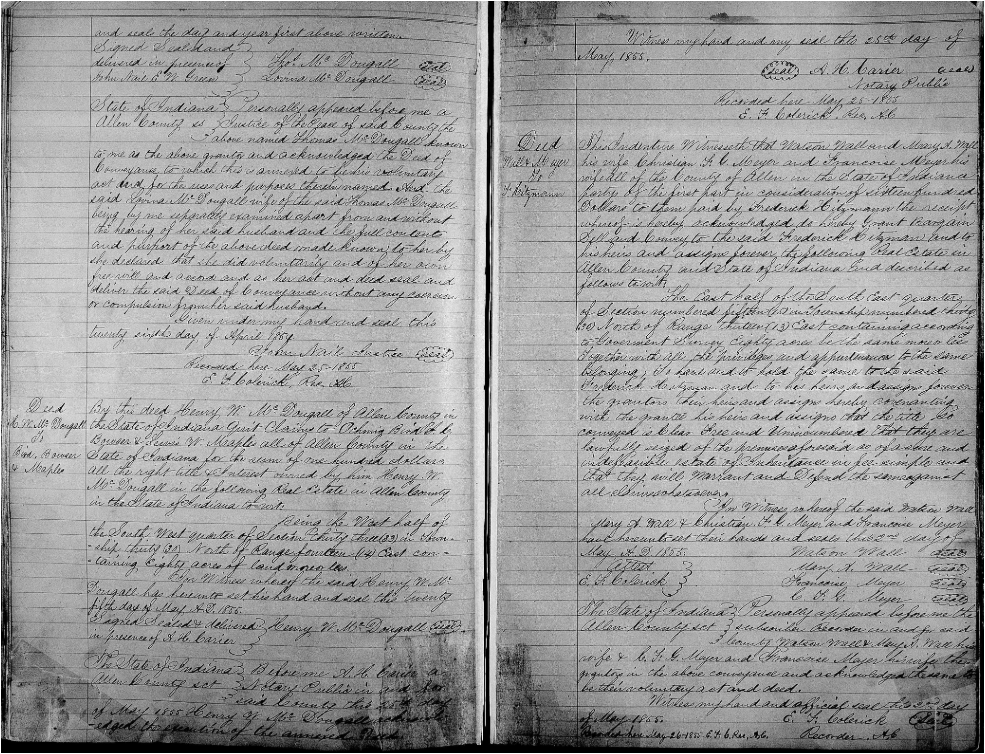 1
1 -
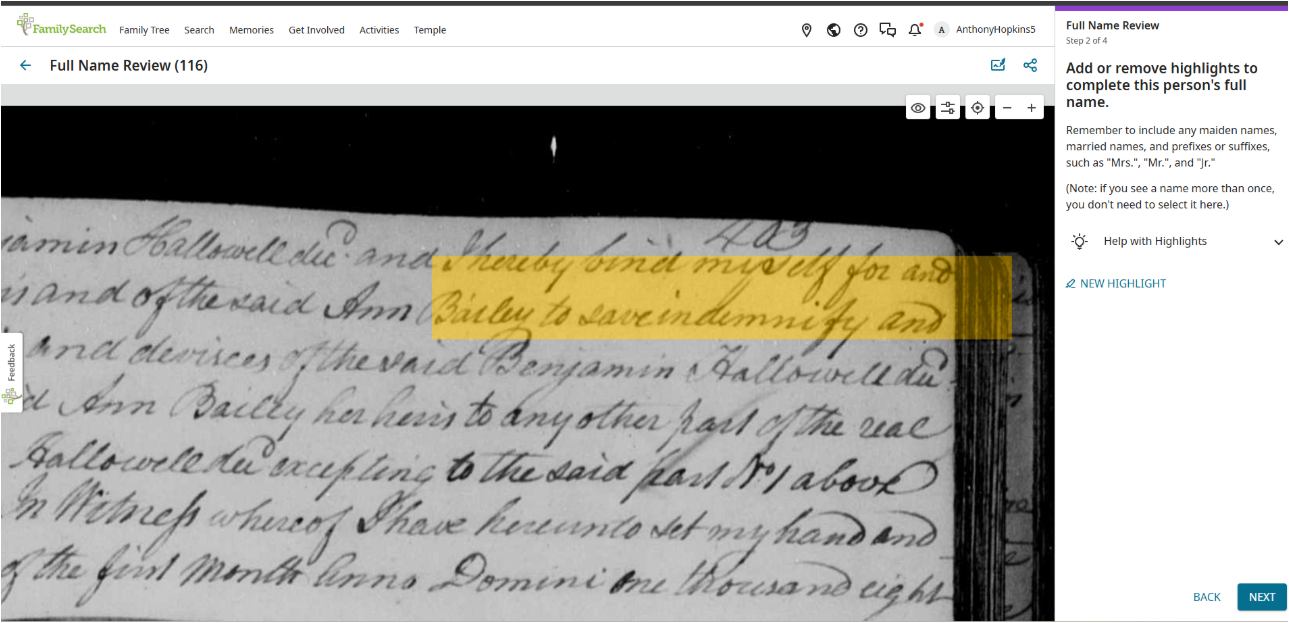
This one as well? Sorry if they aren't in the right place or the right post.
0 -
This has happened to me as well. I can do the same and take a photo the next time I see it.
0 -
The first one was the image that was for here, the second one was for another string @Sam Sulser
0 -
(The second string was about the ai highlighting large areas rather than specific word.)
0 -
This is still happening, but I don't think its a real problem, it just happens when at the end of a document when there is no next document. Its not like it does it a bunch of times in a row, and you can just choose 'not a name' when it happens. Definitely not high priority like other issues that actually obstruct your ability to do the work.
So basically, good to be aware of in case it might help lead the techies to another issue they are having, but otherwise, not really important.0 -
@AnthonyHopkins5 @MandyShaw1 This long string regards two different lack of highlighting topics and I don't know exactly which one my question regards, but in Family Indexing Review, I consistently am taken to pages with 4-6 Baptismal Records on which None of the Primary Names are highlighted and the question asks "Is <UNKNOWN> the Primary Name? This happens 40% of the the time. I find that if I say "NO" it then asks me for the correct Primary Name and I will enter one of the ones on the page. Usually the list of Possible Primary Names shown will include the name I entered, BUT sometimes the program will still show <UNKNOWN> as the primary person and I cannot get rid of it. I usually skip that one and try another Primary Name shown on the page and sometimes that one works. I don't think it helpful to the developers to just skip the whole page but it is frustrating to get so many pages without any Highlighted Primary Names.
0 -
@Mary Rice, @barbaragailsmith1, @AnthonyHopkins5Sorry for our slow response on this. I have had the same issue in Family Indexing Review. I also brought up an index review, and AI gave the name Pedro Manuel. As you can see, the record shown is for a girl named Edivina. I clicked no, and it told me to go to record details. I then see the highlighted record for Pedro Manuel.
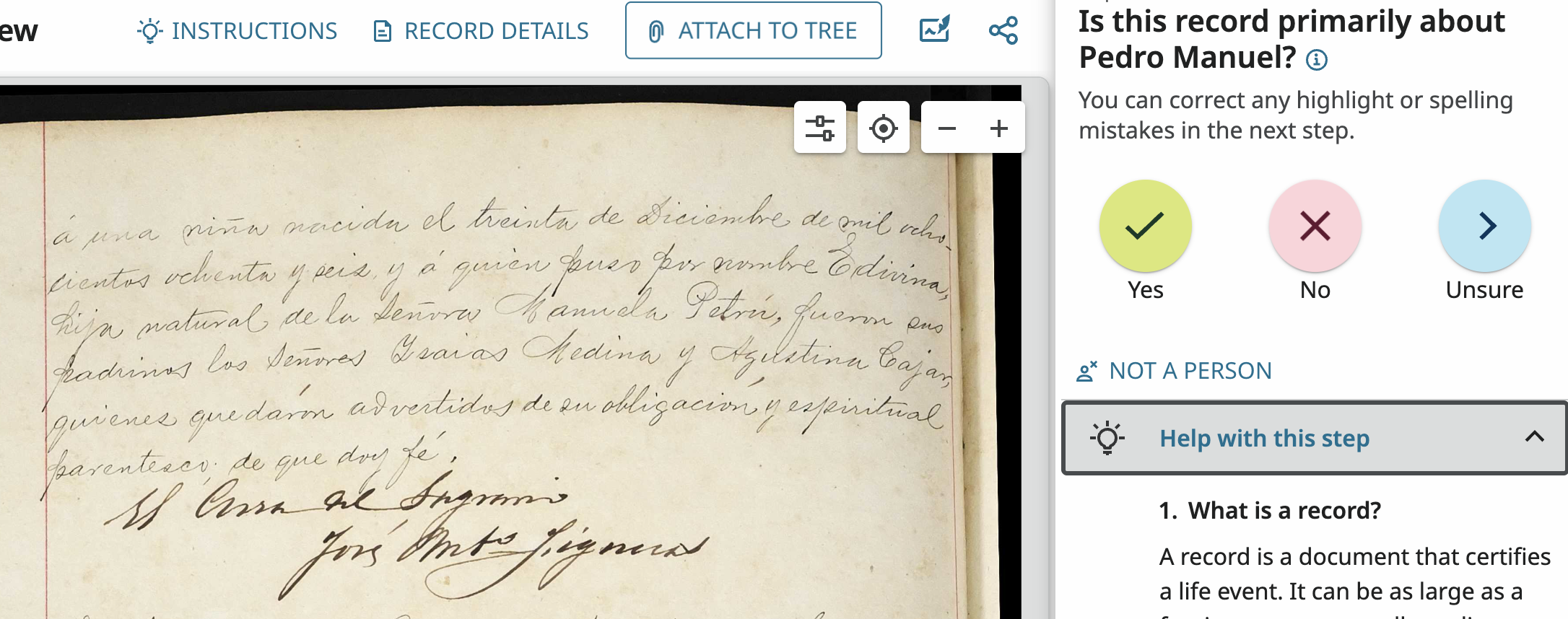
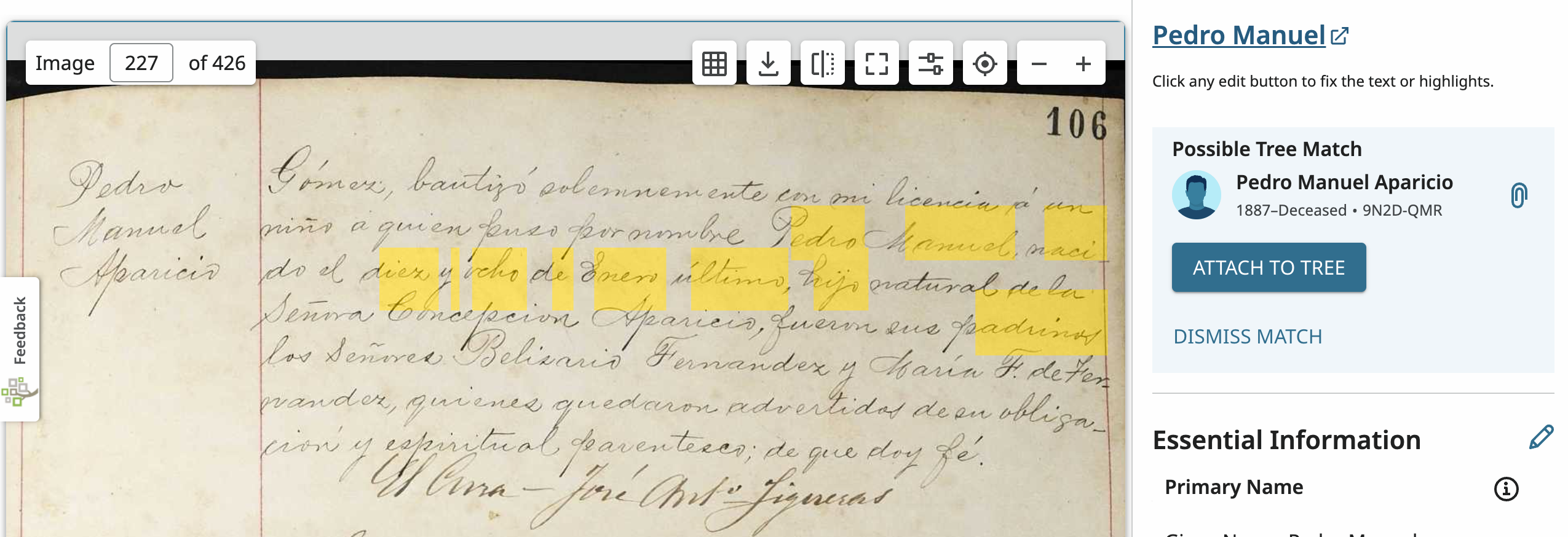
Just want you to know that we will be discussing your issues, along with others, with our team. We will be working in the background to resolve inconsistencies and bugs. Please keep working with FIR and report anything else that doesn't seem right. If you can post screenshots I can take to my team meeting, that would be helpful. Thanks for all you do.
1