When I add photos to a Memories story, only part of the photo shows up. What can I do to fix that?

Answers
-
@KayLittle can you link to an example for us please?
However, you may find you get greater formatting flexibility if you put your story and pictures in a Word document and post that as a PDF instead.
1 -
@MandyShaw1 Using the Word document, you can also easily save the story to your own computer in case you later want to edit or add to the story. Thanks, Mandy for your long hard hours helping everyone😎
1 -
If you choose to use an actual Story with photos for your memory, you will have little flexibility in how the story and its associated photos are shown. Depending on where you are looking at such a story, you will see those photos cropped differently. The full images are always available, so there's no need to worry that the cropped portion is gone. But there's little you can do to change the views. Here's an example: Targets to Shoot At-1939 SJO. This is a story that includes two photos.
In the list of memories for the person, it looks like this:
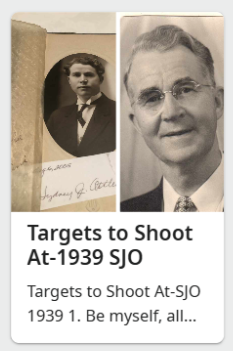
Note how skinny the photos are, because they are cropped so that these two photos can appear side by side. There's nothing you can do to change that particular view (which varies depending on how many photos are in the story).
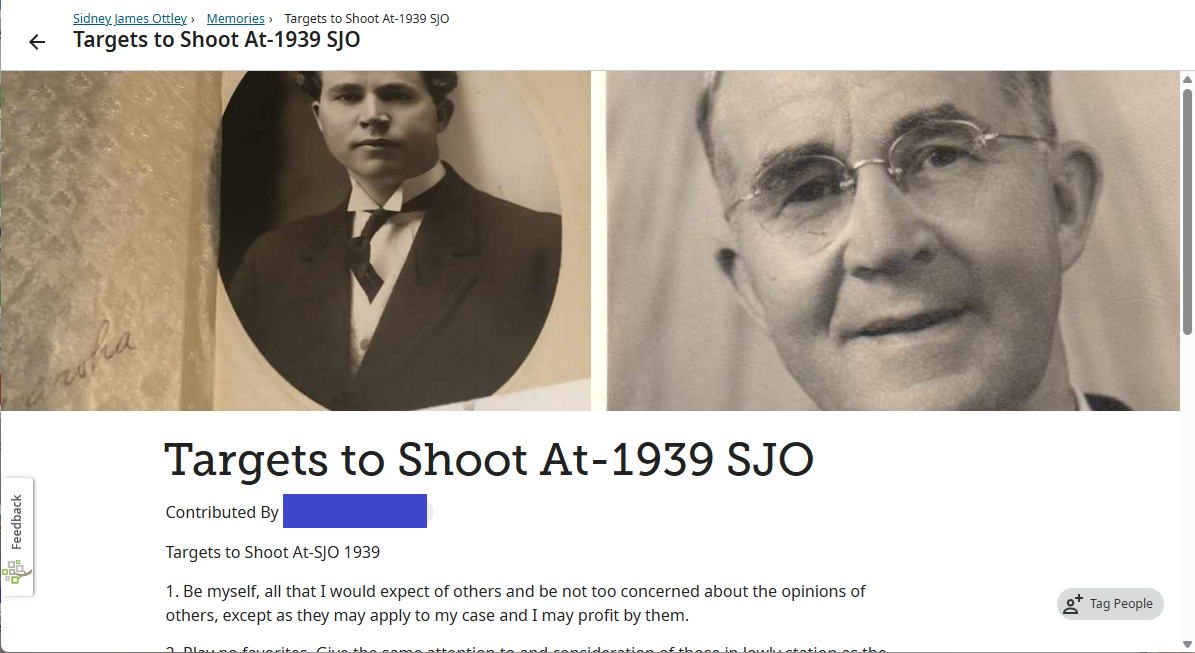
Then when you click on the thumbnail, you see the view of the story. How the photos appear there depends on the proportions of your browser window (and the quantity and proportions of the photos in the story). With a wide browser window, it might look like this (note how the tops and bottoms of the photos are cropped):
But with a narrower browser window, it could look like this (here you see much more of the photos, because they are both vertical portraits):
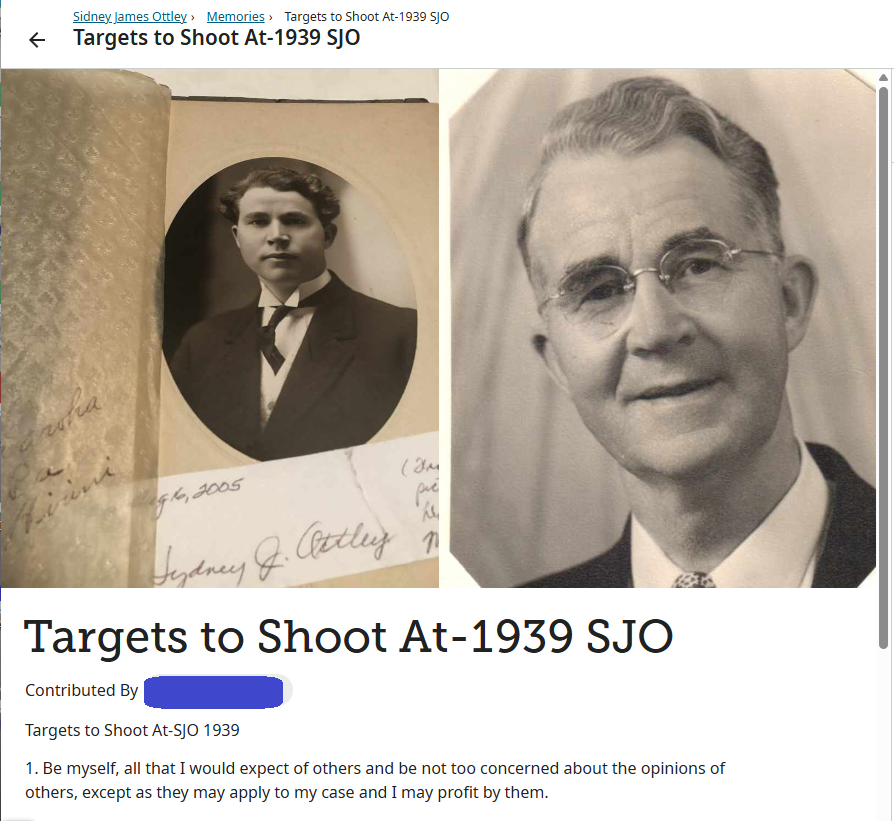
So in many cases you can adjust your browser window to temporarily see more of the photos, but that depends on the number of photos and the proportions of the photos.
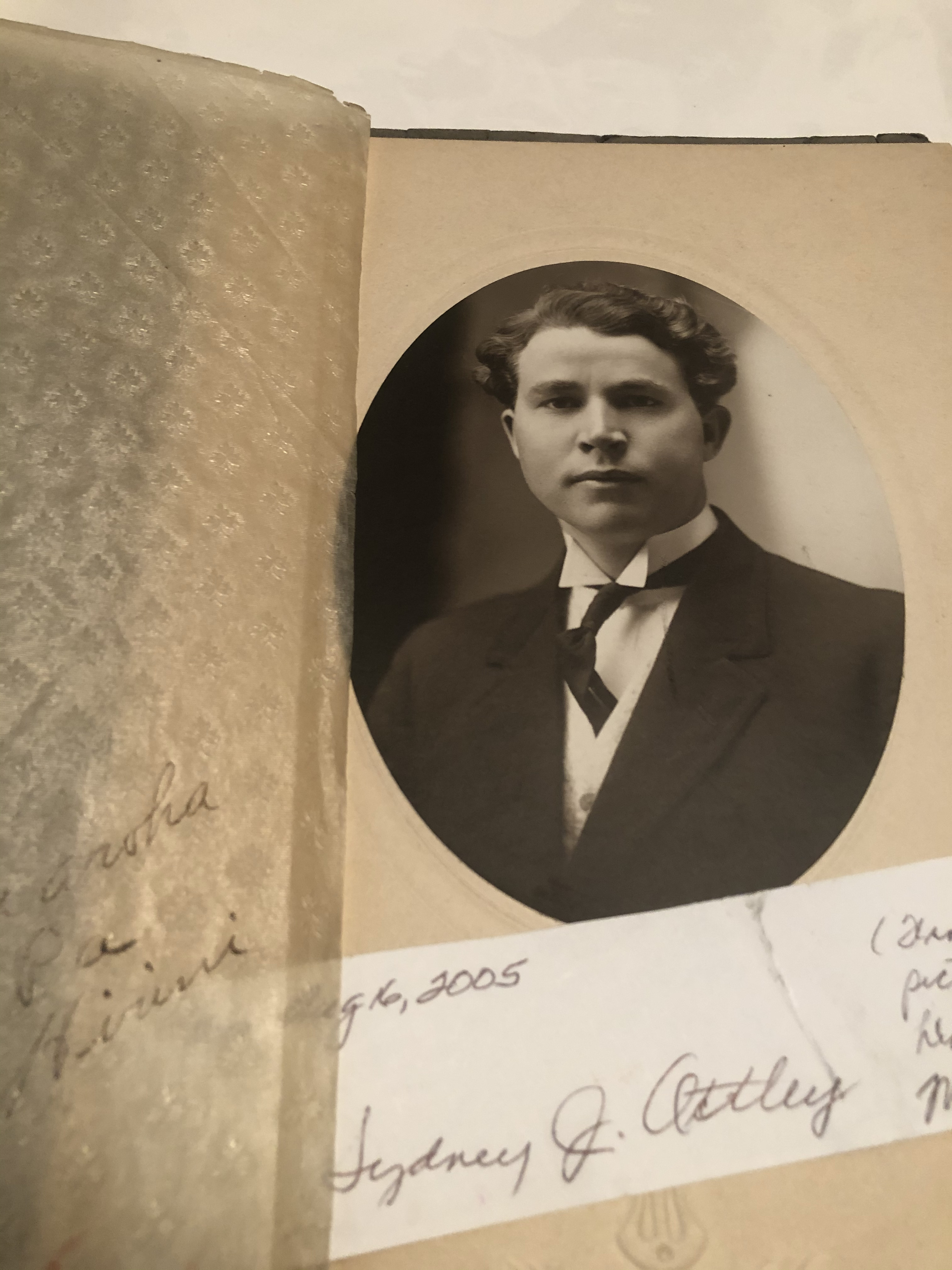
The actual photos in this example look like this:
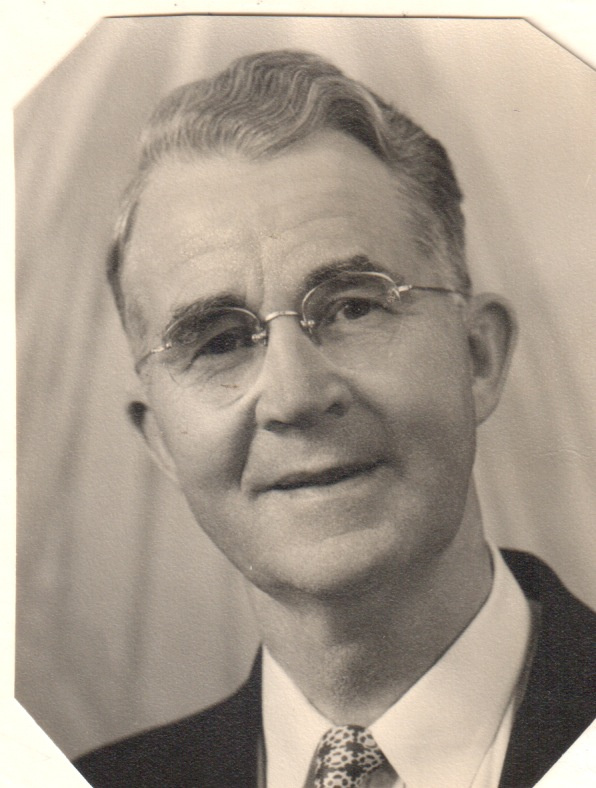 2
2

