How can I fix this?

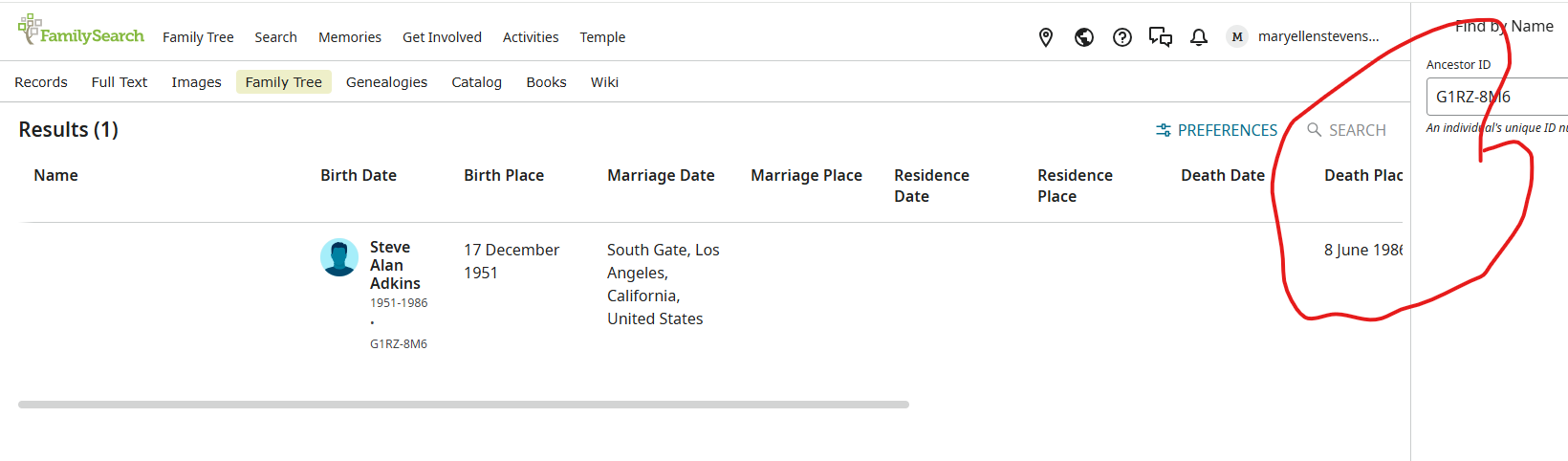
How can I fix this cutoff - circled in red
Thanks
Best Answer
-
Thanks, Gordon - I was afraid it was my computer and it would require repairs I'd have to pay for 🤔
Hats off to @Gordon Collett for saving my day!!!
0
Answers
-
Being cut off is a side effect of here being just too much information to show in a row. To see the rest you need to scroll to the side or drag the scroll bar visible at the bottom of your image to the right.
The real problem here is the display bug. The columns are all goofed up. The result of the Find should be all he way to the left, the column headers should be shifted one spot to the right, and the last bit of information should be in the first, rather that the last, column.
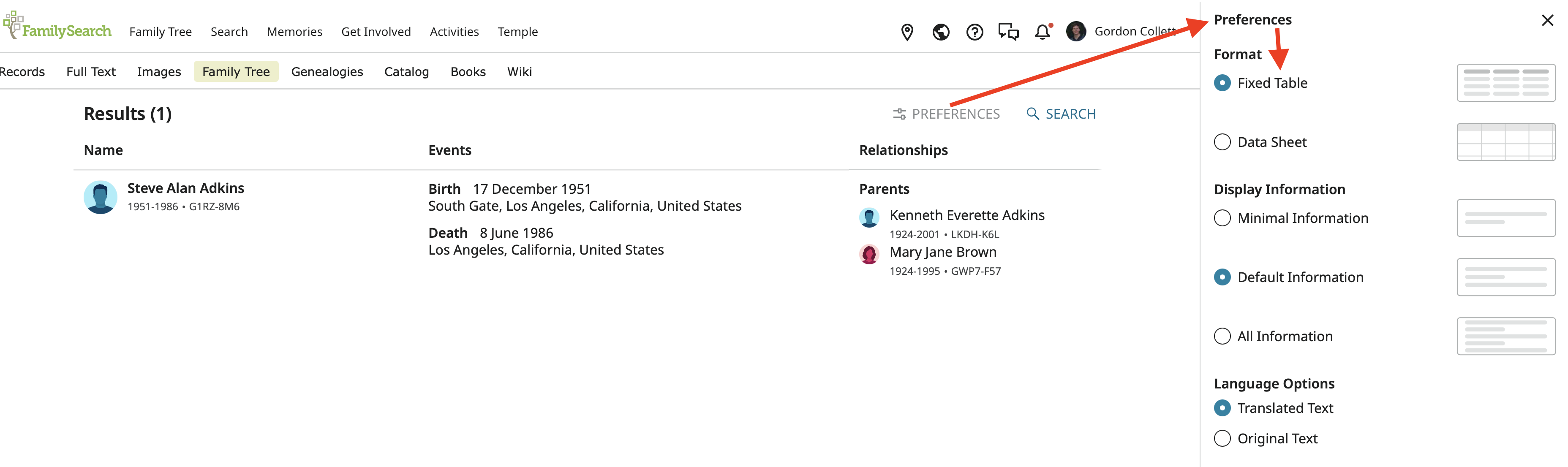
Until they get this fixed, if you don't want to deal with the funny display, all you can do is click preferences and go back to using the Fixed Table format instead of the Data Sheet format:
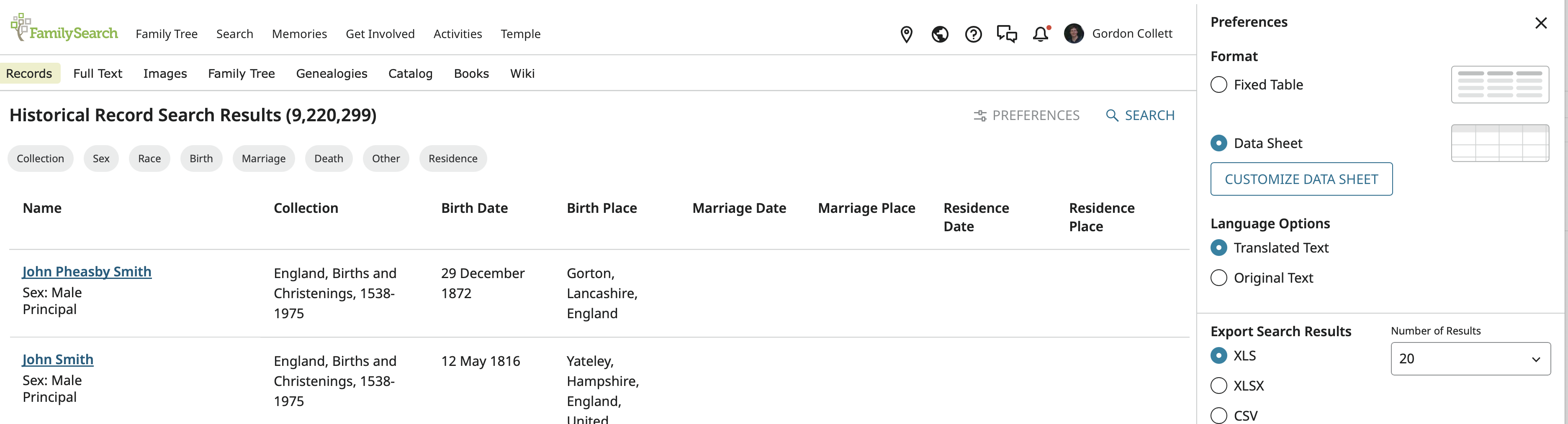
The Data Sheet format works just fine for regular searching, that is, ones not using Find in Family Tree. You still need to scroll sideways to see all the information because there is so much of it:
 2
2