Bottom of page

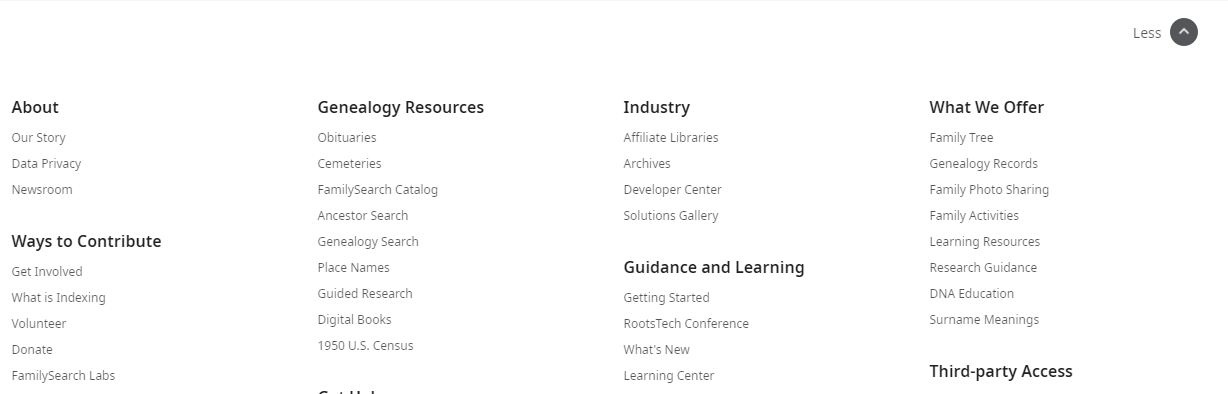
Bottom of page keeps coming up 1st when I open a new FS profile page. Anyone else experiencing this?
Answers
-
I've seen this too, but, given that the rest of the page subsequently populates normally, I haven't been seeing it as a problem, just slightly odd/non-optimal user interface behaviour. Are you able to work normally once the page has finished loading?
1 -
This was happening to me for a while a few days ago. I was able to get rid of it by clicking the "Less" button that appears at the top right of the image in your post. The system remembers your last setting of More/Less and applies it thereafter when you open other profile, source linker and home pages, and maybe other pages too. I've no idea why anyone would want this behaviour.
When I saw the problem, I was using the Source Linker. Each time I clicked ATTACH, the attach completed but when the page updated, it automatically scrolled to the bottom with the expanded bottom section occupying all of the visible screen. Once I had collapsed the bottom section, the problem disappeared.
Today, I tried to reproduce the problem. While the More/Less setting still sticks, I haven't been able to get the screen to automatically scroll to the bottom, which is a small mercy.
6 -
@R Brentnall - yes, I've noticed that the screen paints itself from the bottom up, as it were, but since everything ends up in the expected place on my screen, I'd just ignored it to be honest.
It must mean something about how the HTML or whatever is built up on my screen but I'm not sure what!
0 -
Funny how you don't pay particular notice of a problem until someone else mentions it - now I'm finding it very annoying!
I've been having to carry out lots of merges over the last couple of days and each time - after selecting Merge By ID - instead of seeing the two profiles side by side - I have the bottom of the page appear on the screen and have to scroll up to begin the process. I just noticed that after the merge, if I return to the deleted profile, I'm also taken to the bottom of the page.
Not particularly bothering (though perhaps a little confusing when you can't immediately identify what page you are on) if you are only encountering this behaviour once or twice a day, but seeing it throughout the day, as I merge many duplicates of profiles for the same individual (carried over to Family Tree in 2012), is going to be really aggravating today!
@Ashlee C. - would you kindly escalate to the relevant team, as something has certainly gone wrong here - probably in a recent update.
4 -
Update - As I've been working in Family Tree today, I've noticed the behaviour common to different pages / actions. However, with the pages other than those involving a merge the behaviour is far less annoying, as the bottom of the page appears only very briefly, before one is taken back to the top (without the need for the user to take any action).
0 -
Yes, it's kind of annoying. I noticed this happening recently within a couple weeks.
1 -
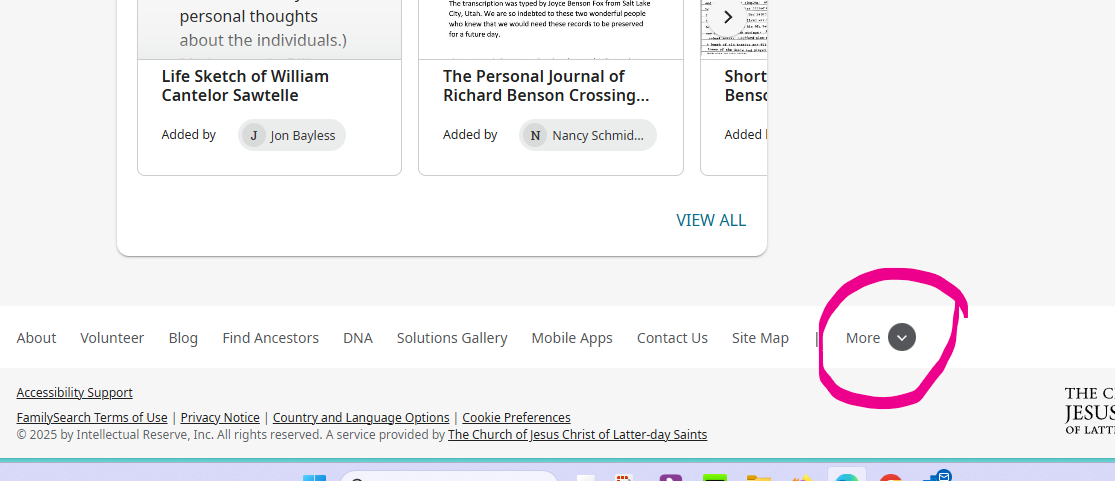
when you are the bottom as you have been explaining, there should be a less prompt at the upper right. Click on that and it will close the bottom of the page.
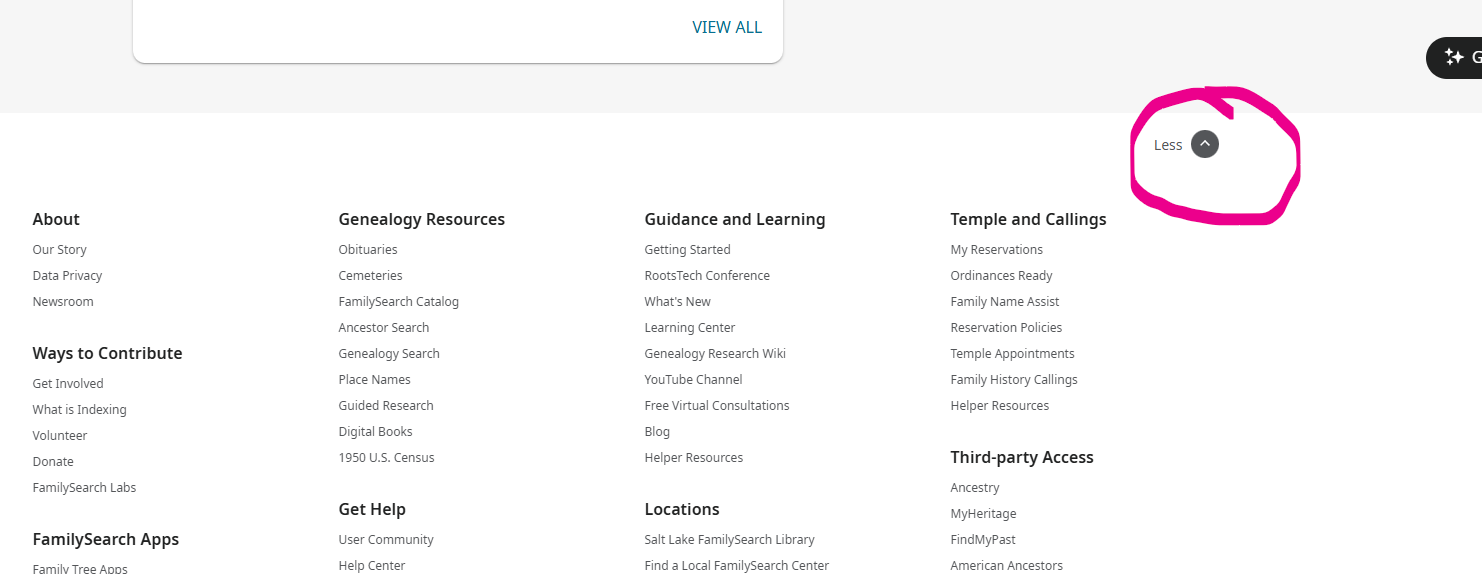
This setting is remembered (probably until you clear cookies) Now you will see a more prompt which will bring it back.
 1
1 -
When did that More/Less option appear? I don't recall seeing it before and turning it off does indeed solve the problem. Clicking it gives the same information as clicking Site Map except that Site Map opens a new page. I get the impression that when added to the page its default setting was to be showing the additional information. I would guess the intent was to make sure people knew this was a new option. Having it force the bottom of the page to load first appears to be a bit of a heavy handed way of saying to people "Look what you can see here now." Unless that part was an accident.
3 -
It appeared for me several weeks ago. Once I selected the less prompt, I kind of forgot about it. I don't know what the intent was it doing this.
1 -
It looks as though it's fixed now? I clicked the Less option, then opened other profile pages, and while I can see that the page loads from the bottom up, it still ends at the top now.
0 -
THANK YOU SO MUCH FOR THIS ANSWER!! This latest bug was driving me NUTS :)
2 -
For the record, I've found that when I open the FS site using a different browser (Chrome/Firefox/Edge) for the first time since More/Less was implemented, the setting defaults to having the bottom section expanded. That was presumably the intention, as you say, but scrolling to the bottom automatically (since fixed) was probably not intended.
0 -
Thanks everyone for your reply but for me clicking the less button at the top of the mumble jumble does not stop the page from loading from the bottom when I open new pages / profiles. Oh well!
1 -
It's been driving me nuts!!!! And no, minimizing the bottom bar hasn't stopped the issue.
1 -
I have found the problem is back today. Pages loading from the bottom and sticking there (have to scroll to get to top of page) when undertaking a merge. The same applies when returning to the page showing the deleted profile.
It's Monday, of course, so maybe another update has inadvertently caused the problem to return - if it ever properly went away!
1 -
@Paul W - oddly, using my Firefox browser from Windows, mine is fine…
0 -
I believe there must still be a problem here, albeit intermittent.
I just created an ID and after I click on Merge By ID and enter the number, then Continue, I am taken to the bottom of the page, so have to scroll up in order to view the detail and carry out the merge.
However, on this occasion, when I revisited the deleted profile, whilst it appeared to load from the bottom, I was immediately taken to the top of the page.
I have since restored the deleted / merged profile and would be grateful if @Adrian Bruce1 or anyone else could test how this works for them. The profile to be retained is ID G2NG-M29 and this needs to be merged with PWZ2-MTB.
I just tried the exercise three times and each time I was left at the bottom of the page.
As a general issue, I assume everyone is noticing all pages loading from the bottom, but then immediately being taken to the top (i.e., no need to scroll yourself to get there). It's just when merging profiles I'm experiencing this unwanted behaviour.
(Firefox and Windows 11 - and definitely not a cookies problem. Update: just replicated in Chrome, too.)
0 -
0
-
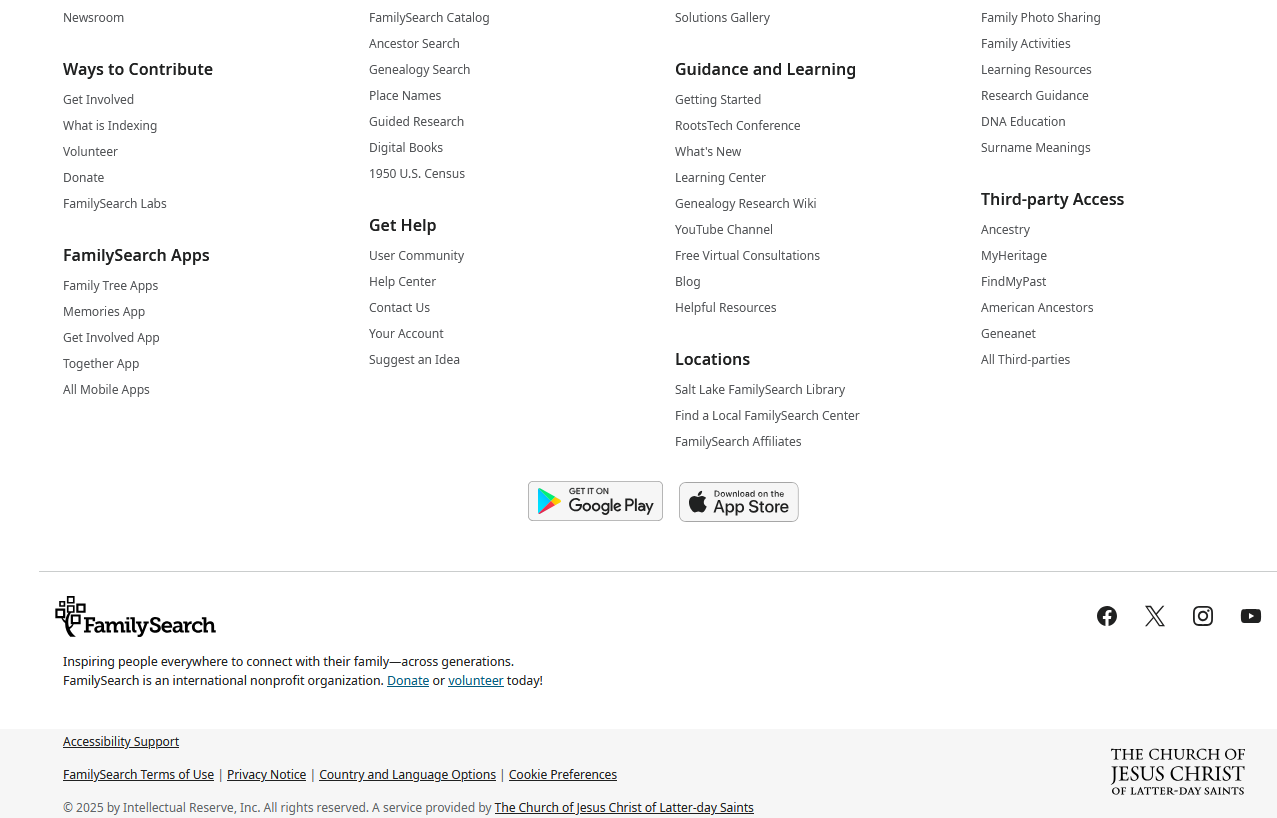
I know this doesn't show direct evidence of anything, but this is what I see after the "Merge" page (with the profiles side by side) loads:
 0
0 -
I also have all pages loading from the bottom, but then immediately being taken to the top (i.e., no need to scroll yourself to get there) AND if you try to print comments/data from screen, it adds all the stuff @Paul W shows even tho you don't see it on the screen - its easy to adjust to custom print in order to save paper but still, all that is a pain
0 -
@Paul W - sorry - I've only tried the cycle once (merge, etc, then restore) but on all screens, I had the profile or whatever appear at the top. (I'm not saying how it was painted on the glass, I didn't watch that closely)
So everything appeared as previously expected - Chrome on Windows 11.
0 -
I have Chrome on Windows 11 too 😎
0 -
Thanks for your testing this, @maryellenstevensbarnes1 and @Adrian Bruce1
I was convinced it would be "back to normal" for me today, too. But no, still the page view remains stubbornly stuck at the bottom when I go to undertake a merge. At least it's just this one page on which I continue to experience this odd behaviour - the page showing the "Deleted" profile continues load as should be expected. Never mind, as long as no "newbies" are experiencing this: they would wonder what had happened if they saw just the bottom of the page (as illustrated in the screenshot posted earlier) as they attempted to carry out a merge!
0

