
Combined GBank Obituaries in Sorce Linker

I'm getting quite a few of these, which I've been reporting for the last year, but nothing resolved, and now the "report" button has disappeared…so here I am…
I've also noticed an issue on GBank that I can't find an answer to either, and I think it may have something to do with the error in transcription, although I can't remember if both issues are ALWAYS present when source linker presents combined obituaries.
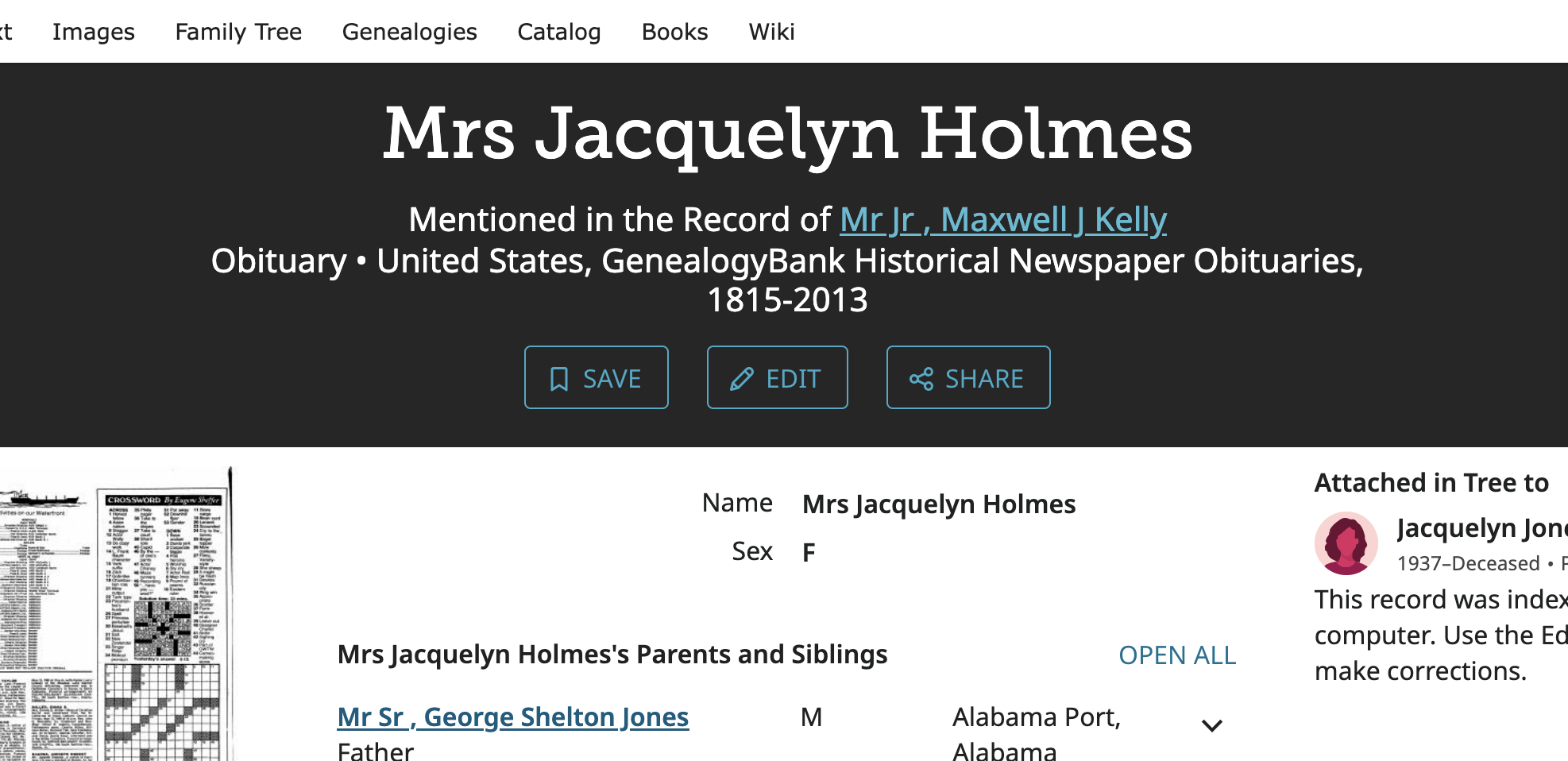
Here's the link to the below person: https://www.familysearch.org/en/search/linker?pal=/ark:/61903/1:1:Q5M5-RLQK&id=P9N7-6ZG
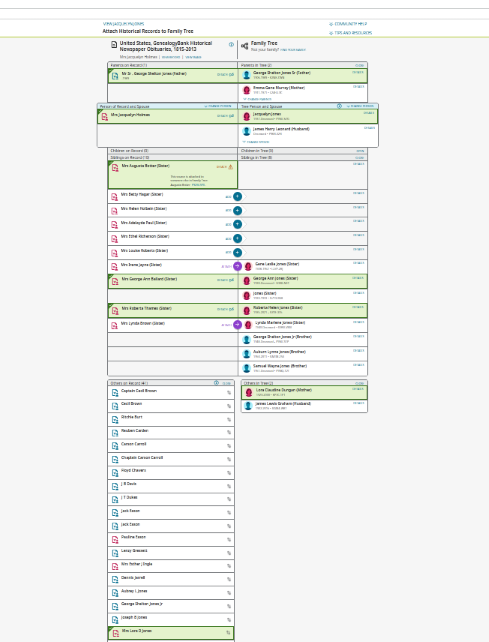
So to the pictures: The first pic is of a multi person combined obituary.
Next is the source page on GenealogyBank, showing a PERMANENT encirclement of THREE obituaries.
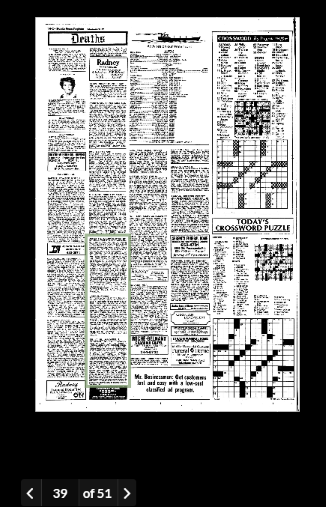
PERMANENT yes, as seen below, as the box appears on every page of this newspaper issue.
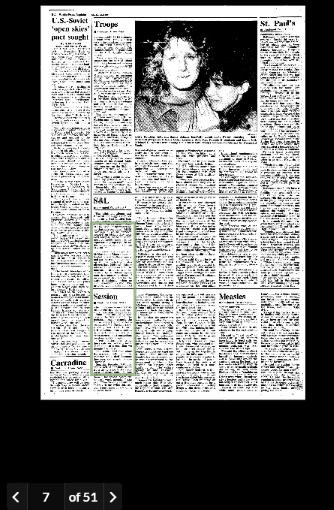
and
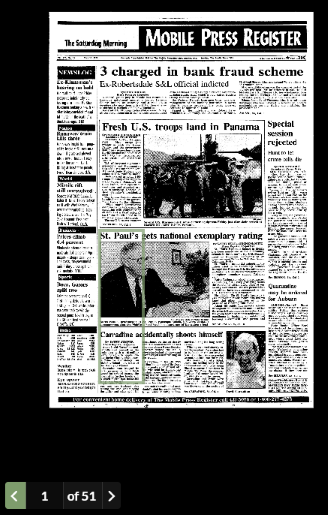
Please Advise….
Thank you.
Comments
-
OH, I THINK that the permament box has to do with WHY SourceLinker is seeing the three as one.
0 -
where's the delete option, don't like making sloppy, after all, that's what we're here to do…
0 -
No delete option here. The company behind the Community software (the appearance of it being FamilySearch is just a personalization shell the company provides) seems to be fairly low budget.
The source linker just uses what is in the indexed record. So what you are seeing is strictly an indexing problem. The index is provided by Genealogy Bank (and your images from there are likely going to be deleted soon since it violates their terms of use to post them like this) and I don't think FamilySearch can do much about it.
Your best bet is to continue to hound Genealogy Bank when you find this type of problem and see if you can get them to re-index those obituaries.
For a little more information see: https://www.familysearch.org/en/help/helpcenter/article/reporting-errors-in-united-states-genealogybank-obituaries
Now that I've said all that, I checked your link and the index can be corrected:
since the Edit button is blue. However, if you cannot see the image then you will see the edit button greyed out. When I hover over the image it does say:

so there does not seem to be any limitations on who can view this.
So give it a try and see if you can figure out how to split up the record in the index to the appropriate three sections and get everyone assigned properly. If you run into problems, post the questions you run into here.
0 -
Thanks for the response. Yes, I definitely would have fiddled with it, but the edit button is greyed out for ME. I was actually thinking they should allow people to edit the GBank indexes, once they had achived a certain level of competance… maybe the already are?
 0
0 -
What do you see when you click on the image visibility icon?
0 -
I only see a "View Record" and "View Image" but no icons. The "view image" pops out an option to go to geanealogybank.com.
I also tried connecting to the internet using my VPN set in Utah, and the UK, but no difference.
I am using a desktop PC on Windows 11, with Firefox, and I also tried Chrome and Edge but no difference.
Can you think of any reason that YOU are getting the ability, while I am not?
Thank you for your help.
0 -
I volunteered and did a little indexing, but doing 20 records didn't open up the privilege. 😓
0 -
The ability to view images depends on the contracts that FamilySearch has with the owners of the record sets or indexes. See: and
Not being able to see the Genealogy Bank scanned image on FamilySearch and therefor not being able to edit the index is determined by Genealogy Bank's restrictions that they have worked out in the contract FamilySearch has with them.
Some images everyone can see anywhere. Some images everyone can see at a FamilySearch center or affiliate library. Some images only some people can see. Some images some people can see at a FamilySearch center or affiliate library. Some images no one can see anywhere. Unfortunately this is part of the business side of genealogy these days. Genealogy Bank needs subscribers to keep their service solvent and to maintain and expand their website so they limit who they allow FamilySearch to show their images to.
One common criteria is due to the fact that FamilySearch is totally free to all users. It is fully supported and funded by the Church of Jesus Christ of Latter-Day Saints and those funds come from the tithing and other donations of church members. So often the contracts contain a provision that church members can access images that others can't since they provide the financial support for FamilySearch.
Since I can edit the index for the image, I'll spend some time this afternoon seeing what I can do to fix it for you.
1 -
The index editor gets temperamental at times. I was able to pull the obituary for Frank Jorden into a separate record block and fixed the family relationships so his is in good shape now. But when I tried to pull out Maxwell Kelly's, everyone in that group vanished. I added Maxwell back but when I tried to add the next person, the system froze up. Reloading did let me add the next one but then again when trying to add the next, it froze when trying to create that one. So it's going to take a while to recreate that one. It was, of course, the longest one.
Pulling out those two left the obituary for George Sheldon Jones in good shape except for some incorrect family relationships that I fixed.
0 -
Thanks, no hurry, just random updating to my tree, though I DO have in mind helping others in completing linking sources, and I actually spend a lot of time on that, learning a little about their direct families, in-laws, etc, which often come up with cousins, great aunt and uncles living with them at times thus showing up in censuses etc.
0 -
I posted about the trouble correcting the index in another group and a moderator here took a look today and was able to finish cleaning up the three obituaries. The system complained a bit at times but worked better than when I tried. I'm thinking that it was such a complex set of changes I was trying to make at a time, Sunday afternoon, when the website tends to be extra busy, that the servers were taking extra time to apply and load my changes. This though is mainly based on the fact that the people that kept vanishing from the index were all back today when she looked. Next time I try this I'll make one change then wait an hour before making the next one!
0 -
I'm back working today…thanks for the above- these right now are more immediate familt and running into errors, both with a difficult spelling of a surname, and also there are three brothers who, for 40 years, are referred to in the papers by their initials, and the indever has a terrible time with that. It would take seconds for me to correct that… I AM able to correct the misspellling and omissions on the census… When I do the census and city directories, when I am editing my peeps, when I see other blatant errors, I stop and correct those too, something I would continue to do if I could somehow get advanced user priveledges.. y'all might create a competency test for those wanting to volunteer. Actually, getting MORE advanced, I'm staring to search the full text index, and many of THOSE records, while not indexed, I;m finding lots of errors in the titles of the indexes, thus while a hit may get returned for a search, a mistitle may lead people to not even look inside it… I could fix all those too! OK. thanks!
0 -
Unfortunately it is not a matter of advanced user privileges, competency, or volunteering. It's a combination of two factors. First of all, you cannot correct an index if you cannot view the image because you cannot know what the correction should be. Secondly, who can view certain image sets is completely controlled by the owner of the images which is not FamilySearch. Until Genealogy Bank changes the restrictions on who can view their images, you will not be able to correct the index for Genealogy Bank records.
What you can do is post a plea for any user who can view the images and so can correct an obituary to please do so when you find one you need corrected for your relatives. It is rather labor intensive work so I would limit your requests to ones you really view as vital. A good place to post such requests is probably in the Indexing group aka Get Involved here in Communities at:
0