Cemetery Relatives Around me

I heard that if you are in a cemetery, on the FamilySearch app, there is a way to find if you are related to anyone there.
Other than searching each tombstone.
I might have heard this in Roots Tech a couple years ago.
Best Answers
-
You can find relatives not just in a cemetery, but anywhere using the Family Tree app. This function has a default of six generations back. I do not know of a way to change that default.
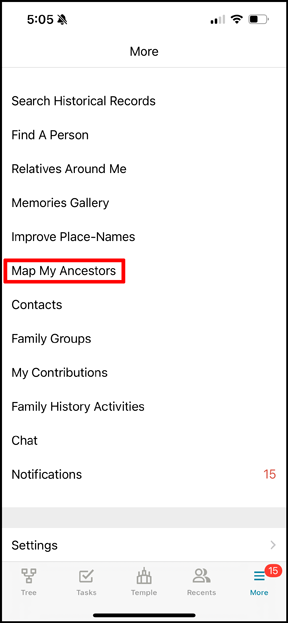
A. Go to the More menu and choose Map My Ancestors:
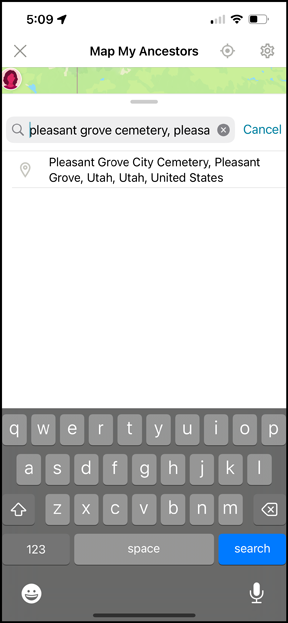
B. In the search box type in the cemetery of interest then click in the drop down menu to choose the correct standard place. If the cemetery does not exist in the Places database people will not be localized to that cemetery. If your ancestors have not had a cemetery entered for their burial places this also does not work very well.
C. The map that opens up will actually be zoomed out quite a ways from the cemetery and you will have to zoom in until you find it.
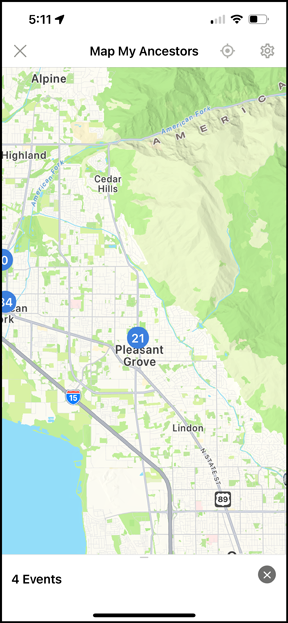
D. When you have found the cemetery there will be number in a blue circle that is the number of events in that cemetery:
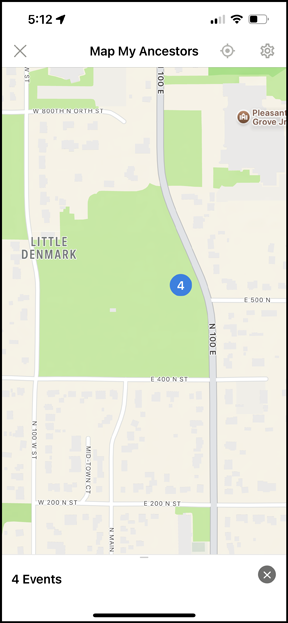
E. Click on the number and the first part of a list appears which you can move up to view the full list.
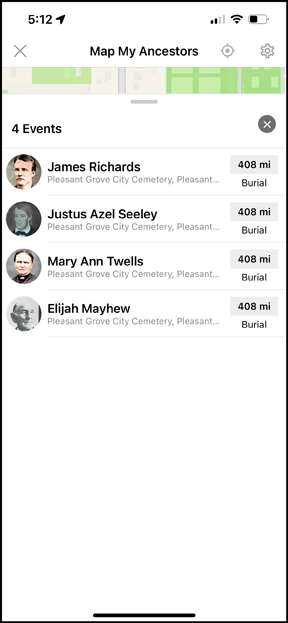
The app does not tell you where in the cemetery they are. But now that you know for certain who is there, you can use Find-A-Grave or Billion Graves or similar and hope the person is included there and has either a plot number or GPS co-ordinates. Sometimes users have added plot numbers to people's Family Tree profiles so that can also let you cut down on the amount of searching you have to do.
2 -
To contrast this routine in the app, let's look at the website:
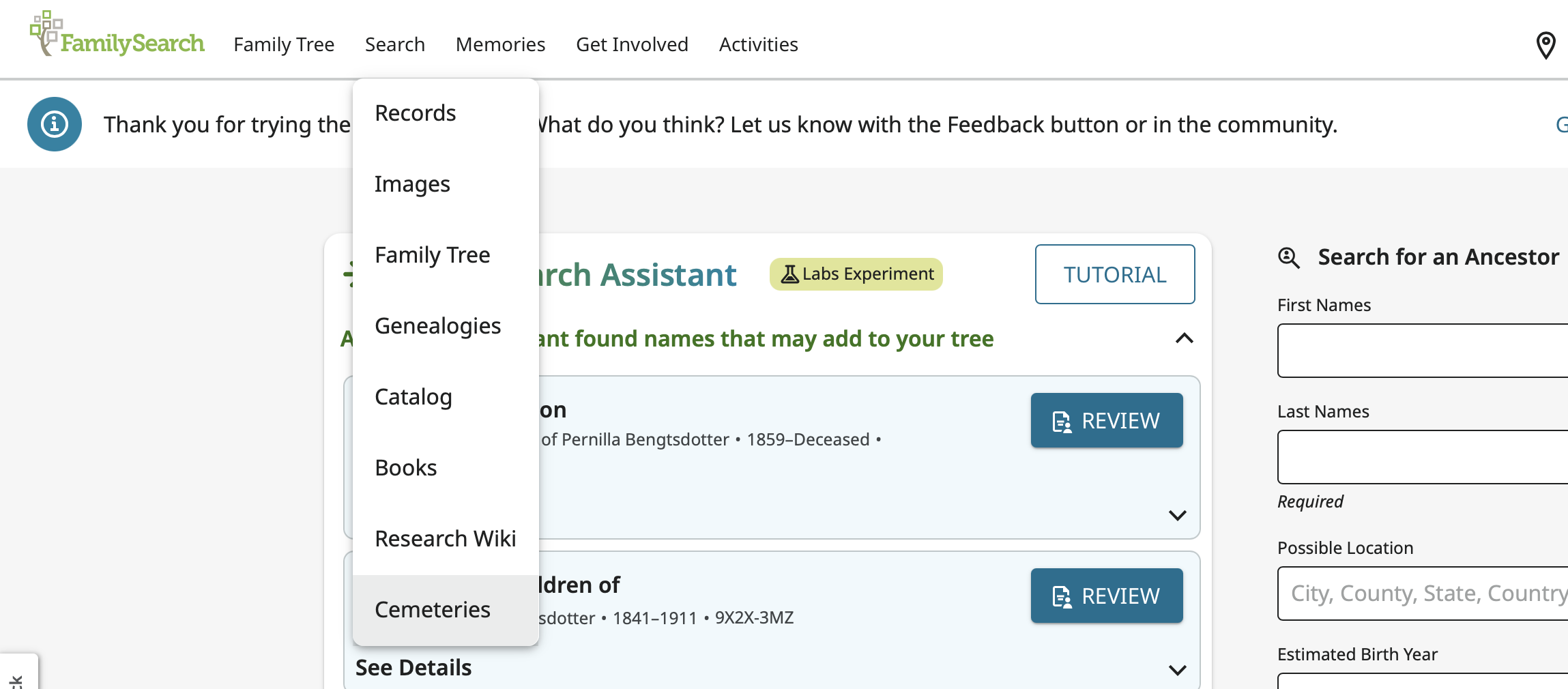
A. Choose Cemeteries from the main Search menu:
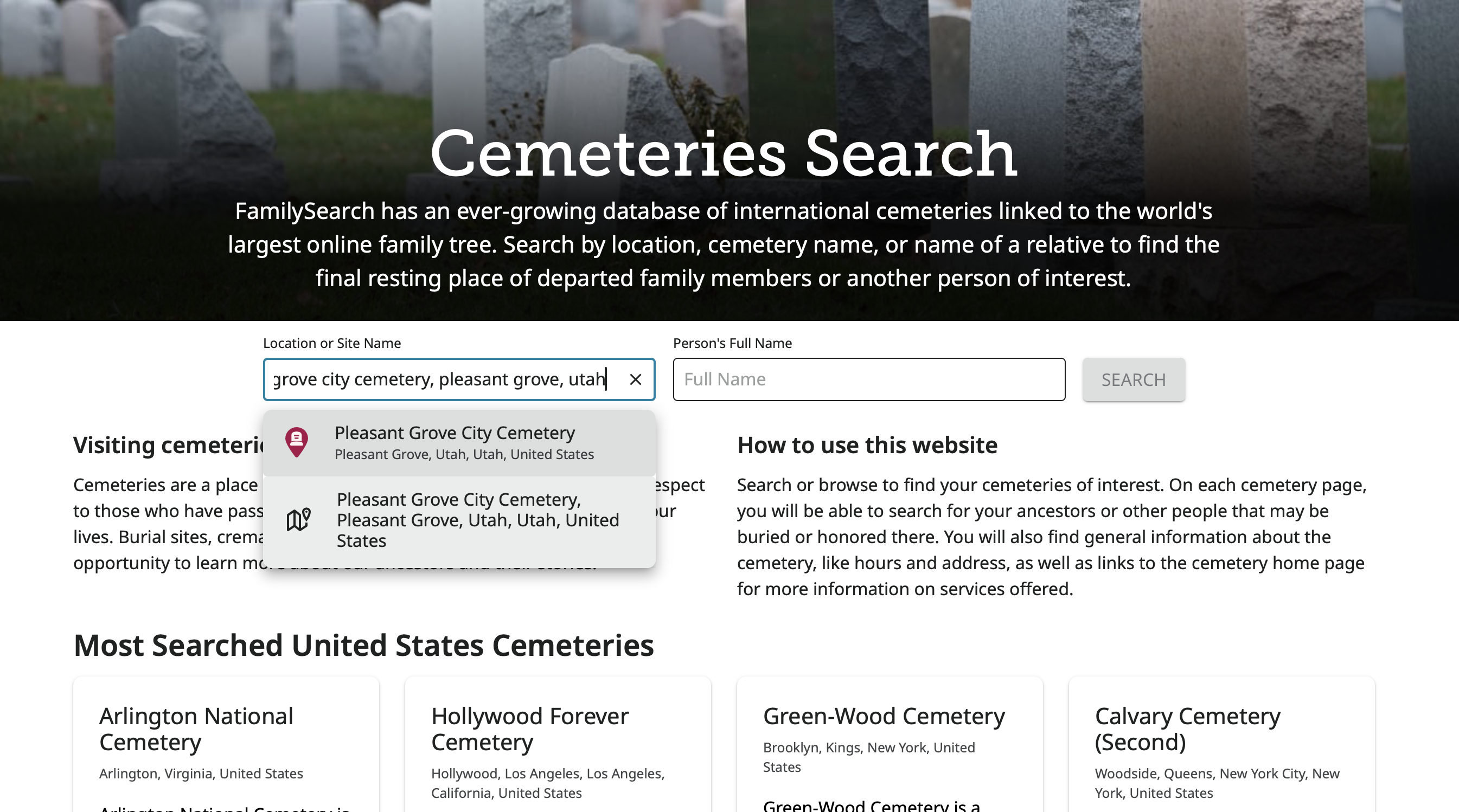
B. Enter the cemetery name:
C. Click the Only Show My Relatives button:
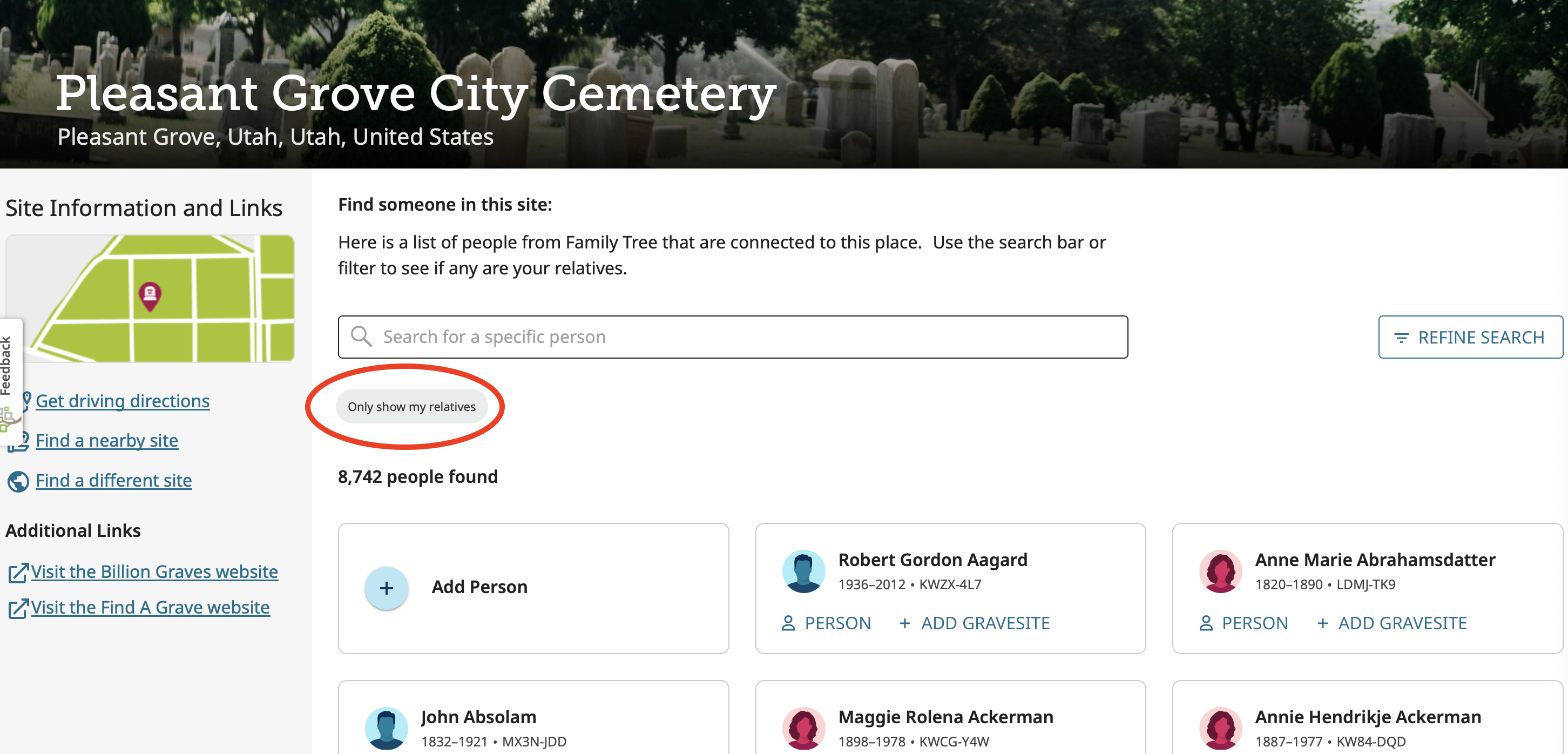
D. The final result shows 195 relatives instead of 4:
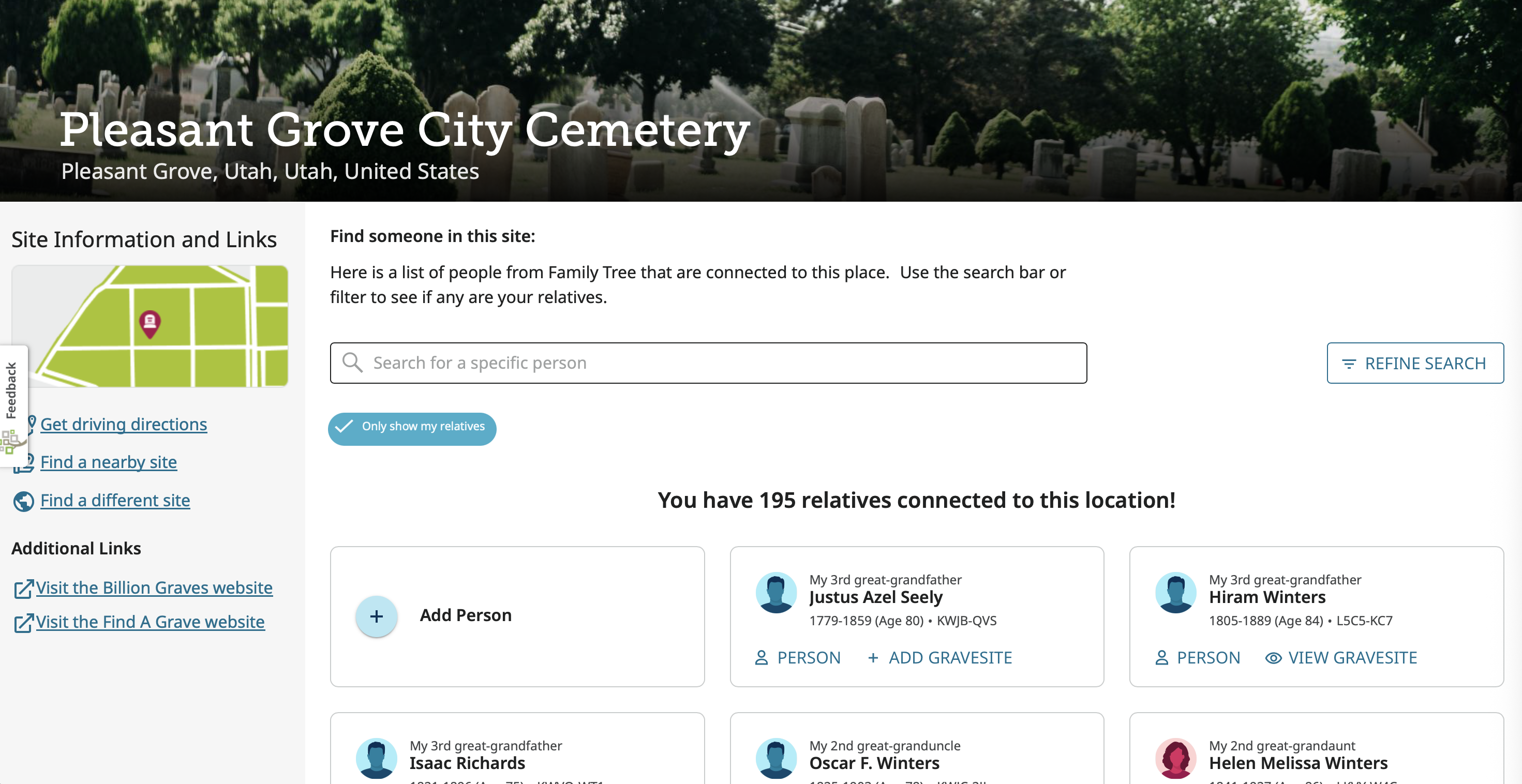
Notice that some say "Add Gravesite" and some say "View Gravesite." Clicking on one of the View links brings up its location:
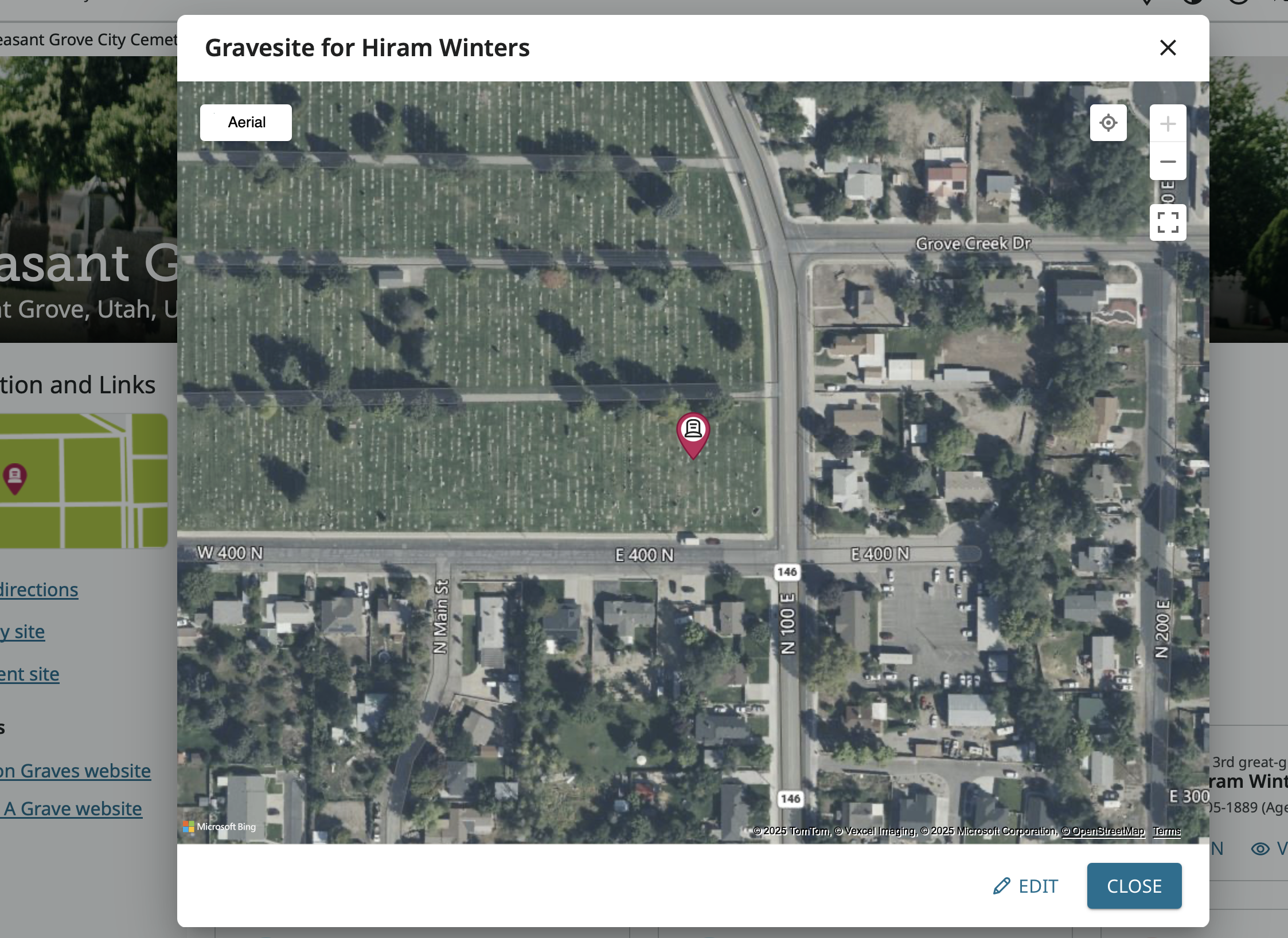
Click Add, and the same map comes up but with a request for you to put the marker in the correct spot then save that location.
Looks like if you doing any traveling this summer you will want to take a tablet or lap top and use the web version rather than the app version.
1
Answers
-
Wow, that is a great question I am interested to know the answer as well
0 -
One of the search options now on the main website is Cemeteries: https://www.familysearch.org/en/cemeteries/
There is also a map option on that page.0 -
Gordon, Thank you so much!
0
