
AI Research Assistant - Unable to turn it off

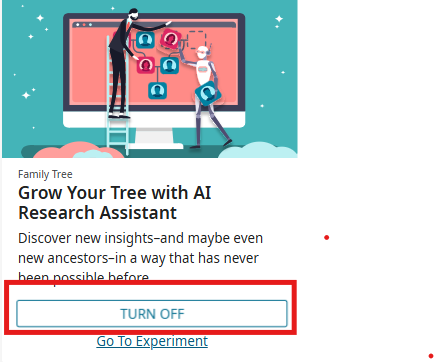
This morning the AI Research Assistant appeared on person pages I was working on. I hadn't turned it on, although I have used it in the past. When I went to turn it off, the Turn Off button didn't work. I have cleared cache and cookies, and tried both Chrome and Firefox, both of which are up to date on my Windows 11 machine.
While I can work around it, I was wondering if this was happening to others.

Comments
-
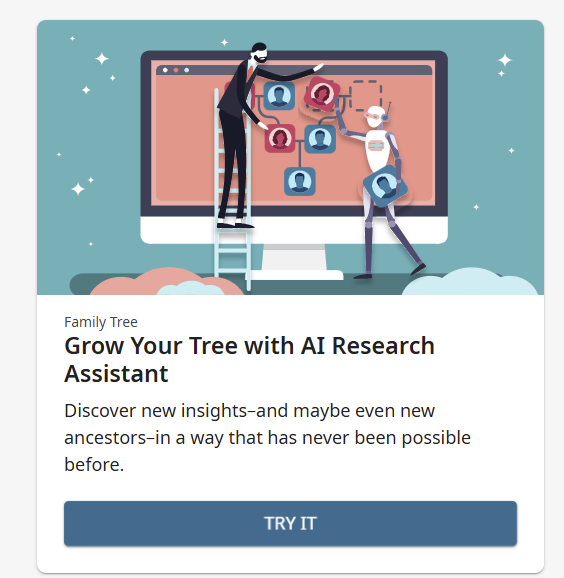
I just tested turning it off, and it turned off immediately for me.
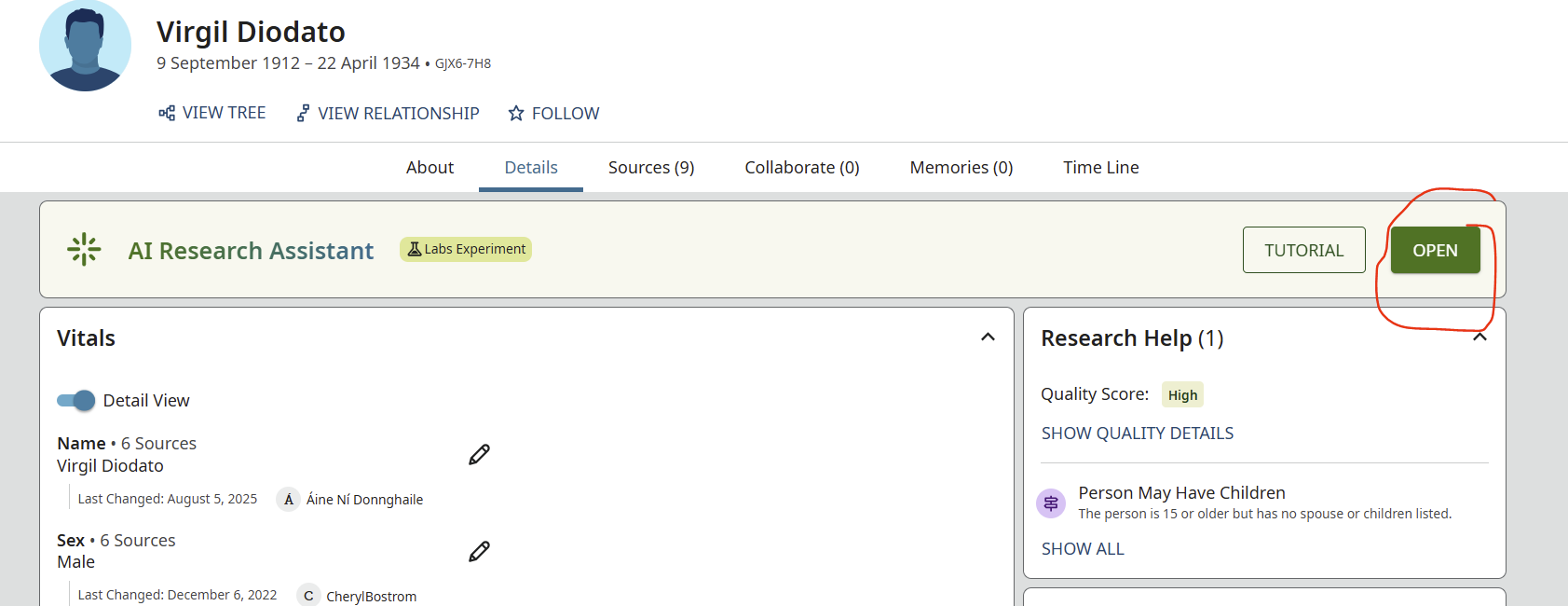
And, it doesn't affect your searches, even when turned on, unless you click on the "Open" button.
 0
0 -
thanks for checking. It may just be me or some small subset of the user base then. I know it doesn't affect searches, it just takes up screen space which requires me to scroll longer to get to the other parts of the page
0 -
I suggest trying again to turn it off. And refresh the page afterwards.
0
