Following not showing changes after CETs has been enabled

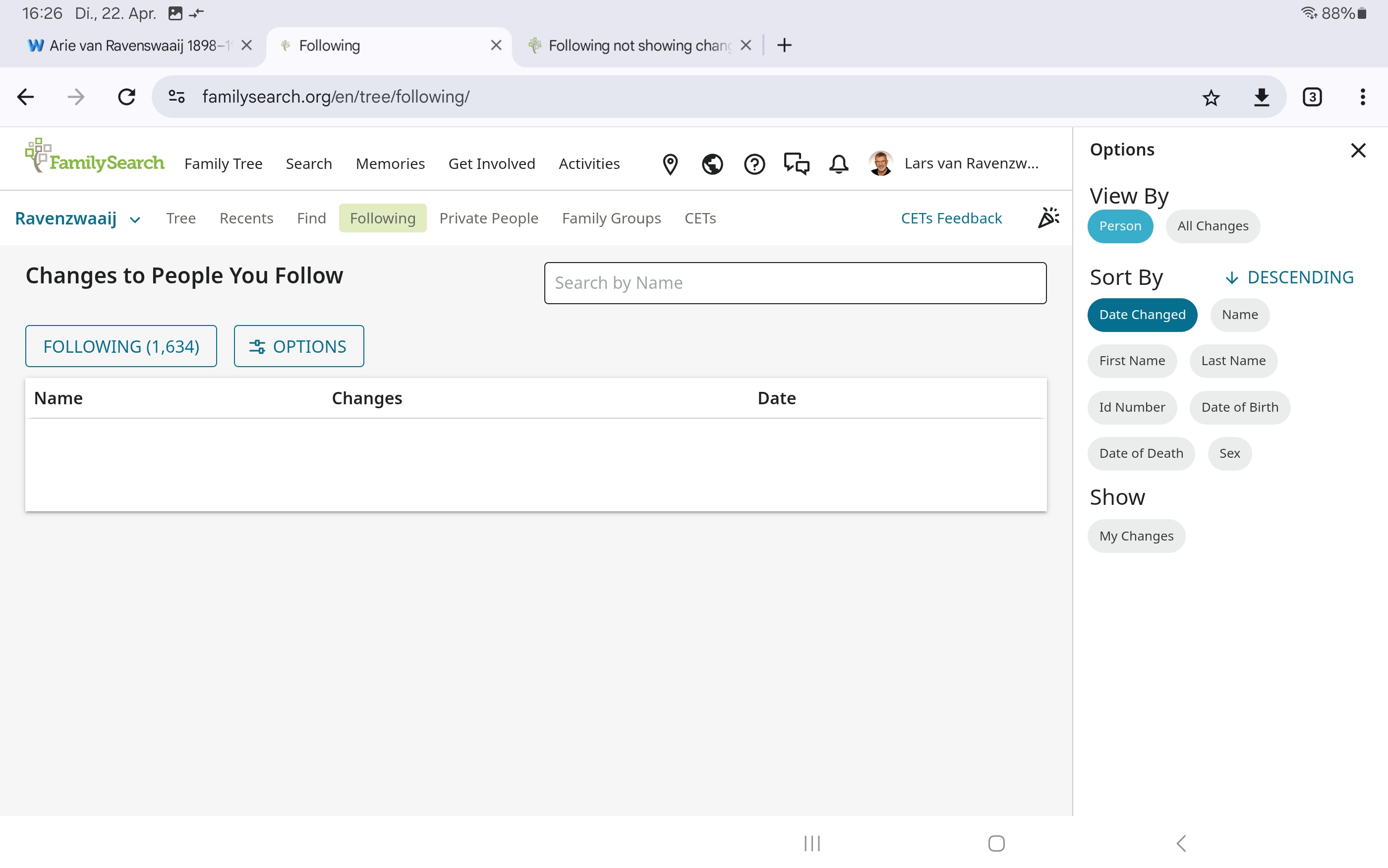
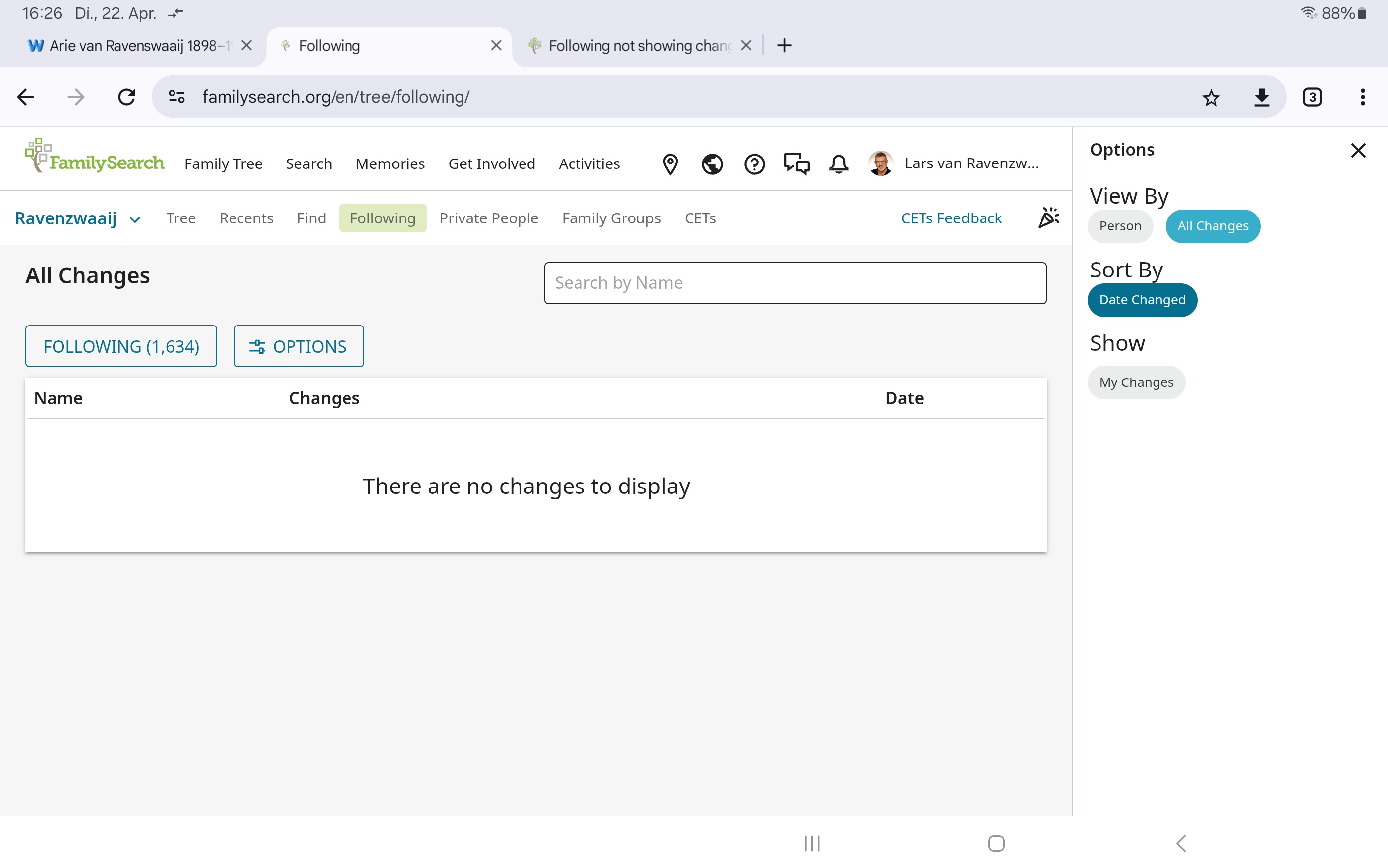
I'm following about 1,600 people in the general FS Tree. Since CETs have been enabled it's showing a blank page with the text "There are no changes to display".
I know for sure there are recent changes, as I got a E-Mail "Changes to People You Follow" with weekly changes. I'm not able to see this changes, even not as I tried klicking through all possible options.
I first thought this was a coincidence, but this problem is consistently since CETs were enabled for me. I appriciate it, if a tec could look into this.
Comments
-
Lars,
Can you check something? I am seeing a similar thing to what I suspect you are seeing, but not exact. When I enter my CET and go to the the pedigree view, then click the Following menu, I see a blank list of names. The top left button is labeled "Following (391)" indicating that I am following 391 persons, but no names are displayed in the list underneath it. However I don't have any text telling me there are no changes to display.
When I click the "Following (391)" button it pops up a list of all the names.
When I click the options button, just to the right of it, I can switch the setting from "Person" to "All Changes" and then my list appears.Does it function similarly for you?
Robert Kehrer, sr product manager
0 -
Following your lead, I see a blank list of names with no text (like you described) if I use the setting "Person".
If I switch to "All changes", I'm still seeing the blank list with the text "There are no changes to display" as I described before. This is my standard setting by the way.
I tried this on various systems, Windows 10 + 11 and Android with 3 different browser. Tried deleting cookies and cache. Makes all no difference sadly.
0 -
Screenshots
 0
0 -
Thanks for running those tests, we can escalate this to the engineers to triage.
1 -
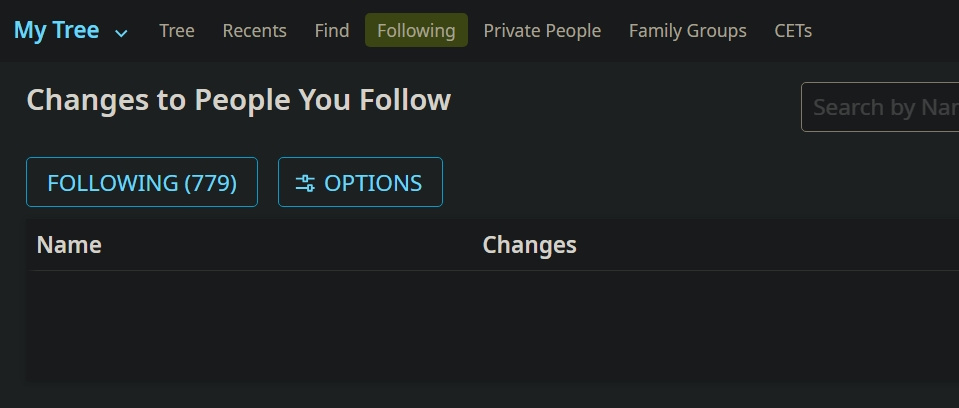
You're looking at the wrong tree.
It's apparently possible to follow people in a CET. (Like you, I'm not following anyone in my CET, since I'm the only one making changes to mine.)
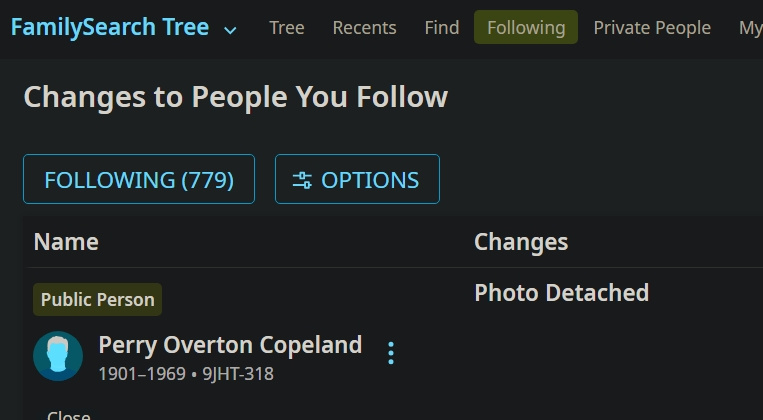
But if I switch to the main family tree, then I see the people I'm following.
Right here ⬇️ where it says FamilySearch Tree is where you need to click to switch trees.
What annoys me is that, in order to view changes, I have to
- Refresh the page.
- Change to the main tree.
- Refresh the page again.
And then I can see the changes that have been made to the people I follow.
0 -
@Lars van Ravenzwaaij @Ryan8,489 thank you for the additional information and screenshots. This has been added to the engineering team's list.
1 -
@Ryan8,489 It makes absolutely no difference to which tree I'm looking. I still don't see any changes that were made. Not even changes I made myself. Refreshing the page doesn't work either.
0 -
@Lars van Ravenzwaaij @Ryan8,489 While you are looking at your "following list" in CET, did you click on the button that says "following 779"? When you did, a popup should be in the center of your screen with a list of the persons you are following, similar to the screenshot below. Did that popup not appear?
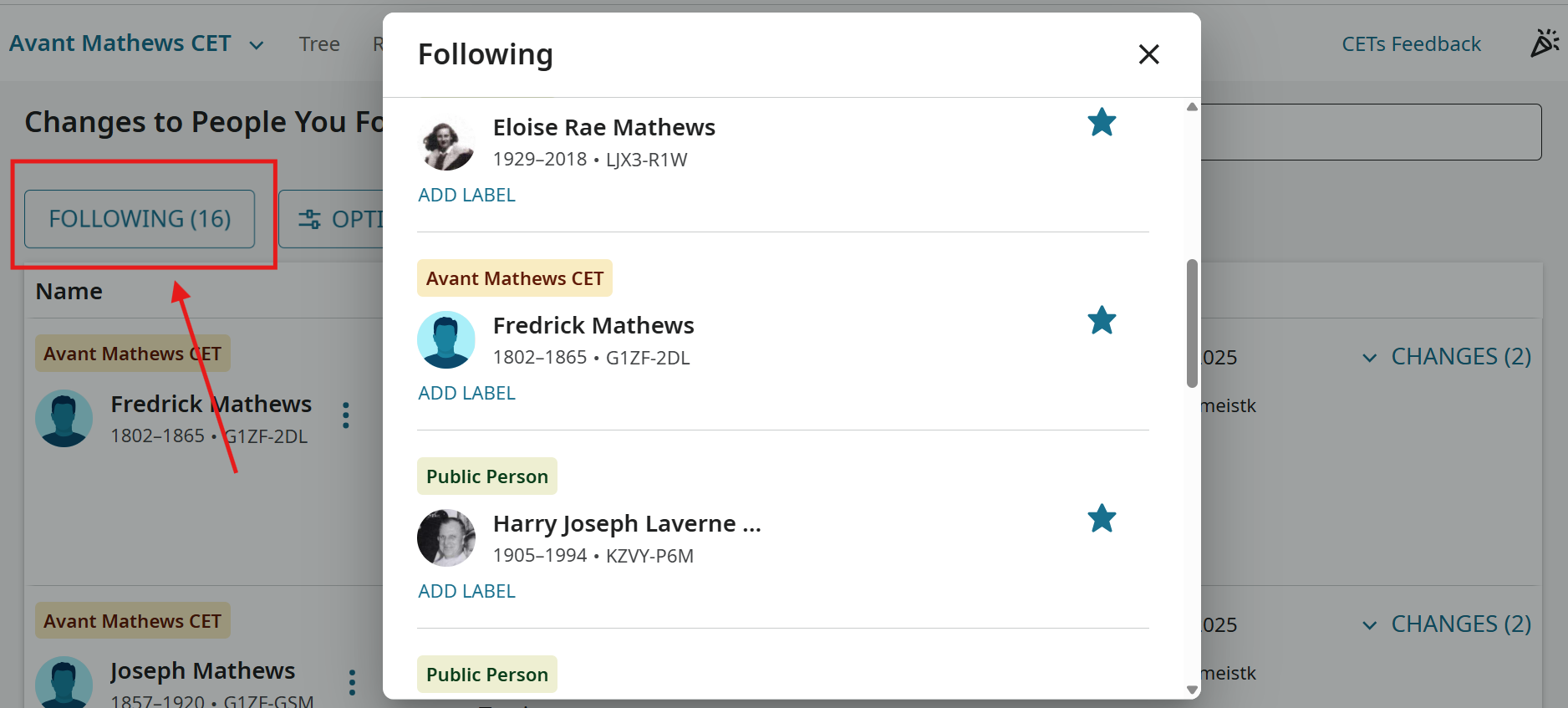
As always, your feedback is valuable and appreciated.
0 -
@mynameistk
I get the popup.
For me, everything works exactly like Robert described.
Assuming that this isn't operator error on Lars's part, then he's dealing with a problem that I don't have.
0 -
@Ryan8,489 That is what is perplexing me. I'm trying to help isolate the issue so it can be fixed.
1 -
@mynameistk I have been waiting to see, if in the main time something changes. Sadly it isn't. So, to be clear, the popup ist NOT the problem.
In the mean time, the refreshing, as described earlier, is working for me now also. But, in the past I could see every change back for a very long time (years). Now the historically changes are no longer visible. They now "disappear" (are no longer visible) after a few weeks. I've documented what happens with the following screenshots. Hope that helps the engineers. 😊
1. Opening "Following" in the main FS-Tree and refreshing
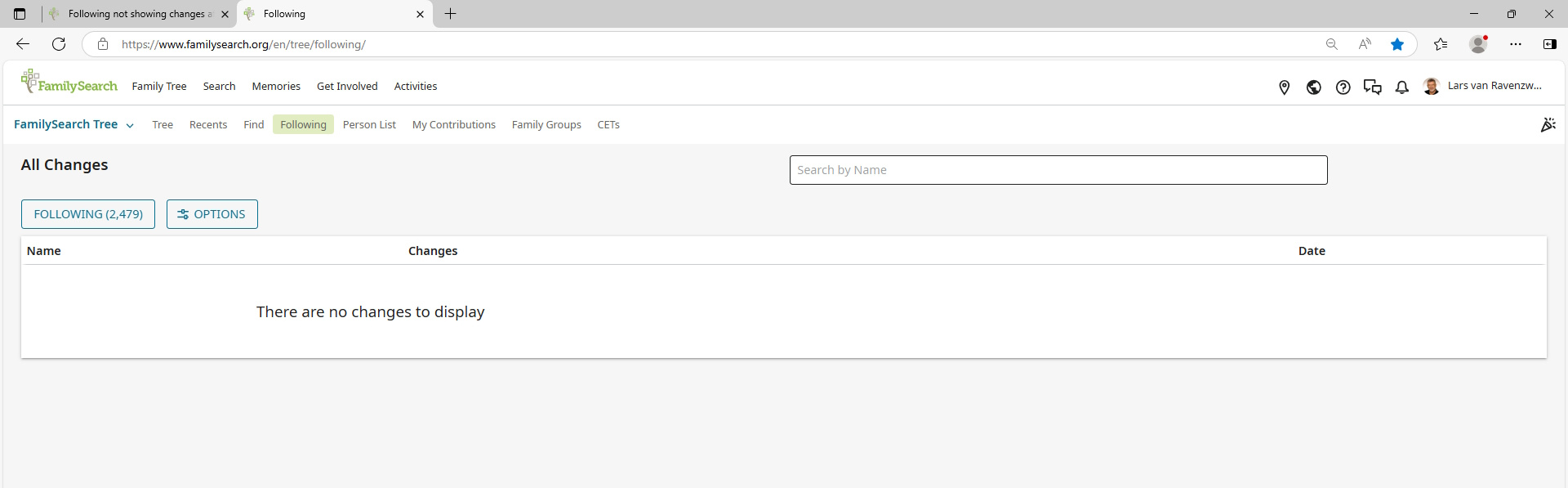
2. Opening my CET-Tree and refreshing
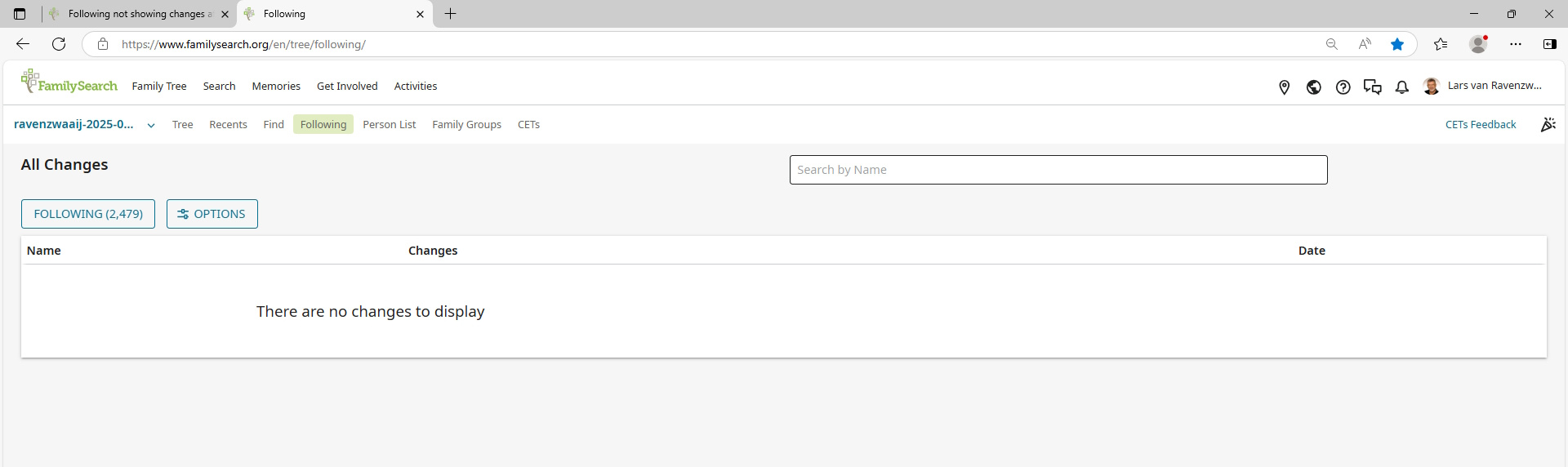
3. Go back to the main FS-Tree and refresing; site is flickerung for 3-5 seconds
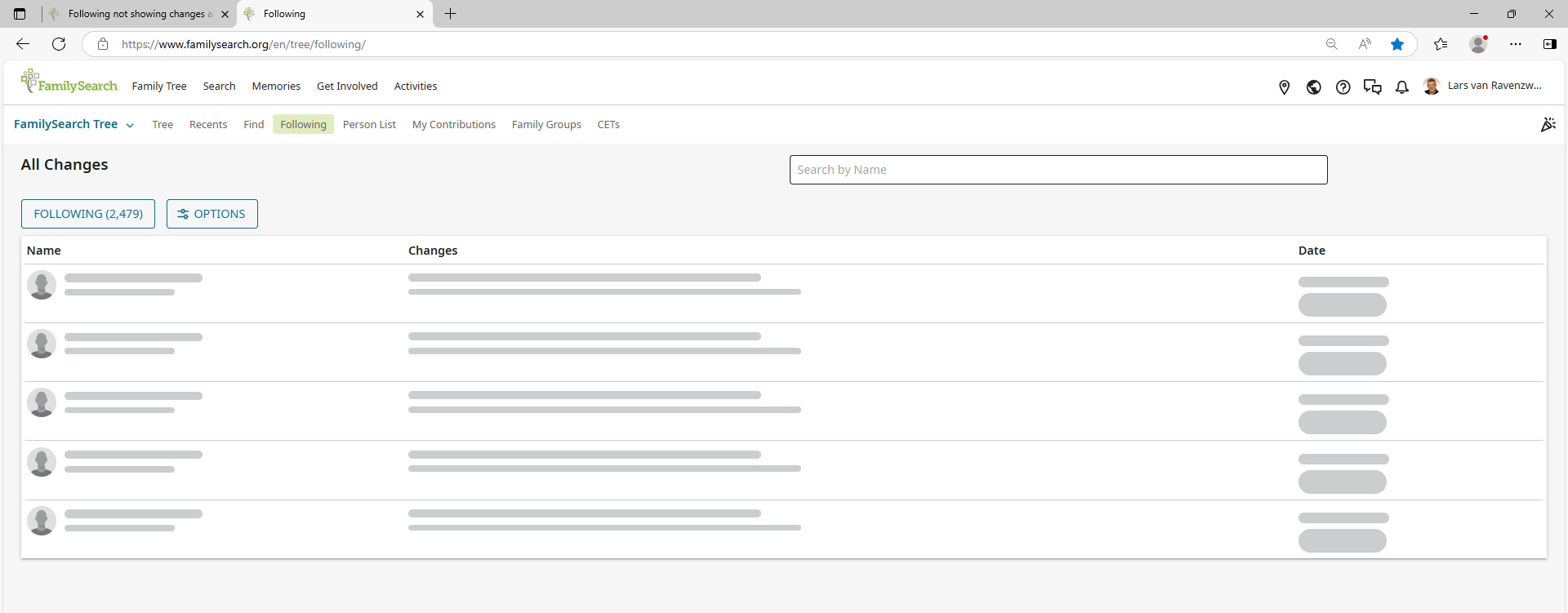
4. Changes are shown
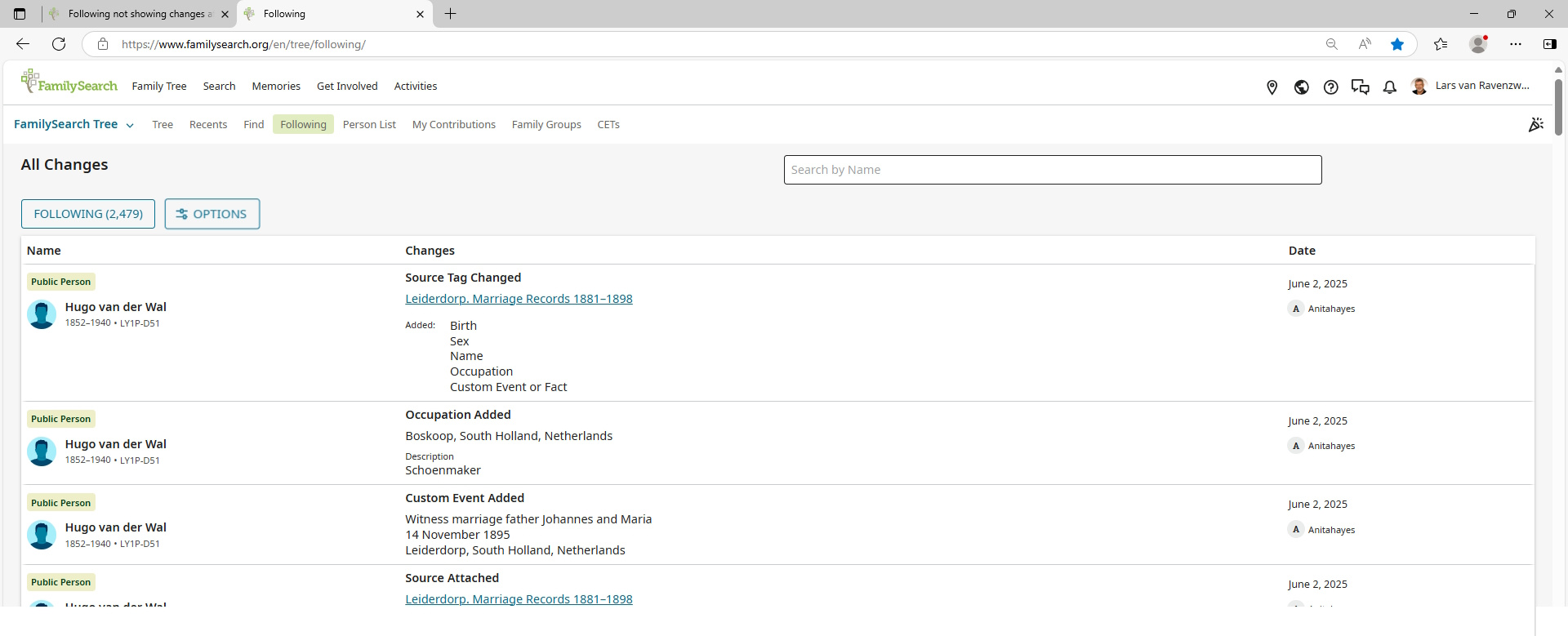
5. Older changes (more then a few weeks back) are no longer shown
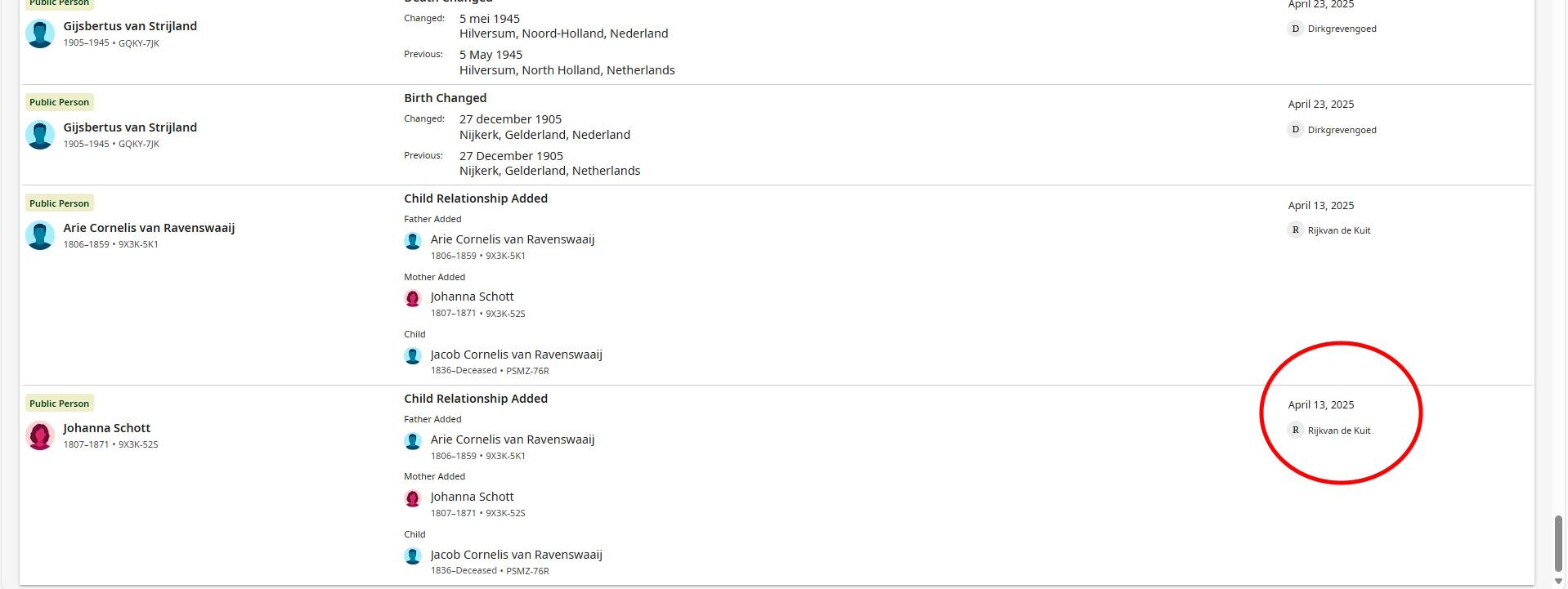
The last change, as shown here, will "disappear" next week.
0