
View Transcript Option

I have noticed a behavior that impacts how the View Transcript Option appears…
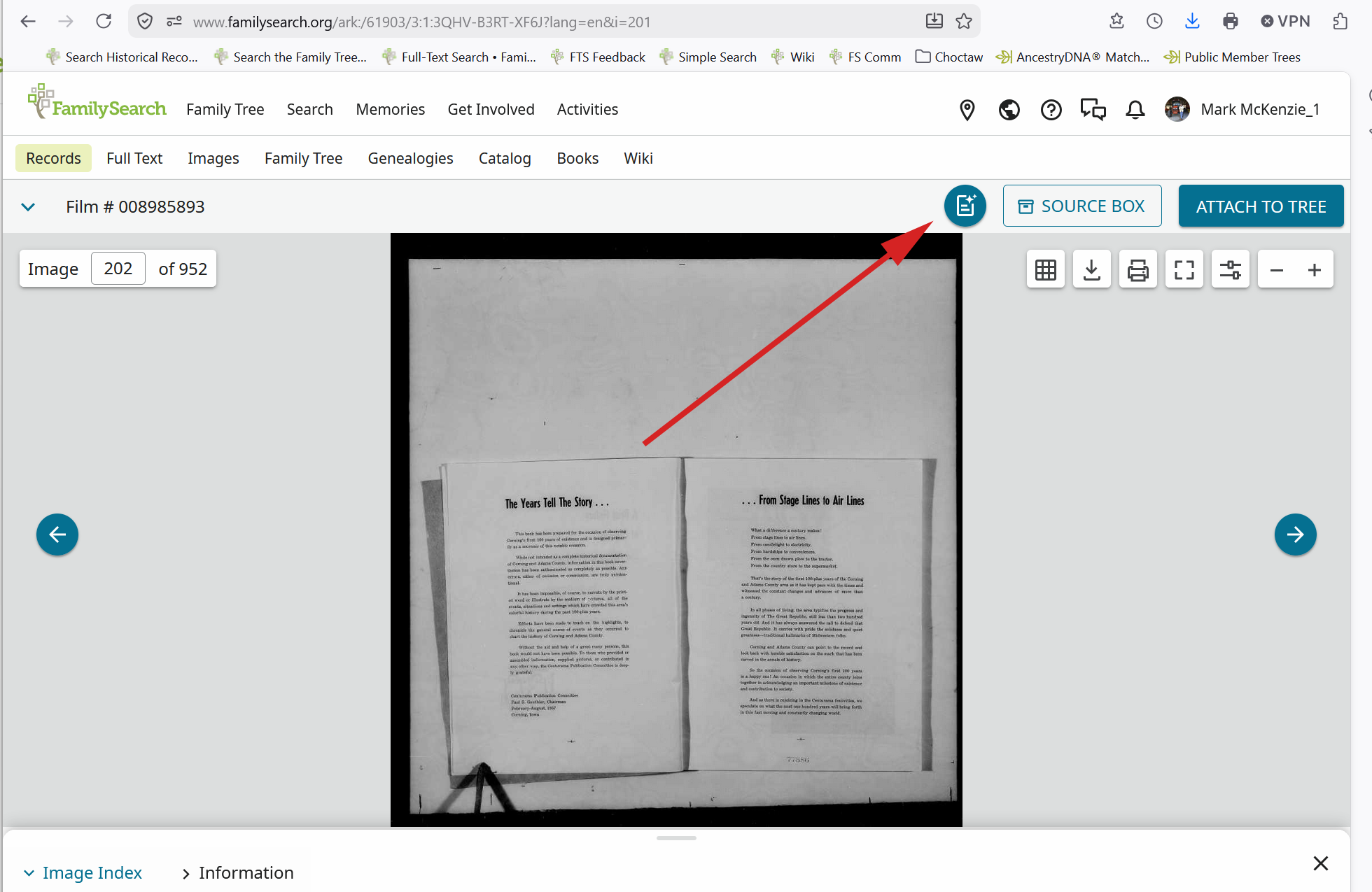
If I find this same image using the Search Images function
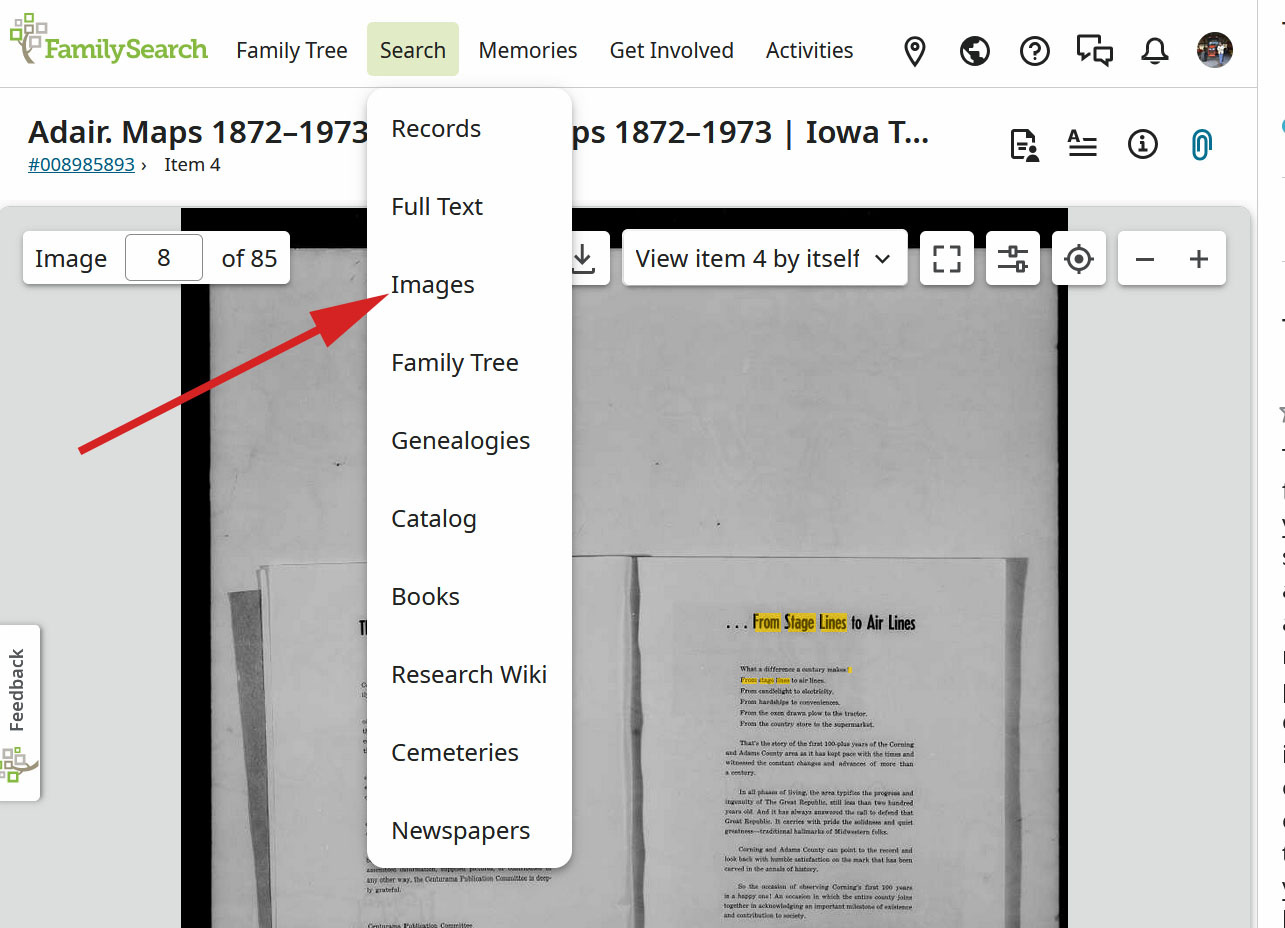
This is what I end up with….
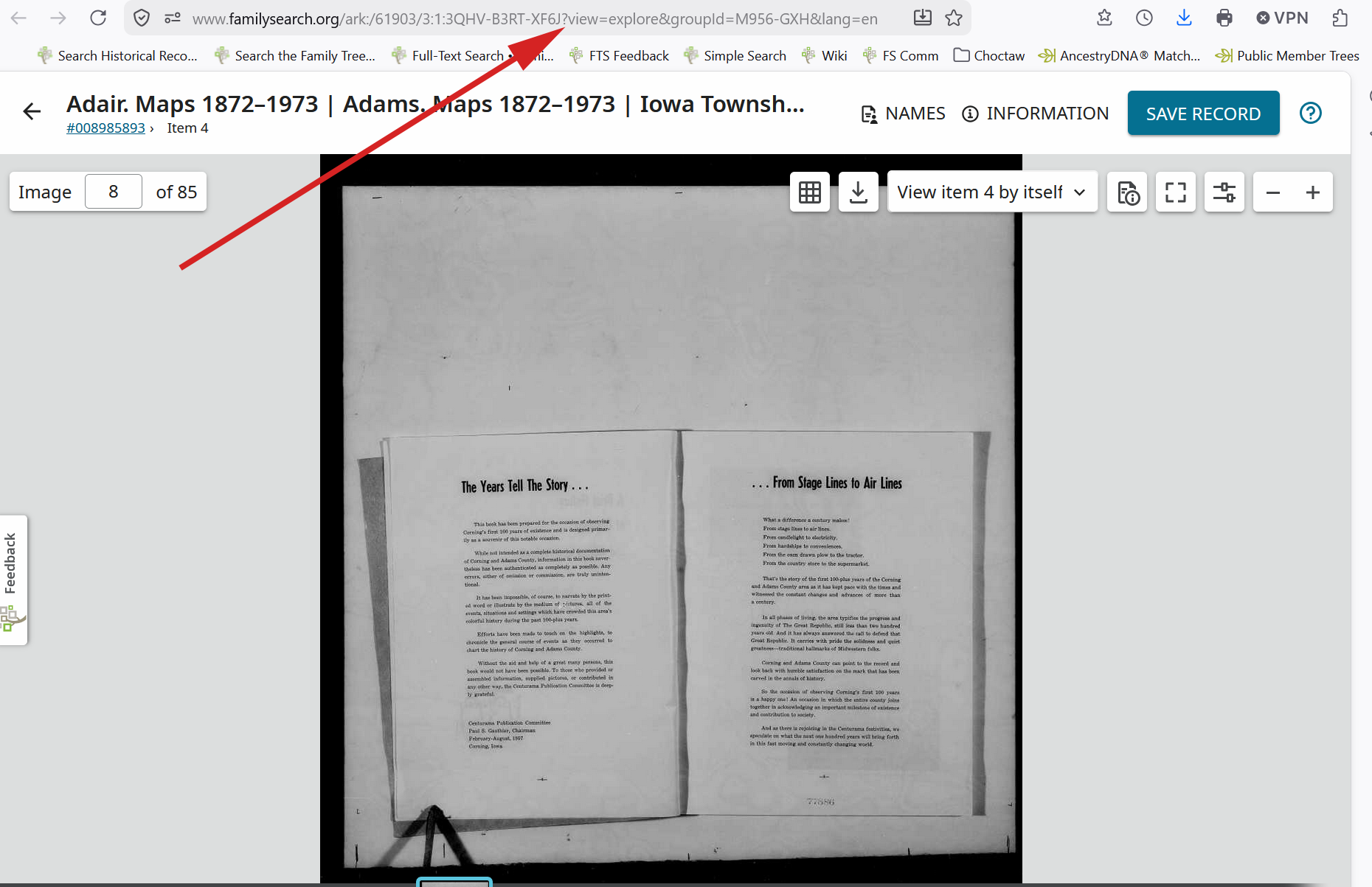
Notice that the View Transcript Option is not shown. The url kind of tells part of the story in that if it is edited to remove the 'view=' portion you end up back at the 'standard' view with the View Transcript Option shown
Kommentare
-
@Mark McKenzie_1 Mark, can you give the steps that got you to those views? I searched for that DGS image both through Full Text Search and Image search and I don't get the 952 number or the images that you are seeing.
Thanks.
0 -
@FlyFisher53 I was exploring how to use the Search Images function and got into the 'Recently Added' sub-area.
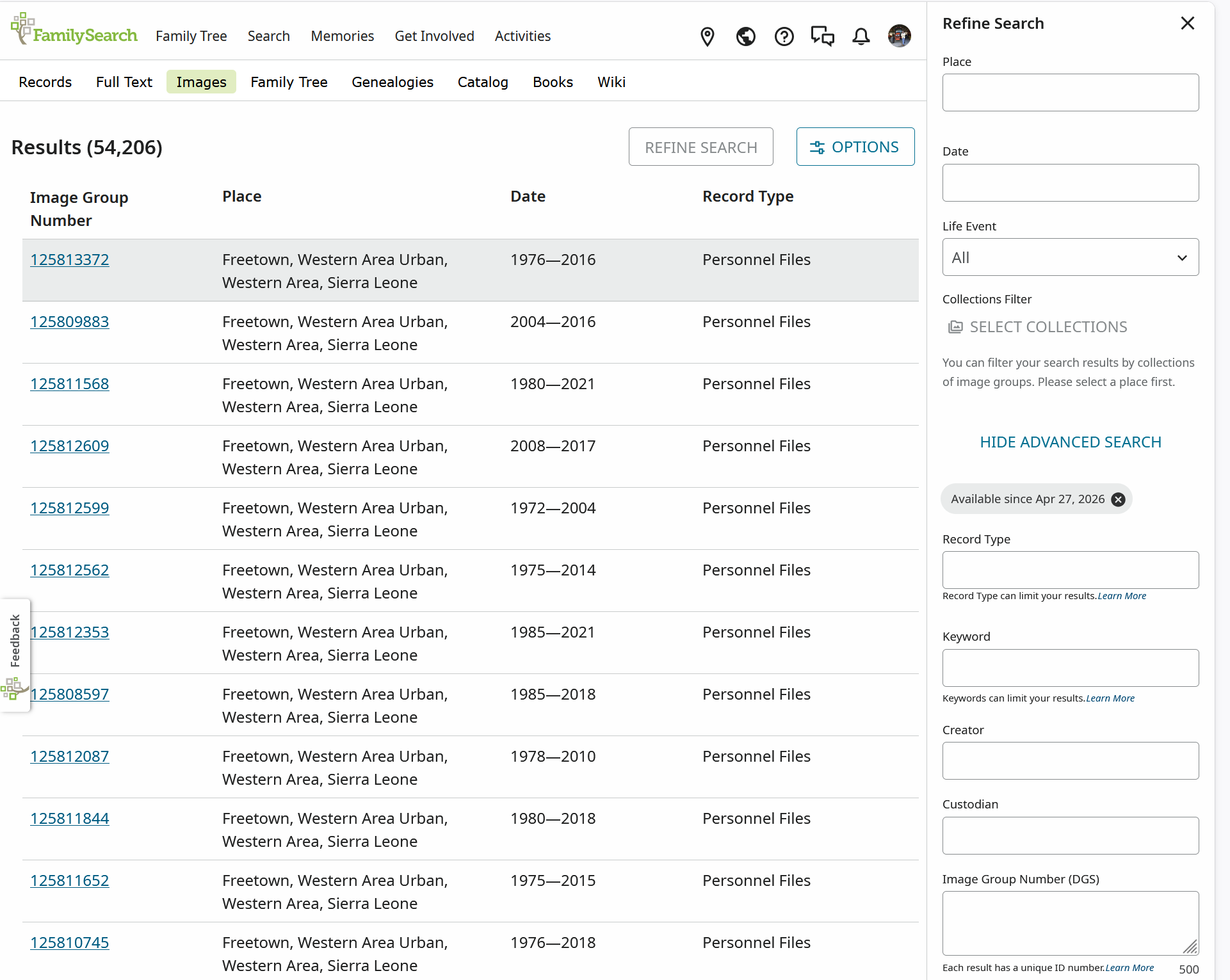
I noticed in the Refine Search side panel, there was a date filter applied, but no way to adjust it, so I 'tweaked' the url changing the embedded date to 2026-02-10 and filtered on Iowa which seemed to work.
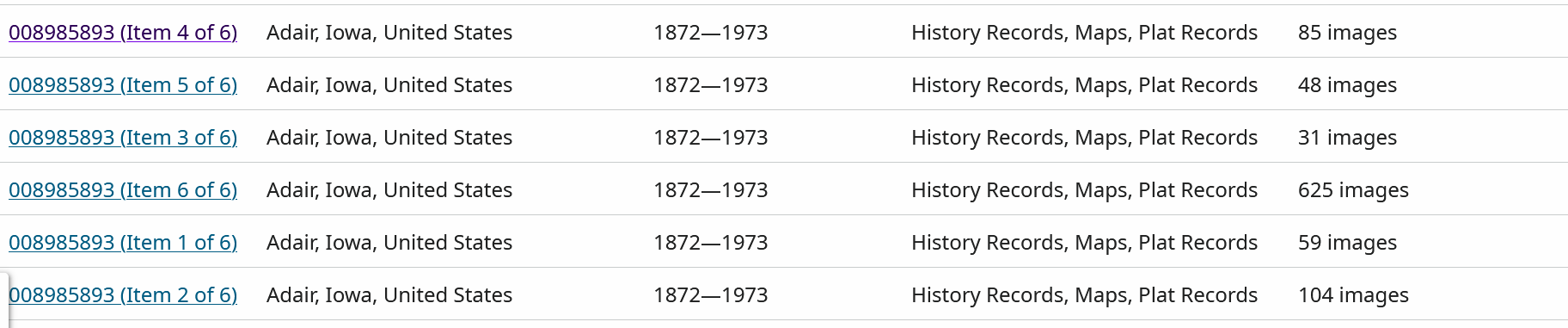
The file I explored was Item 4/6
0
