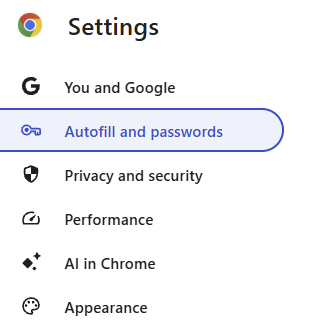
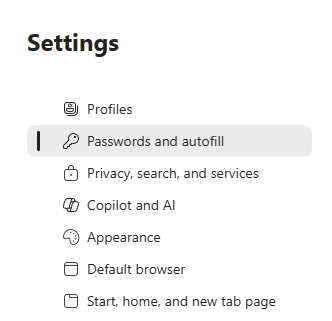
Autofill

How do I fix the autofill that is used when searching an ID in family search?
Answers
-
-
If the problem is one stale ID in the browser's suggestion list, it can sometimes be removed on its own. In desktop Firefox, click the ID field, press the down arrow to highlight the unwanted saved entry, then press Shift+Delete. Mozilla documents that under "Deleting individual form entries":
https://support.mozilla.org/en-US/kb/control-whether-firefox-automatically-fills-forms
That removes a saved form suggestion; it does not change the person or their ID in Family Tree.0 -
the next time that you experience the autofill, allow the autofill to populate the field, once populate, click on the autofilled data with your mouse, and press delete on your keyboard, you can then enter what ever you like. Repeat the process anytime.
1