Change error in record

1950 census has wrong middle initial of my father
Answers
-
Here is the image: https://www.familysearch.org/ark:/61903/3:1:3QHN-PQHW-Q9SH-5?view=index&cc=4464515&lang=en&action=view&personArk=%2Fark%3A%2F61903%2F1%3A1%3A6XG5-NP3N
Last two names are my father Ned and wife Betty
My father's middle is T for Thomas not F
0 -
How do I change this record?
0 -
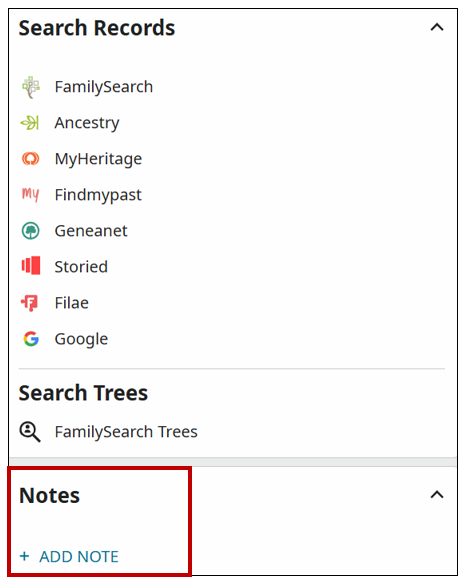
@Danny0Davis I know it is frustrating to find an error on an original record (FamilySearch did not create the record). I have a record for my GGG Grandfather that says "F" when it should be "T" for Thomas. When I look at the document though, I could tell it was the way the T was written. However you cannot change this information. You can "Fix errors in historical record transcriptions or indexes." This may confuse other users because there is no way to explain the change in the index. After you add it to your tree in FamilySearch, you could add a note that explains the error in the document and explain that his middle initial was actually "T" and not "F." Go to the person page of your father. It will be on the right hand side under Research Help and Search Records. I hope this helps.
 1
-
You'll probably also get a warning from the DQS project that the names don't match. You can dismiss that warning with a similar explanation.
Sadly, I've recently encountered several indexes that users edited to something not shown in the original.4
