Files show 'Something went wrong' on Fs

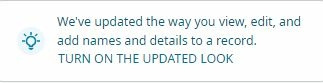
A few days ago I went to FS and made the mistake of clicking on the picture attached. Now when I'm working on my tree and try to bring up a file in sources a window pops up saying
something went wrong' It doesn't happen on all the files but quite a few. Is anyone else having this problem? Is there a way to turn off the updated look and go back to the former.
Answers
-
@RichardEastman I have tried several ways bringing up sources and cannot duplicate your message. There is a FamilySearch Lab that shows a different view of the Details screen with Sources aligned to the side. Is that maybe what you have turned on/off? If so, please click on the blue Feedback Welcome button at the top right and provide detailed screen shots so the engineers can address this problem.
0 -
@MazyPutnam
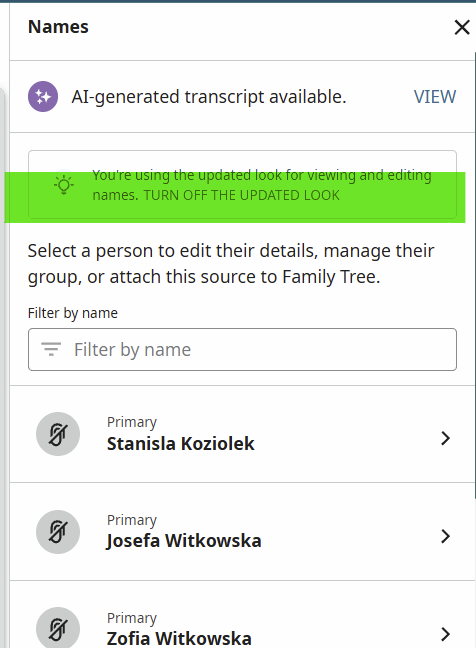
That message appears when a user opens the option to edit a record.
For example, this record:
https://www.familysearch.org/ark:/61903/1:1:2CSX-26Q?lang=en
If I select the Edit option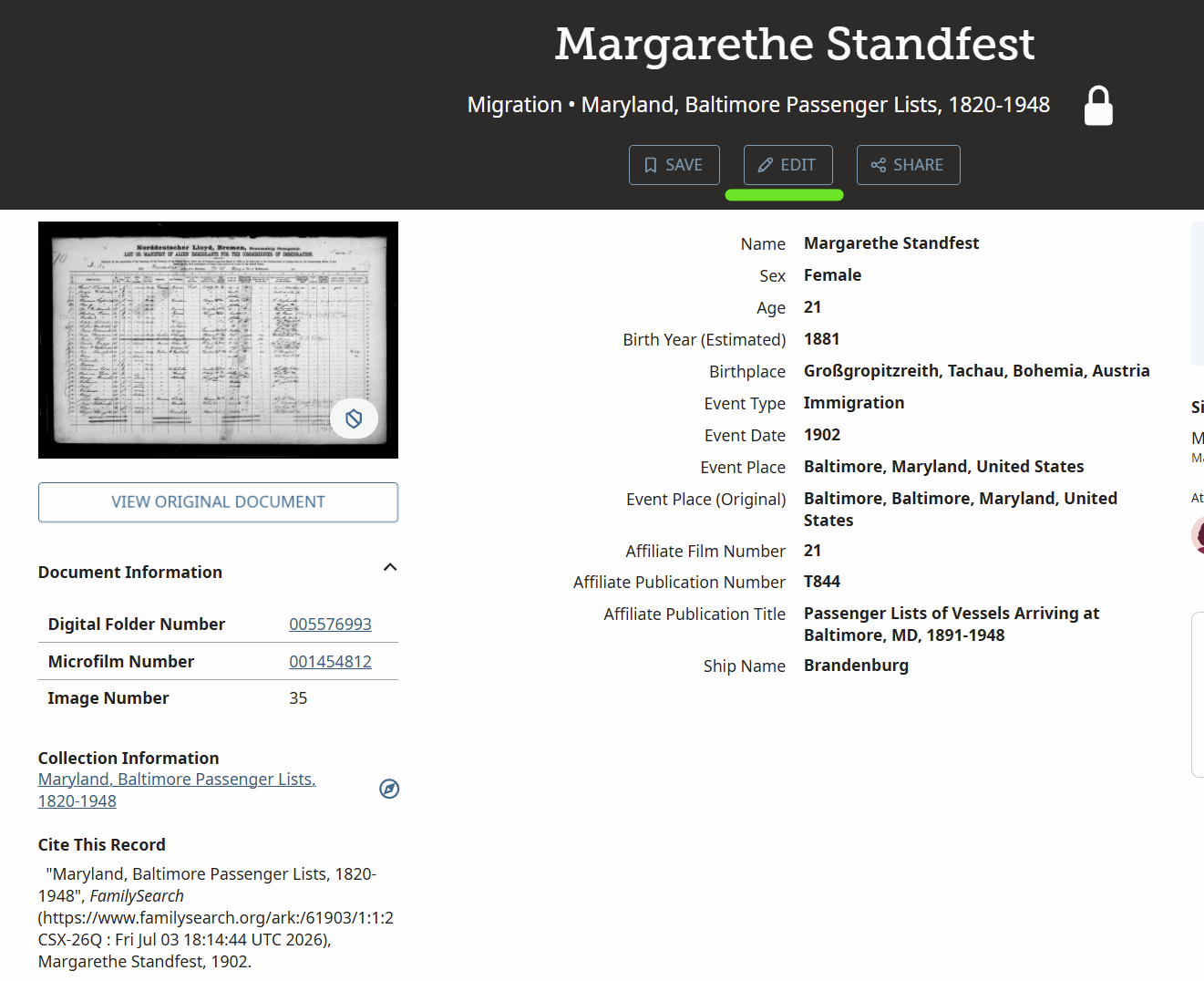
The updated look option appears at the top right:
 2
-
@Áine.ní.Donnghaile Thank you for clarifying how to turn off and on the Updated Look for editing records. That is certainly helpful for those who may not be familiar with that option.
Getting back to the OP, it seems like the big question is about the appearance of the "Something went wrong" page or popup. Like @MazyPutnam, I am unable to duplicate that problem, regardless of whether I'm using the Updated Look or the old look for editing records.
@RichardEastman (or anyone else seeing that error message), could you please provide the URL to a specific record you are editing, along with the steps you follow that lead to the appearance of that "Something went wrong" message? That would be most helpful in tracking this down.
1
