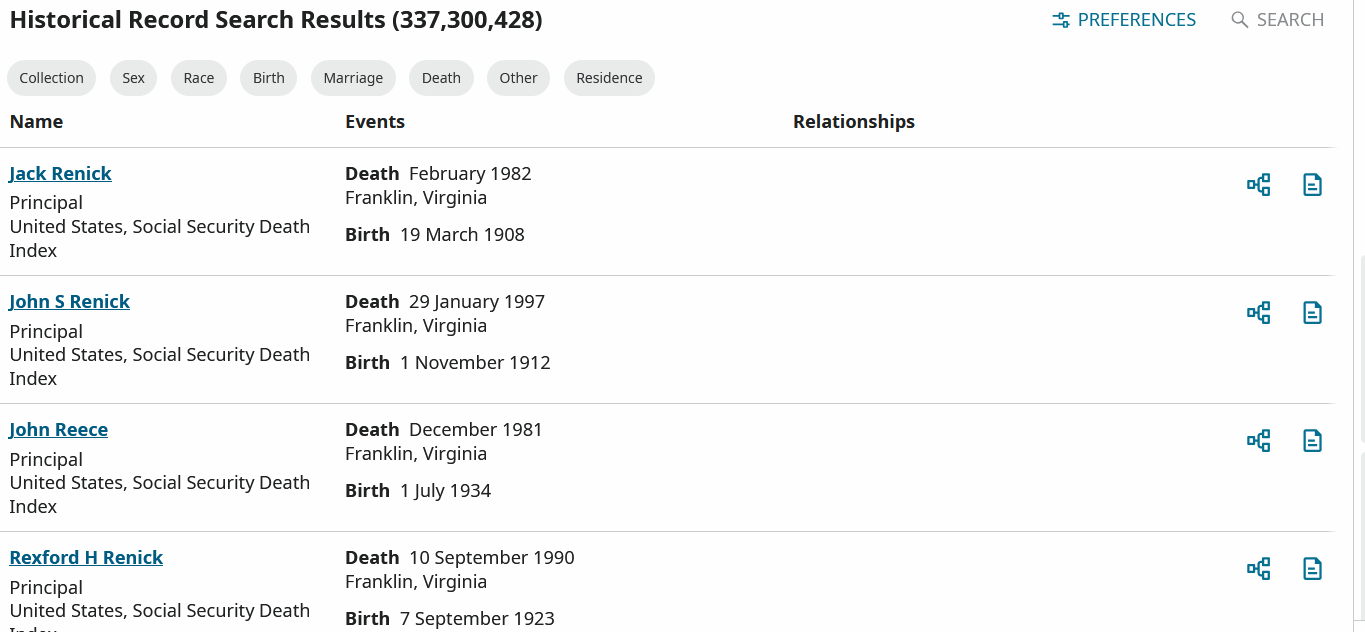
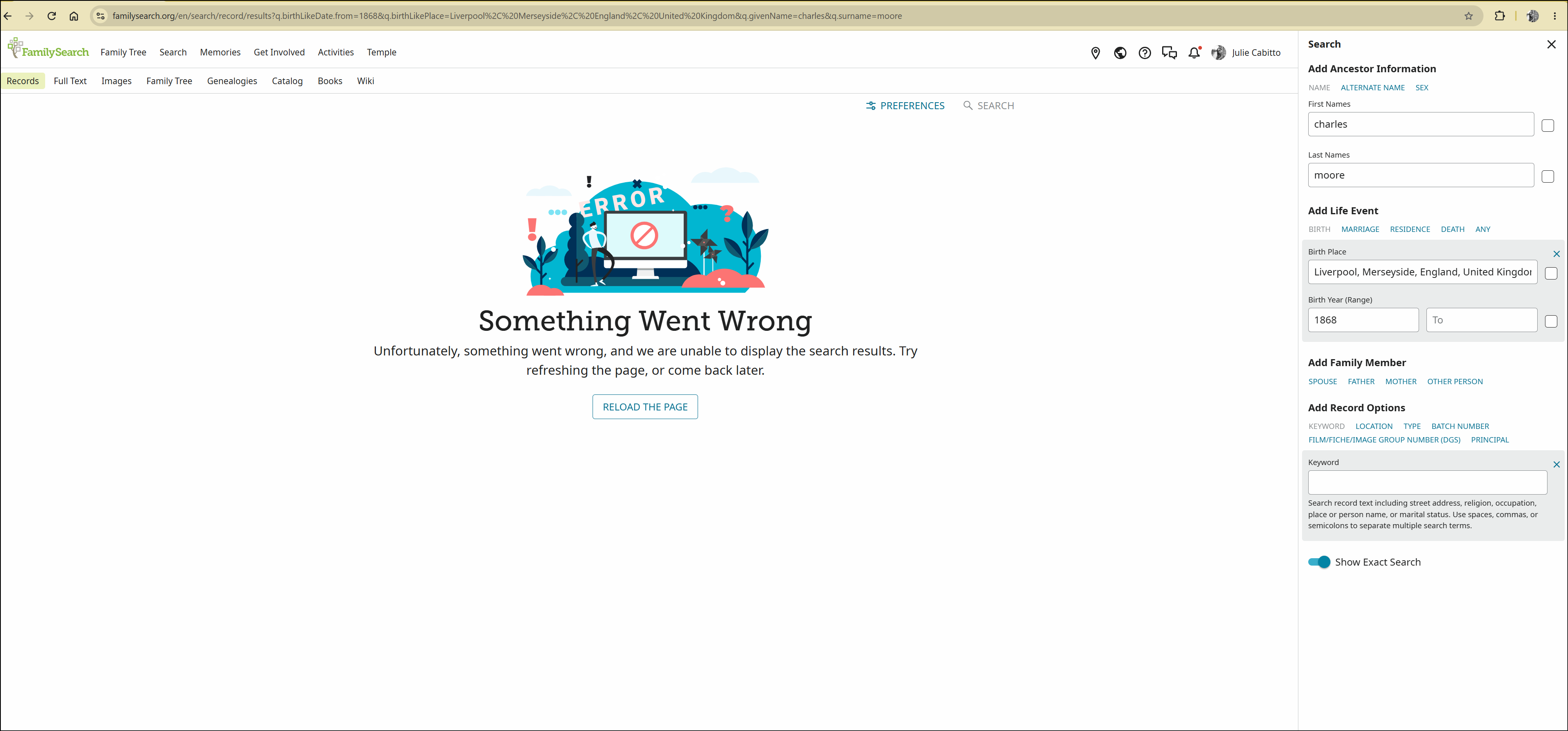
Current record search server status? "Something Went Wrong"

Yesterday evening and this morning, attempts at the most basic searches lead to the "Something Went Wrong" page. I read that many sites have been down implementing a PHP patch. Does anyone have any information on the status of the record search server? Thanks, Anne
Example: https://www.familysearch.org/en/search/record/results?count=100&q.anyPlace=Franklin%2C%20Virginia%2C%20United%20States
Best Answer
-
Hmm, I just tried again it worked.
1
Answers
-
@shecorwe, Hmm, it worked fine for a while. Now it's giving the same "Something Went Wrong" message.
2 -
I am seeing this at 10AM CDT on 22 Oct for all searches that I try.
2 -
@shecorwe No, it's not working. I'm experiencing this too for all searches.
1 -
@Anne986 @SueBaker84 @Karin van Ravenzwaaij-Pluijlaar Thank you for the update. I have reported this as an issue and it is being looked into.
UPDATE: I'm still not able to recreate it. Does this happen when you first use Search, so you get no results at all? Tell me your browser and version. Mobile or desktop?
0 -
Please provide us detailed paths taken that are resulting in the "Something Went Wrong" this allows us to better investigate the issue.
0 -
Just tried to go to the wiki and got
The FamilySearch research wiki will be back soon!
The wiki is temporarily unavailable due to the PHP2Shell vulnerability. We're working to restore service.
Does this have something to do with the search outage?
I am getting no results after putting in new search criteria. I'm using Firefox 158.0.1 on Windows
0 -
I opened a new tab, went to the familysearch.org page, clicked search, narrowed to 1950 census, added surname I wanted to search (I plan to narrow to city, county, state once I get results).
I also tried from the details page of an individual I was researching earlier in the week by clicking "Family Search". This also resulted in "Something Went Wrong
Unfortunately, something went wrong, and we are unable to display the search results. Try refreshing the page, or come back later."
1 -
I just tried again in both Chromium and Firefox desktop browsers and am still getting that "Something Wint Wrong" message. I am using the search I listed in my first post of this thread. I also tried new Incongito and Private windows. Thank you for looking into this. I'm eager to get back to work. Anne
1 -
The Wiki outage (which is because of problems with PHP) is not at all connected to any problems with Search (which doesn't use PHP at all). Many people are able to use Search with no problems (including me). But as has been said, the issues that some people have with Search have been reported.
0 -
Firefox browser, x86_64.
http://GET scheme https host www.familysearch.org filename /service/search/hr/v2/personas count 20 m.defaultFacets on m.facetNestCollectionInCategory on m.queryRequireDefault on offset 0 q.birthLikeDate.from 1869 q.birthLikeDate.to 1873 q.birthLikePlace Dennis Township, Cape May, New Jersey, United States q.givenName Franklin q.surname Steelman Address 45.223.160.251:443 Status 403 Forbidden VersionHTTP/1.1 Transferred1.13 kB (854 B size) Referrer Policystrict-origin-when-cross-origin DNS ResolutionDNS over HTTPShttp://HTTP/1.1 403 Forbidden Content-Type: text/html Cache-Control: no-cache, no-store Connection: close Content-Length: 854 X-Iinfo: 9-3804505-0 SNNN RT(1792692214248 470150) q(0 -1 -1 -1) r(0 -1) B15(14,0,0) U24 Strict-Transport-Security: max-age=31536000; includeSubDomains
Last evening while working away, I started getting a 403 on searches. Once it started, it stayed that way for any and all searches. Log out and back in did nothing. This morning, it was working again, so I figured this was another hiccup in the IDS/IPS.
Yet again today I have hit this same thing. Working away, and started getting 403. I now can't search records at all for attachment, and am at a standstill.0 -
Wow, the insert function on this page is gawd-awful. All structure was just trashed. Why even have a code insert if it's going to do that?
GETscheme
https
host
www.familysearch.org
filename
/service/search/hr/v2/personas
count
20
m.defaultFacets
on
m.facetNestCollectionInCategory
on
m.queryRequireDefault
on
offset
0
q.birthLikeDate.from
1869
q.birthLikeDate.to
1873
q.birthLikePlace
Dennis Township, Cape May, New Jersey, United States
q.givenName
Franklin
q.surname
Steelman
Address
45.223.160.251:443
Status
403
Forbidden
VersionHTTP/1.1
Transferred1.13 kB (854 B size)
Referrer Policystrict-origin-when-cross-origin
DNS ResolutionDNS over HTTPS
~~~ Raw headers ~~~
HTTP/1.1 403 Forbidden
Content-Type: text/html
Cache-Control: no-cache, no-store
Connection: close
Content-Length: 854
X-Iinfo: 9-3804505-0 SNNN RT(1792692214248 470150) q(0 -1 -1 -1) r(0 -1) B15(14,0,0) U24
Strict-Transport-Security: max-age=31536000; includeSubDomains0 -
Alan E. Brown, Thank you for reporting this issue which is still a problem for me.
0 -
@Tomlinsonkl Alan E. Brown,
I restarted my computer and the error persists. In Chromium, I opened DevTools > Console and see
browserapierrors.ts:138
GET https://www.familysearch.org/service/search/hr/v2/personas?count=100&m.defaultFacets=on&m.facetNestCollectionInCategory=on&m.queryRequireDefault=on&offset=0&q.anyPlace=Franklin%2C%20Virginia%2C%20United%20States 403 (Forbidden)
403 Forbidden seems like the problem. I am logged into FamilySearch.
0 -
@Brad Felmey Thank you for reporting. This Search problem is a known issue today and is being looked into. I combined your post with the original report, so everything can stay in one thread.
0 -
More information for troubleshooting:
Searching for persons in the FamilyTree works fine
I can browse records and view records and see who is attached to them. But I can't see any records listed in a records search.
0 -
Record search just started to work again - yeah!
0 -
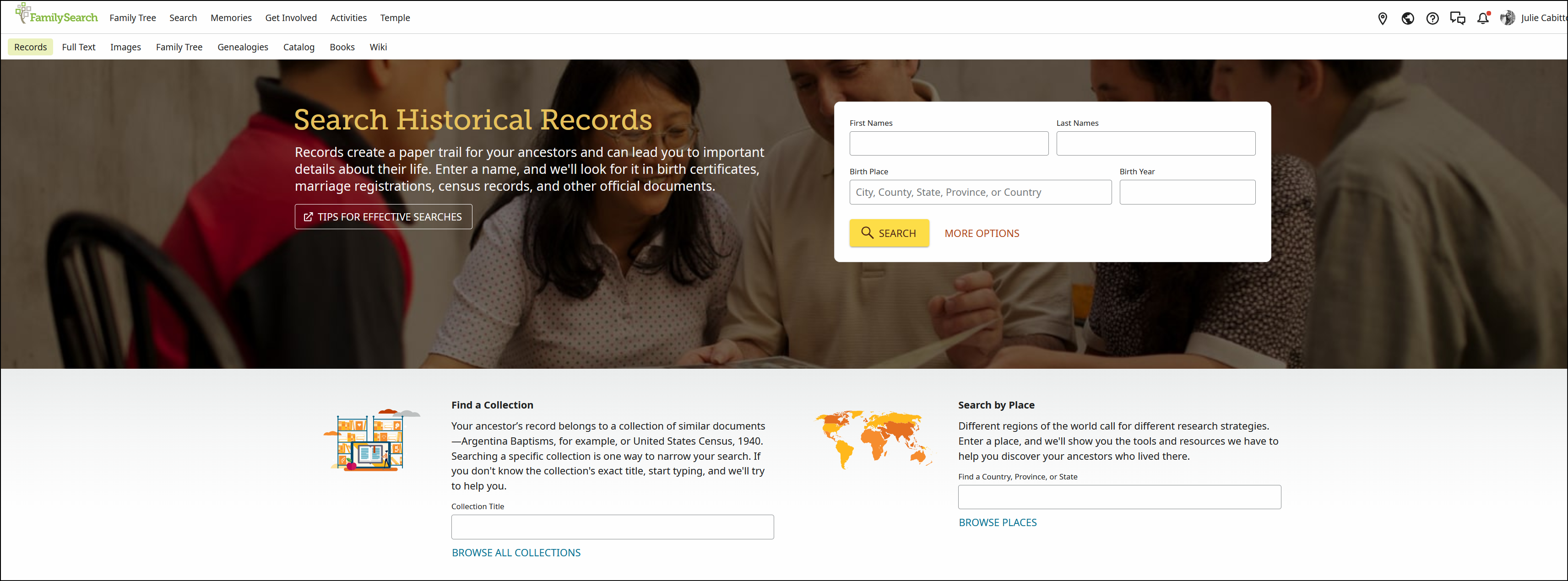
I haven't been able to do any record searches for a day & a half in either chrome or firefox on my desktop, however, I can see results on my android phone, using the familysearch family tree app. I can do full text search. But if I click on "search records", or search from an individual person's page, I get the error message. My best wishes for all the engineers, you are great!
 1
-
I continue to receive the "Something Went Wrong" message in Search. Have there been additional updates regarding the issue?
0 -
As of 0700 U.S. Eastern Time 23-Oct-2026, search is working for me (for the moment). I'll report back if that changes again.
0 -
Second day of being unable to get Record Search results: "Something went wrong".
0 -
It is always worth:
1.Consulting https://articles.familysearch.org/hc/en-us/articles/41699466609179-Which-internet-browsers-and-operating-systems-are-compatible to ensure your browser and operating system are supported by FamilySearch (changes to FamilySearch's website software may stop unsupported combinations from working that appeared fine previously)
2.Clearing your FamilySearch cookies (instructions provided at the above link)
3.Trying the failing activity with any pop-up blockers and/or browser extensions switched off
0 -
Well, that lasted a little over an hour. Back to broken again.
0 -
As I suspected - highly likely this is yet-another failure of security apparatus.
Different laptop, different internet connection, same browser, same OS, same login, same FSID, side-by-side. My main laptop gives 403, and the other one properly returns results.0 -
I tried with two different FS usernames on two different up-to-date browsers (Chrome and Edge) on my Windows 11 PC, and with one username on Chrome on Android, and it worked correctly in all cases…
@Brad Felmey were you using a VPN in either case? I was not.
0 -
No VPN. I have confirmed that once my laptop starts 403'ing, it continues to do so no matter the browser or the Internet connection, so it looks like the malfunctioning doodad is going by device ID.
0 -
On the laptop which is getting 403, if I open a Private window, enable VPN, and decline cookies, I am successfully able to perform a search, even when, on the exact same laptop, in the normal browser window, I'm (still) getting 403. More evidence of security run amok.
0 -
@Brad Felmey I have flagged your post to ask mods to report the additional evidence you have provided.
0