Anyone else having problems with Details & Sources pages refreshing with Oops or Blank?

Anyone else having problems with the Details & the Sources pages refreshing with either "Oops something went wrong" or Blank?
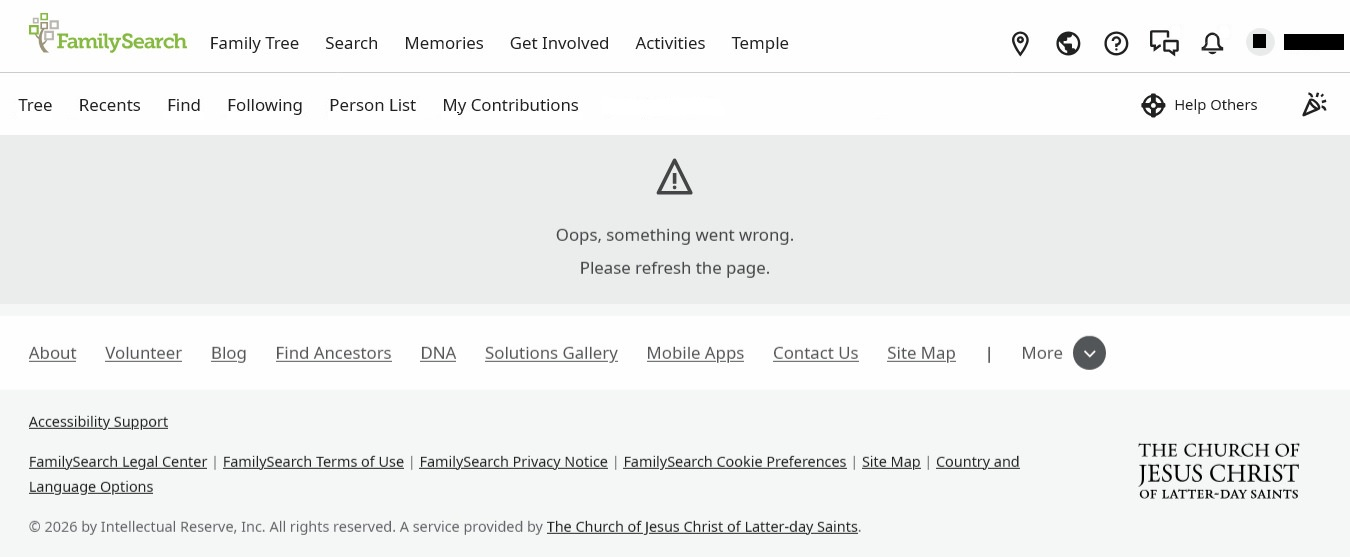
After working on a person for a while, when either a new Detail or Source is added (or changed), when the page refreshes one often gets either "Oops something went wrong¶ Please refresh the page" or simply Blank/Nothing.
"Oops something went wrong¶ Please refresh the page"
Blank / Nothing
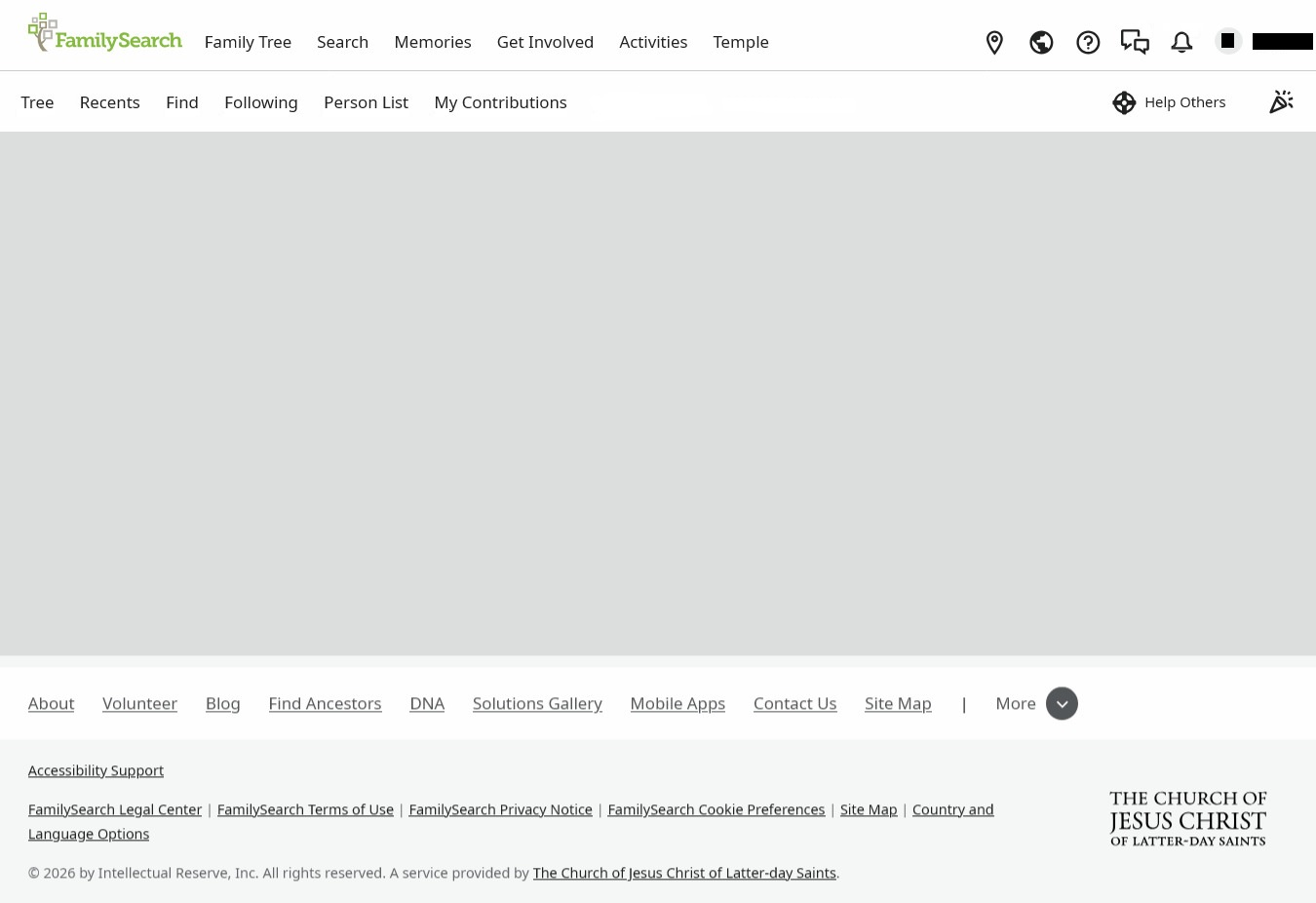
Refreshing the pages does nothing, just get the same.
There does not seem to be any consistency.
The only work around is to open the person in another Browse and make a new change in the Details page or add a new Source to the Sources page, then refreshing in the original Browser seems to reset and things appear.
Using Window10 (as up-to-date as possible) & either Google Chrome & FireFox (latest versions).
[Not everyone has a computer or Laptop that can up date to Windows11, nor buy a new one.]
Plus one does not want to have to keep clearing the cache, cookies & browsing history, all the time.
Thought is that it may have something to do with still using Windows10; but, who knows.
Any thoughts appreciated - it is rather annoying.
Thanks.
Answers
-
Thank you for providing good details to your issue. I am not aware of any issues in the FamilySearch website that would cause your described error. Microsoft Windows 10 is a supported operating system and current versions of Chrome and Firefox are preferred, which you indicate you are using. Perhaps others will respond to your question that may be having similar problems and have found some resolutions. As an Information Systems professional, I can say that these types of issues often come from outside of the applications themselves. Your Internet Service Provider (ISP) may have some band width issues, but you would see that probably in other applications. If you are not turning off your computer frequent enough (I do it daily), the memory buffers used to perform application work may be having refreshing issues. Since you indicate that you are on a FamilySearch record for a while, that may be contributing to the screen freezing. I'll attach the link published by FamilySearch to help resolve these issues, but it seems like you are doing most of those suggestions. If you are refreshing your computer by turning it off more frequently, and if you are still having this issue, please continue to post your issue until we can get this resolved. Good luck.
0 -
@Jenny.B
Monday morning is often problematic on FamilySearch. Maintenance periods are usually late Sunday/early Monday US time. It can take a few hours for things to settle down.You may want to clear your FS cookies and try again later in the day.
https://www.familysearch.org/en/cookies0 -
@DannyLRaymer
Thanks for responding.
In response to your thoughts.
- The Internet Service Provider (ISP), is the principal and former Federal Government body, in our country.
- The Modem is a recent model, that is regularly updated.
- The event happens whether on the 2GHz or 5GHz bands.
- Other Programs or Applications are not effected in the same way.
- The computer is turned Off each and every day (and, sometimes more than once) - Never in Hibernation mode.
- Often, the event does not just happen after a while, sometimes it is just a matter of minutes.
- The FamilySearch Knowledge Article does not help.
- Both the Operating System and the Browsers are all up-to-date - as previously indicated.
- And, one should not have to be continually clearing the cache, cookies & browsing history, all the time - as previously indicated.
- Anyway, clearing the cache, cookies & browsing history does not help.
- So, yes, the event still occurs - even since my original post.
Again, thanks for you response and thoughts.@Áine.ní.Donnghaile
Thanks for your response and thoughts.
It is not just late Sunday/early Mondays during maintenance window of FamilySearch - it is each and any day of the week, at any time day or night.
As stated previously, one should not have to be continually clearing the cache, cookies & browsing history, all the time - does not help anyway.
Again thanks for your thoughts.Update:
Further to original post.
Also using an older computer that has the Operating System of Linux Mint with the Browsers of, Ungoogled Chromium, FireFox, Brave and LibreWolf, which are all up-to-date, where the event, is not happening in FamilySearch.
That computer was just for testing Linux, and it seems to be working just fine with FamilySearch0 -
Just a thought.
Wondering, if it has something to do, with the Servers, that FamilySearch use, to connect to us here, "Downunder".
And, using Window10.
Which, may be the External Server issue, rather than a FamilySearch issue.
Don't know, just a thought.0 -
@Jenny.B do you have any browser extensions enabled? If so, it would be good to try with them disabled.
1 -
@MandyShaw1
Thanks for your response.
A reasonable thought, one we did not consider.
But.
No new extension for some time.
Certainly nothing new since this event started occurring.
Basically same extensions in the Browsers in the Linux Mint operating systems, without the even occurring.0 -
@Jenny.B I'd definitely still try without, it could be any combination of an extension (or a recent update thereof), the most recent browser update, and/or recent FamilySearch updates.
2


