Glitch Editing Immigration Event?

I wanted to edit an immigration event to add a date range (since there were two years on the census records), and then include some information from the obituary in the reason; however, the save button won't light up unless I edit the 'description' or 'place of immigration' first.
Is this is a glitch, or does it happen because the entry isn't considered complete without one of those? I assume it wasn't what was intended.
Here's the example: https://www.familysearch.org/en/tree/person/details/LWK9-NJG
Thanks.
Answers
-
I know you are the pro compared to me but did you read How to fix errors in historical records. It does say that some indexing material simply is not allowed to be edited.
2 -
Interesting. I really don't know if I have ever entered an event with just a date so can't comment if this is a new feature to require more information about an event or a new bug introduced with a recent update. Using Safari 18.5 on a desktop Mac running macOS 15.5, I find the same. For the event types I tested, none of them can be saved with just a date. Having both a date and a Reason statement doesn't work either. I first tried editing the one you mentioned:
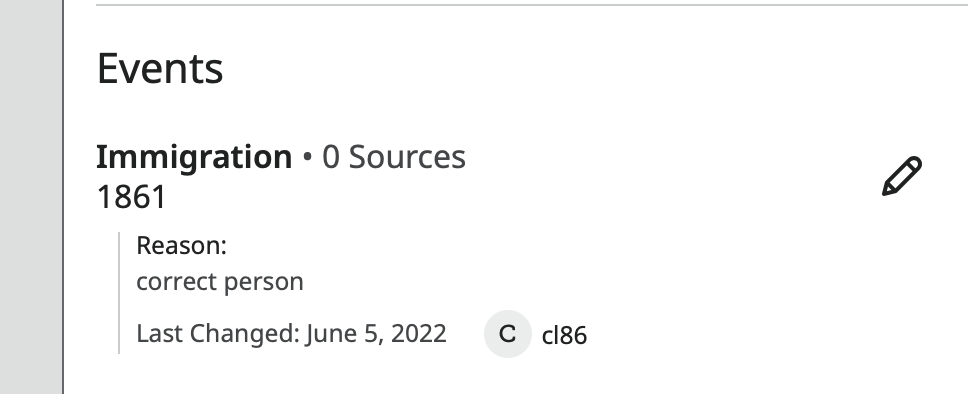
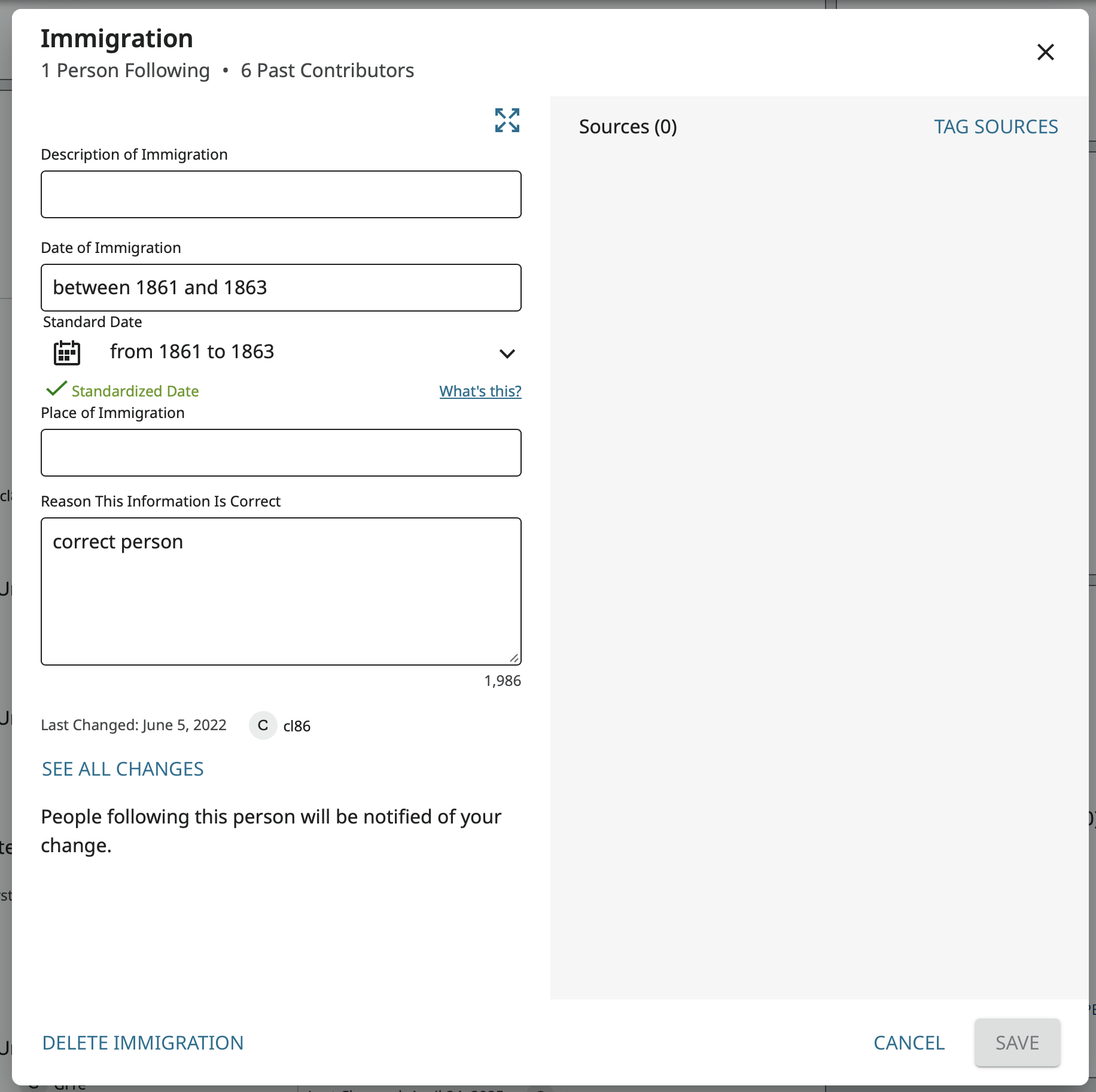
Then tried adding new events:
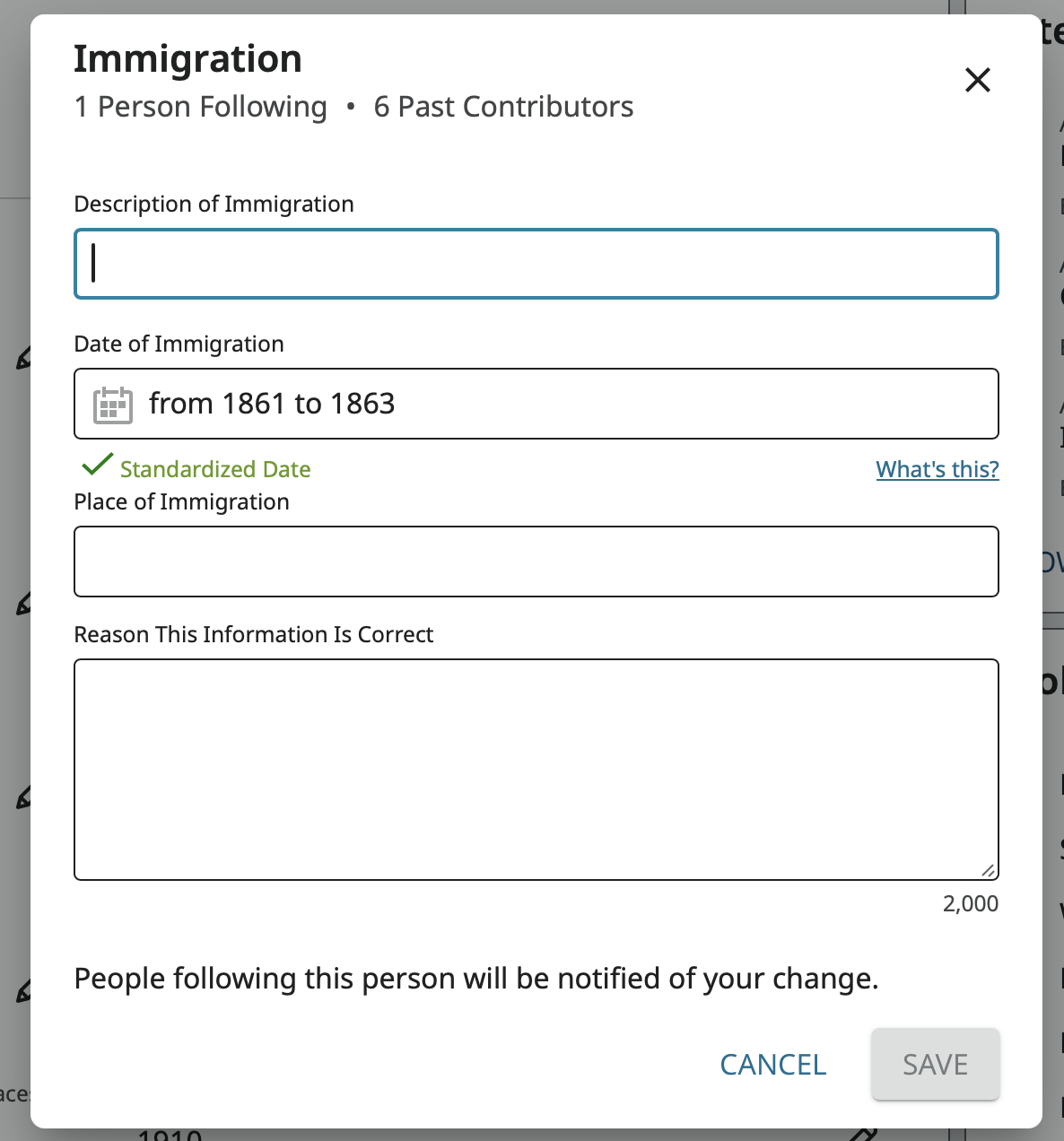
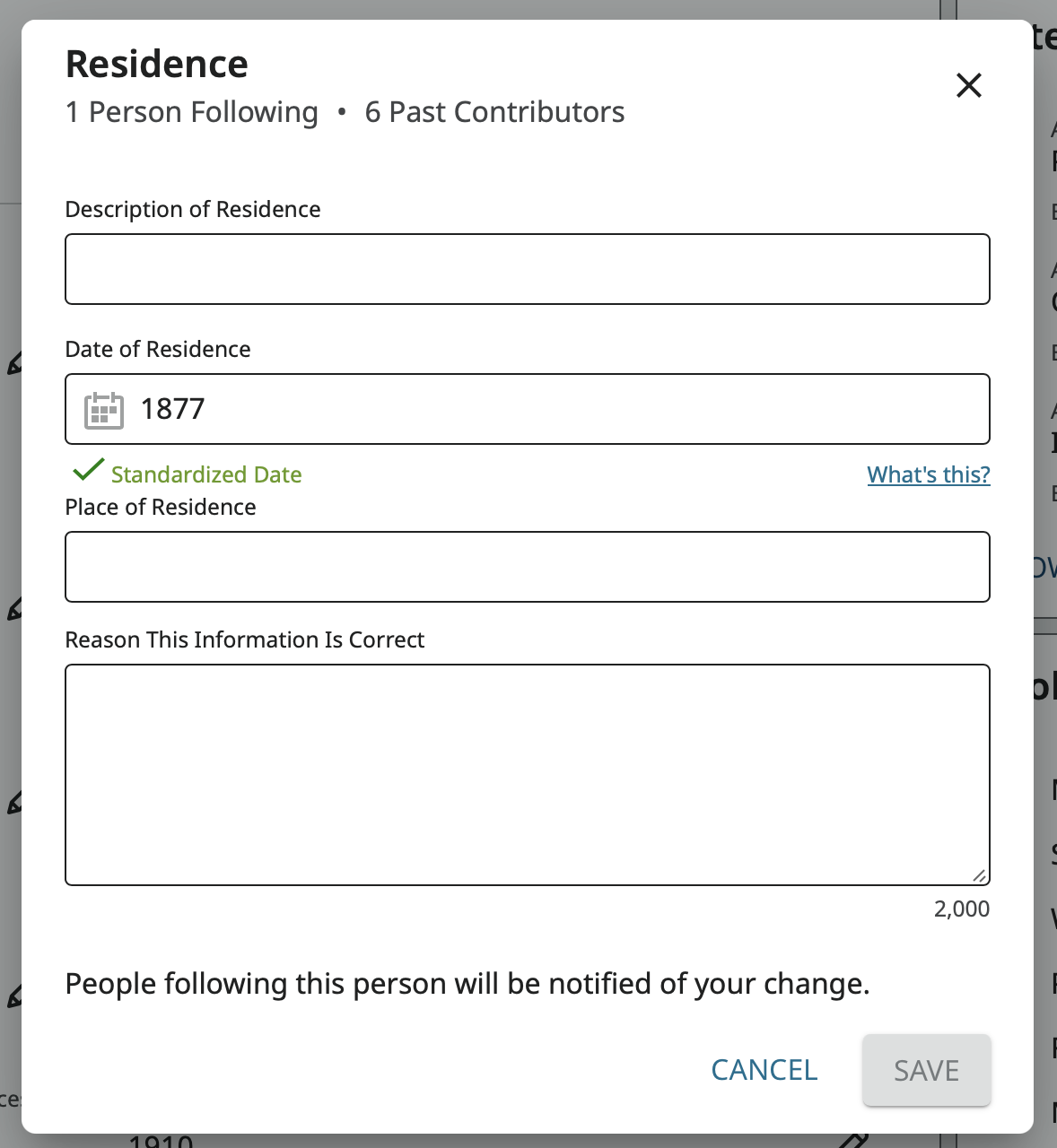
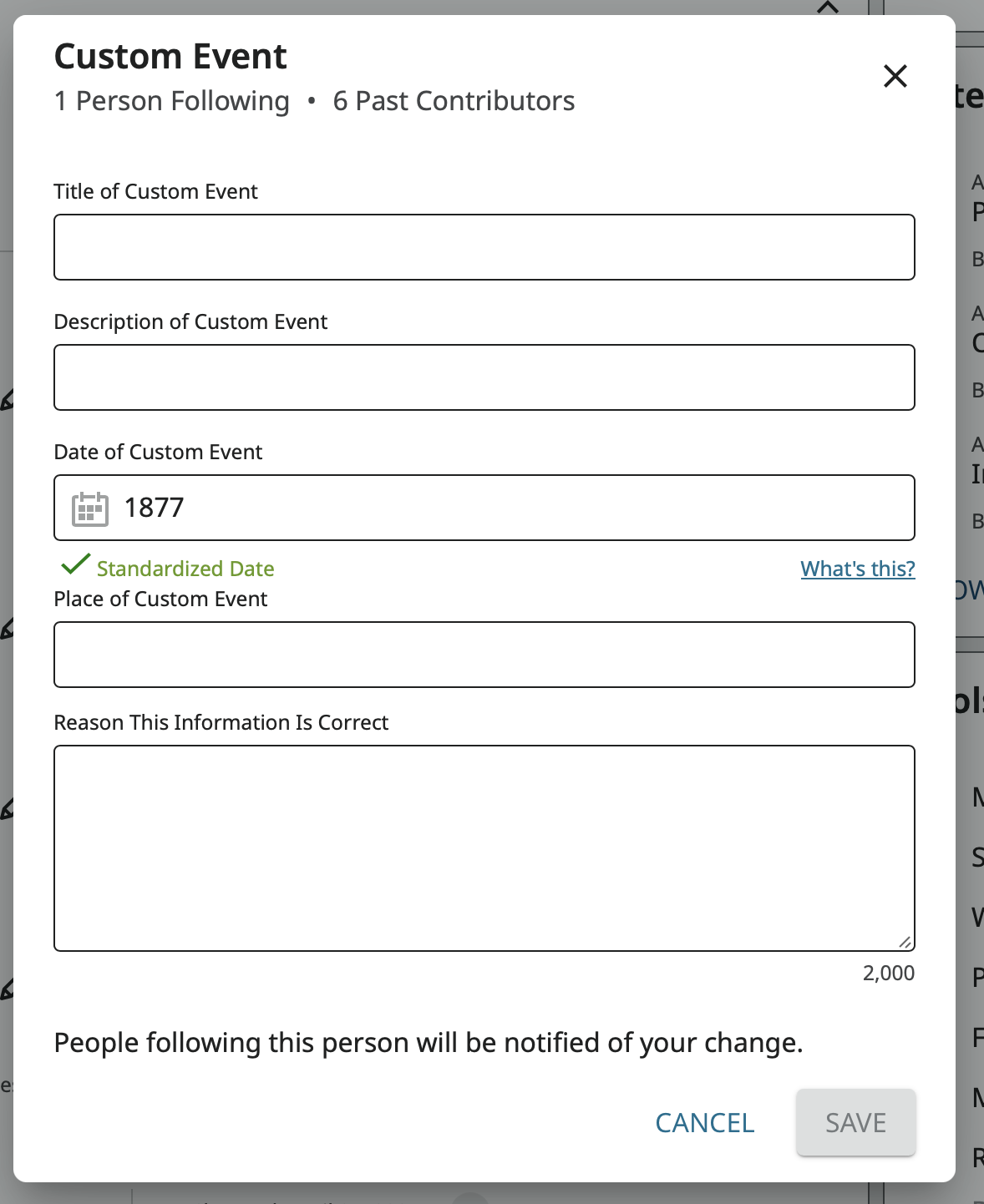
You can get around this new restriction or new bug pretty easily by putting something in the description:
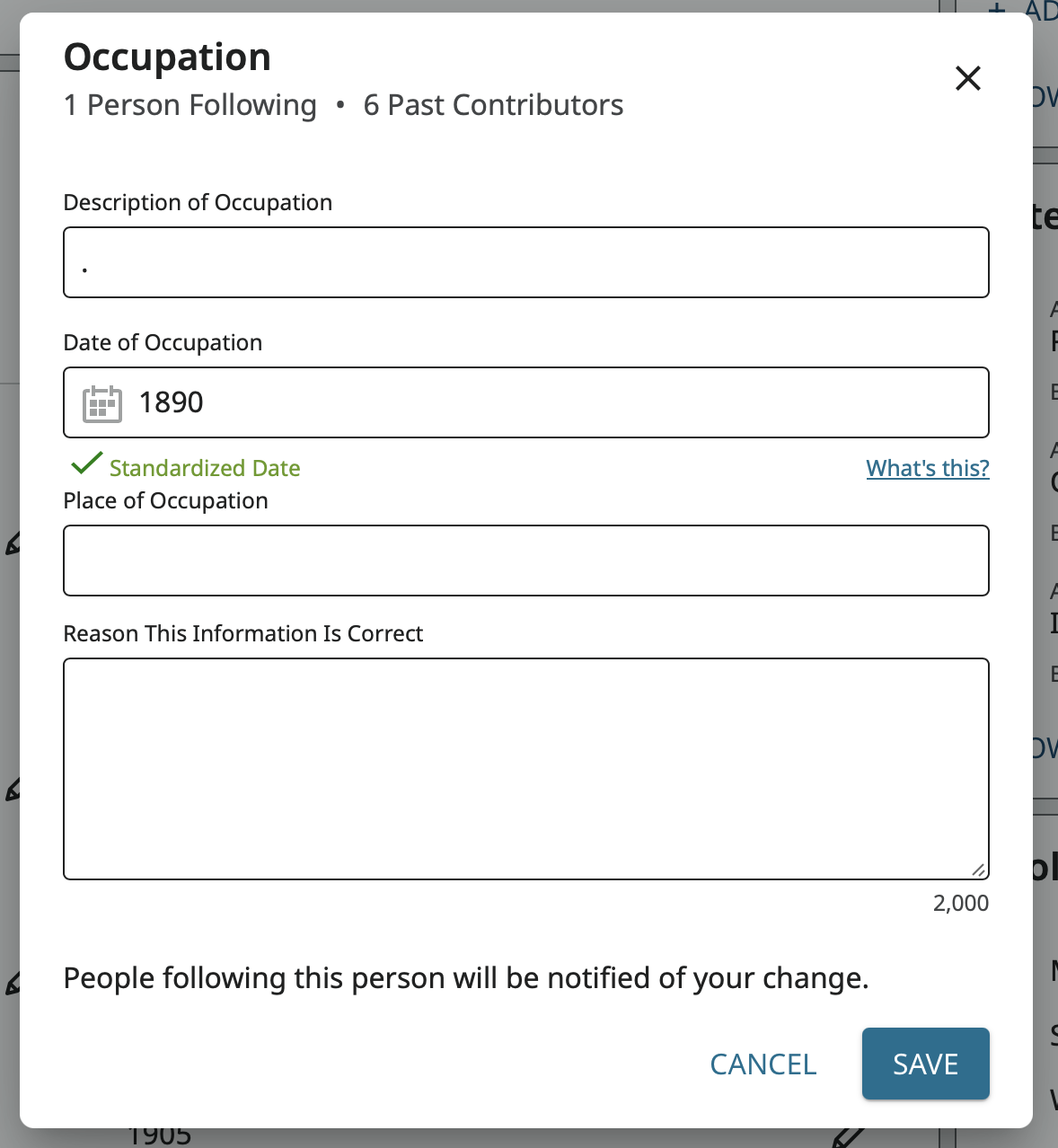
In the only Help Center article I can find: there is no mention of this restriction.
I find the same behavior in Firefox 139.0. Do other users see the same problem in the system and browser you are using?
Anyone out there that can pass this on to the programmers and let us know if this is a bug that has crept in or if this restriction is intentional?
1 -
Hi @sc woz. Thank you. Here though, I'm not trying to edit the record itself, but what's written on the details page. I cannot change the year or even add details for the 'reason the information is correct' unless I first add something into the description or place box.
It's not the most intuitive thing. Writing in the description box seems redundant—it's an immigration, as the event says. Here, I also don't know where the immigration took place, I'd just have to put a vague 'United States'. I think just writing an explanation in the 'reason' box makes the most sense, but the program will not allow me to do so.
It would be interesting to hear from the programmers, like @Gordon Collett said, to see if this was intentional.
0
